Page 1
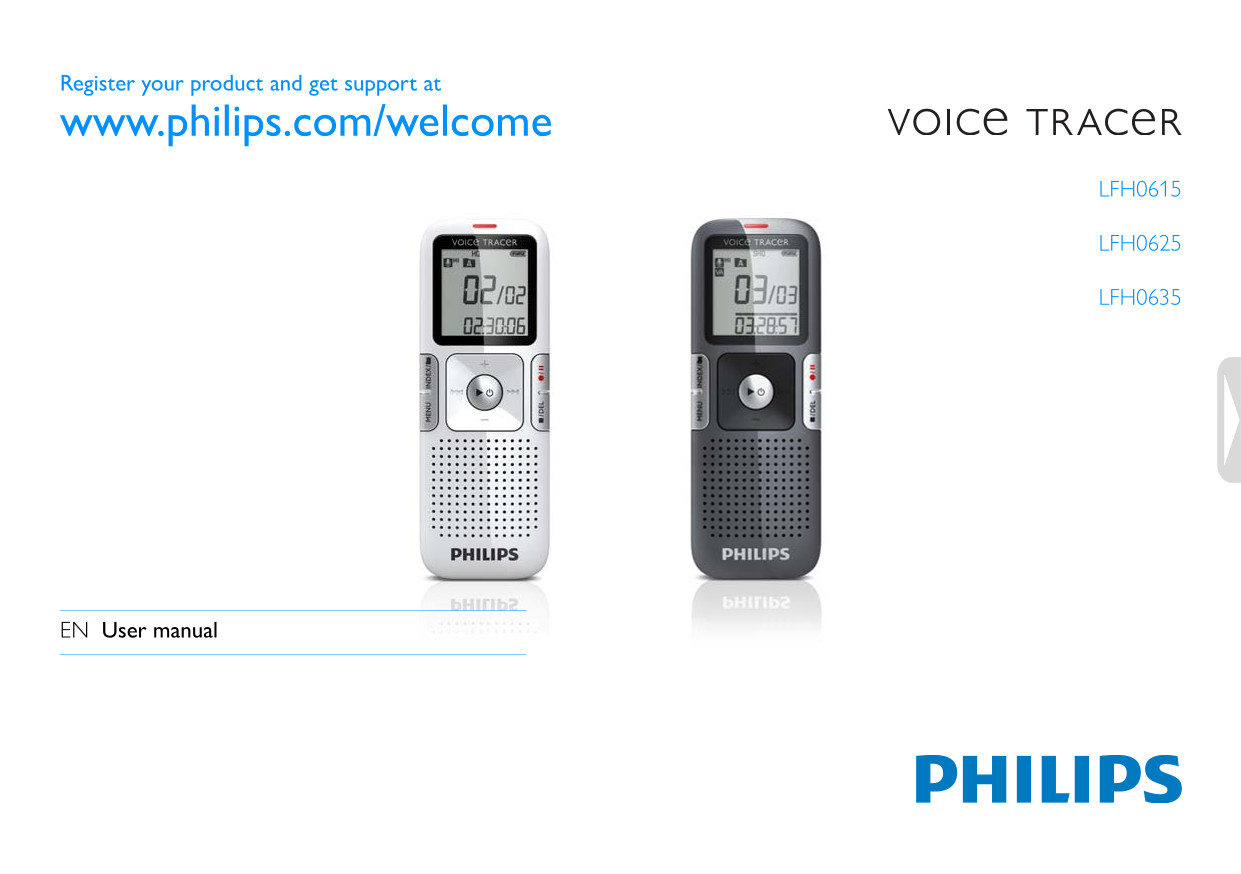
Register your product and get support at www.philips.com/welcome LFH0615 LFH0625 LFH0635 EN User manual
Page 2
Table of contents Welcome Playback Product highlights Playback of a recording Playback functions Repeated playback Important Safety Hearing safety Delete Disposal of your old product Deleting files an...
Page 3
Welcome Congratulations on your purchase and welcome to Philips! To fully benefit from the support that Philips offers, visit our Website for support information such as user manuals, software downloa...
Page 4
Important Safety Important (for models supplied with headphones): Philips guarantees compliance with the maximum sound power of its To avoid a short circuit, do not expose the product to rain or water...
Page 5
Your Voice Tracer digital recorder Whatʹs in the box? LFH0612 LFH0617 LFH0632 LFH0633 LFH0642 LFH0646 LFH0652 1 × AAA battery Quick start guide d get support at Registe r your product an www.philips.c...
Page 6
Overview Record / play indicator Display Hold switch Index, Folder, Repeat (INDEX / a) Fast rewind, File selection, Set menu option (h) Menu (MENU) Power on/off, Play/Pause, Play speed (f) Speaker Str...
Page 7
Get started Insert the battery Power on/off Slide open the battery cover. To power on, pre ss the f button until the display shows a short Insert the battery as indicated. Make sure the polarity is co...
Page 8
Using the Voice Tracer with a computer As a USB mass storage device, the Voice Tracer offers a convenient way to save, back up and move files. The Voice Tracer connects to a computer using a USB conne...
Page 9
Record Please note the instructions in this section when you make the first D Notes recording with your Voice Tracer! Set the desired voic e activation function and recording mode before starting reco...
Page 10
Record with an external microphone D Notes The index icon indicates that the recording contains To record with an external microphone, connect the microphone to index marks. the microphone jack and fo...
Page 11
Playback Playback of a recording Playback functions Press the INDEX / a button while the recorder is stopped to Selecting a file select the desired folder. Press the h or b button to select the file t...
Page 12
Search Repeated playback Press and hold the h or b button during playback to scan You can set the Voice Tracer to play files repeatedly. backward or forward in the current file at a fast speed. Releas...
Page 13
Repeat a file or folder Press and hold the INDEX / a button for one second or longer during playback to switch between play modes (repeat file or repeat folder). Select the desired playback mode. Icon...
Page 14
Delete Deleting files and index marks Press the INDEX / a button while the recorder is stopped to select the desired folder. Press and hold the j / DEL button for one second or longer. DELETE appears ...
Page 15
Customize settings You can customize the settings of your Voice Tracer to suit the Icon / recording conditions and your personal preferences. Option Description Display Press the MENU button while th...
Page 16
Icon / Option Description Display No Delete all files on the recorder. Transfer Yes important files to a PC before formatting the FORMAT memory. Press f to confirm the selection. Display the firmware...
Page 17
Update the firmware Your Voice Tracer is controlled by an internal program called firmware. As a part of ongoing product maintenance, the firmware is revised and errors are corrected. It is possible t...
Page 18
Frequently asked questions The answers to frequently asked questions listed here are intended to My Voice Tracer cannot play recordings. solve simple problems with the Voice Tracer. If you have no suc...
Page 19
Technical d ata Connectivity Recording Headphones jack 3.5 mm Format MPEG1 Layer 3 ( MP3) Impedance: 16 Ω or above Microphone built-in high-sens itivity microphone, Microphone jack 3.5 mm mono Impedan...
Page 20
Speaker Type built-in dynamic speaker Diameter mm / 0.9 Output power m W Sound enhancement Clear Voice Battery Type AAA/LR03 Alkaline Number of batteries Lifetime up to 15 (LFH0635: 22) hours (in SLP ...
Page 21
www.philips.com/welcome
Page 22
Specifications subject to change without notice. Trade marks are the property of Royal Philips Electronics or their respective owners. © 2011 Royal Philips Electronics. All rights reserved. Document v...