PHILIPS Ear-hook Headset User Guide
Summary
The comprehensive user manual for this ear-hook headset guides PC users through seamless setup and optimal connectivity. It details the practical steps required to correctly connect both the microphone and headphone plugs into your computer's designated sockets. Beyond basic installation, the guide ensures you know how to register your product and access vital support resources directly through Philips. Designed for clear audio communication on desktop computing setups, this manual is your complete resource from initial plug-in to lasting performance.
Page 1 Text Content
Register your product and get support at
Ear-hook headset
www.philips.com/welcome
User manual
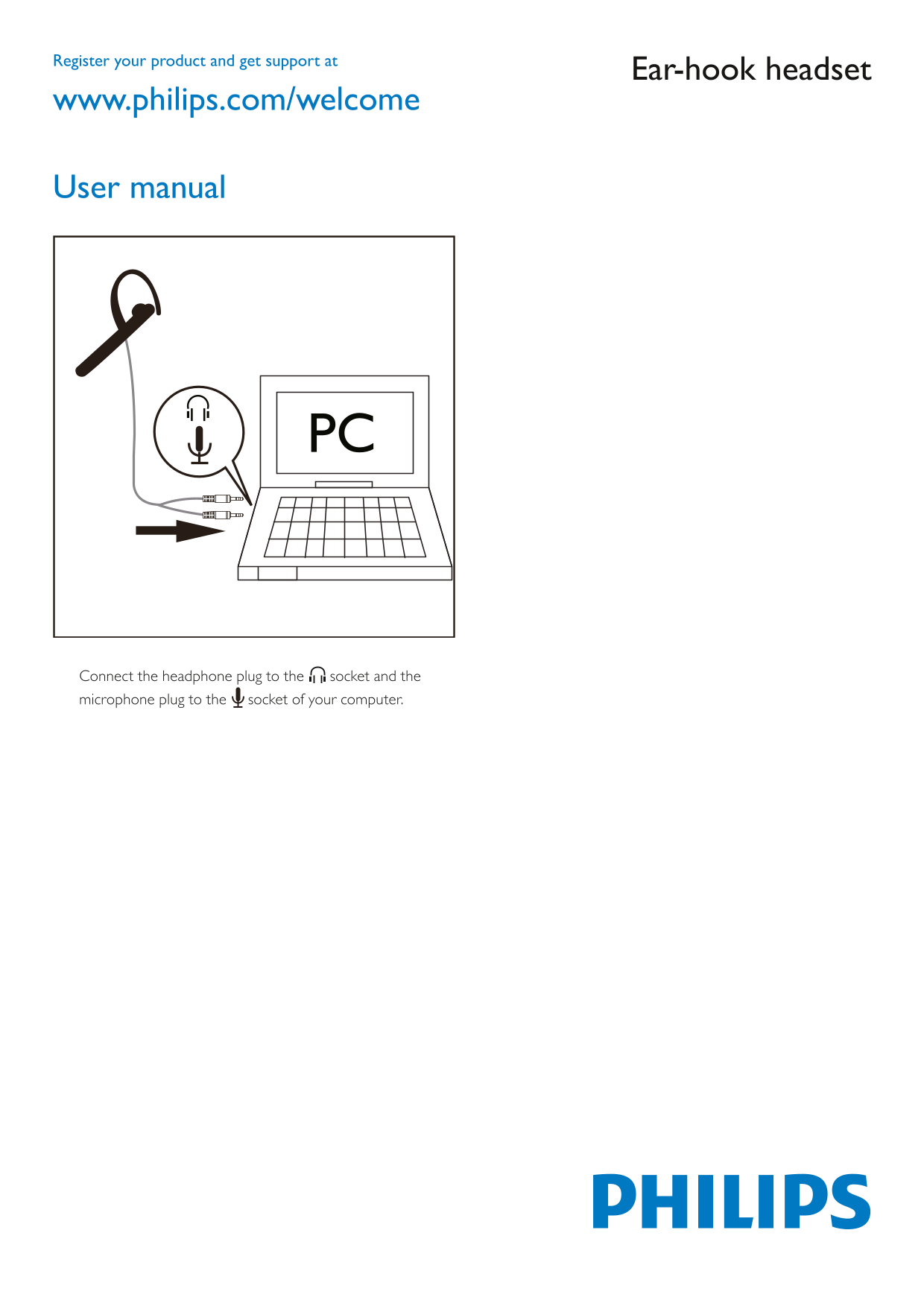
Connect the headphone plug to the socket and the microphone plug to the socket of your computer.
Page Summary Contents For PHILIPS Ear-hook Headset User Guide
Manual Details
| Brand | Philips |
|---|---|
| Pages | 1 |
| File Size | 187.25 KB |
| Published | July 06, 2026 |
Enter the captcha to get the download link:

Frequently Asked Questions
How do I connect the headphones and microphone?
Connect the headphone plug to the designated socket, and the microphone plug to its respective socket on your computer.
What is the purpose of this user manual?
The manual provides setup instructions and usage guidelines for the Philips headset.
Where can I find more information about this product?
You can visit www.philips.com/welcome for additional details and support.
Which sockets should be used for connections?
Connect the headphone plug to one socket, and the microphone plug to another socket on your computer.