PHILIPS DVP3360K User Guide and Manual
Summary
Mastering your home entertainment setup is simple with this comprehensive user guide for your component video and audio player. The manual provides detailed instructions on every aspect, covering everything from basic general settings like Sleep Timer activation to advanced connectivity. You will learn how to utilize multiple output options, including HDMI, Component Video (YPbPr), and Digital Audio outputs. Plus, discover specialized sound modes and setup procedures tailored for a perfect cinematic experience in your living room.
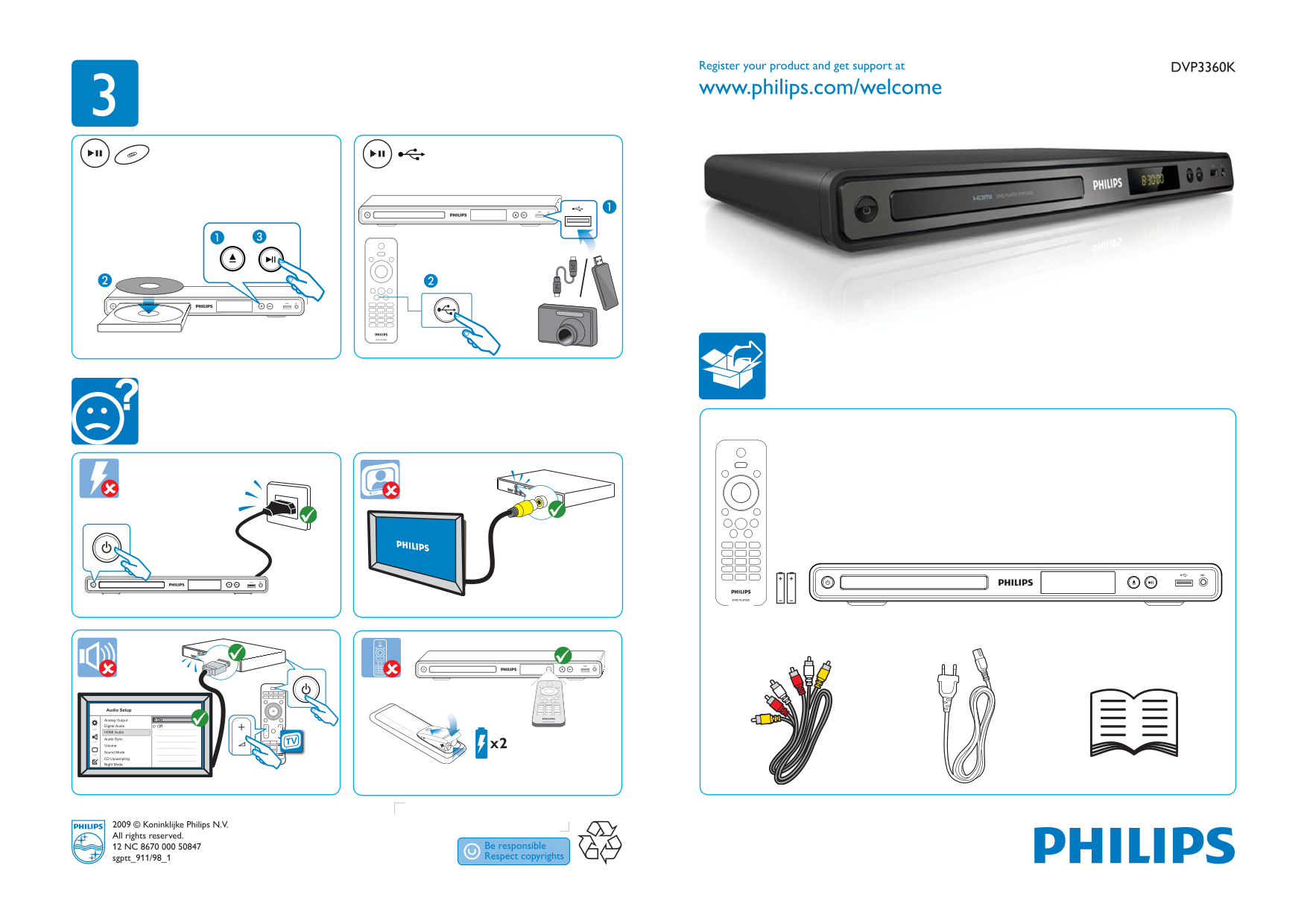
Page 1 Text Content
Register your product and get support at DVP3360K www.philips.com/welcome
Audio Setup
Analog Output On
Digital Audio Off HDMI Audio
Audio Sync
Volume
Sound Mode
CD Upsampling Night Mode
2009 © Koninklijke Philips N.V. All rights reserved. 12 NC 8670 000 50847 sgptt_911/98_1
Page Summary Contents For PHILIPS DVP3360K User Guide and Manual
Manual Details
| Brand | Philips |
|---|---|
| Pages | 2 |
| File Size | 557.84 KB |
| Published | July 06, 2026 |
Enter the captcha to get the download link:

Frequently Asked Questions
How do I connect an external source?
You can use the HDMI IN or COMPONENT VIDEO IN ports.
Can I adjust the volume settings?
Yes, dedicated Volume controls are available for audio adjustments.
What modes are available for sound enhancement?
The device offers various Sound Modes, including Night Mode and CD Upsampling.
How do I adjust the language or settings on the TV?
Language selection is accessible via the OSD Language menu in General Setup.