PHILIPS Digital Pocket Memo LFH 9400 Instruction manual
Summary
This technical guide provides comprehensive operating instructions for the Philips Pocket Memo 9400 digital dictation recorder. Designed for professionals and students, this device allows users to capture, edit, and manage voice recordings with ease. The manual covers essential functions—including starting and stopping highly accurate recordings—as well as advanced features like inserting text into existing audio files and setting End-of-Letter priority markers. Learn how to operate the controls, manage memory cards, optimize playback settings, and troubleshoot your portable recording system for reliable dictation anywhere.
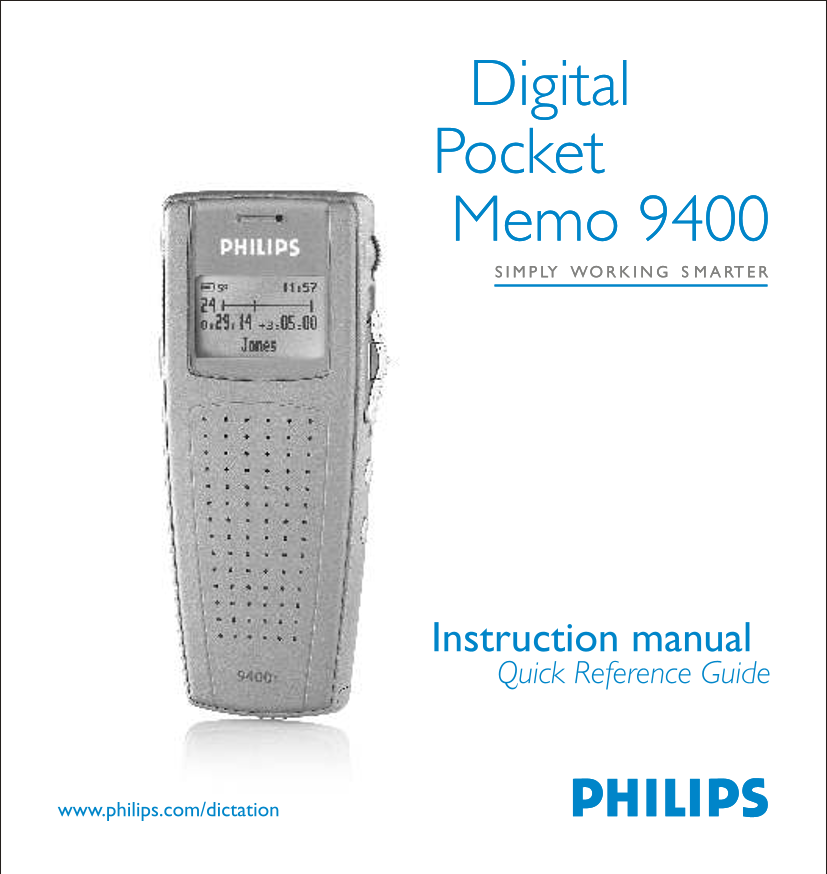
Page 1 Text Content
Digital Pocket Memo 9400 LY WO G S RT
Instruction manual Quick Reference Guide
www.philips.com/dictation
Page Summary Contents For PHILIPS Digital Pocket Memo LFH 9400 Instruction manual
Manual Details
| Brand | Philips |
|---|---|
| Pages | 6 |
| File Size | 181.94 KB |
| Published | July 16, 2026 |
Enter the captcha to get the download link:

Frequently Asked Questions
How do I record audio stand-by?
Set the 4-position switch to stop, press REC, and then move the switch to playback mode. The LED will remain steady red.
What is the function of the EOL/P button?
Press once to mark a file as finished (End-of-Letter). Press twice quickly to assign priority status symbols: ☺(Priority) and </priority>.
How do I insert text into an existing recording?
Move the cursor, stop playback, press INS/OVR then REC, set the switch to playback mode, and dictate the addition (LED green).
What types of batteries and memory cards are supported?
It uses two supplied Alkaline AAA or rechargeable NiMH batteries. Memory cards must be MMC or SD up to 1 GB.