PHILIPS 7FF3FPB User Guide and Manual
Summary
Relive cherished memories with this brilliant digital photo frame, designed to transform your favorite digital pictures into stunning physical art. Effortlessly display thousands of photos from USB drives or SD cards without needing a computer. This manual provides comprehensive guidance on features like auto orientation, customizable slideshows, and vivid color enhancement using advanced imagen technology. It is the ideal solution for photography enthusiasts and families looking for an elegant, automated way to share their history and keep cherished moments alive.
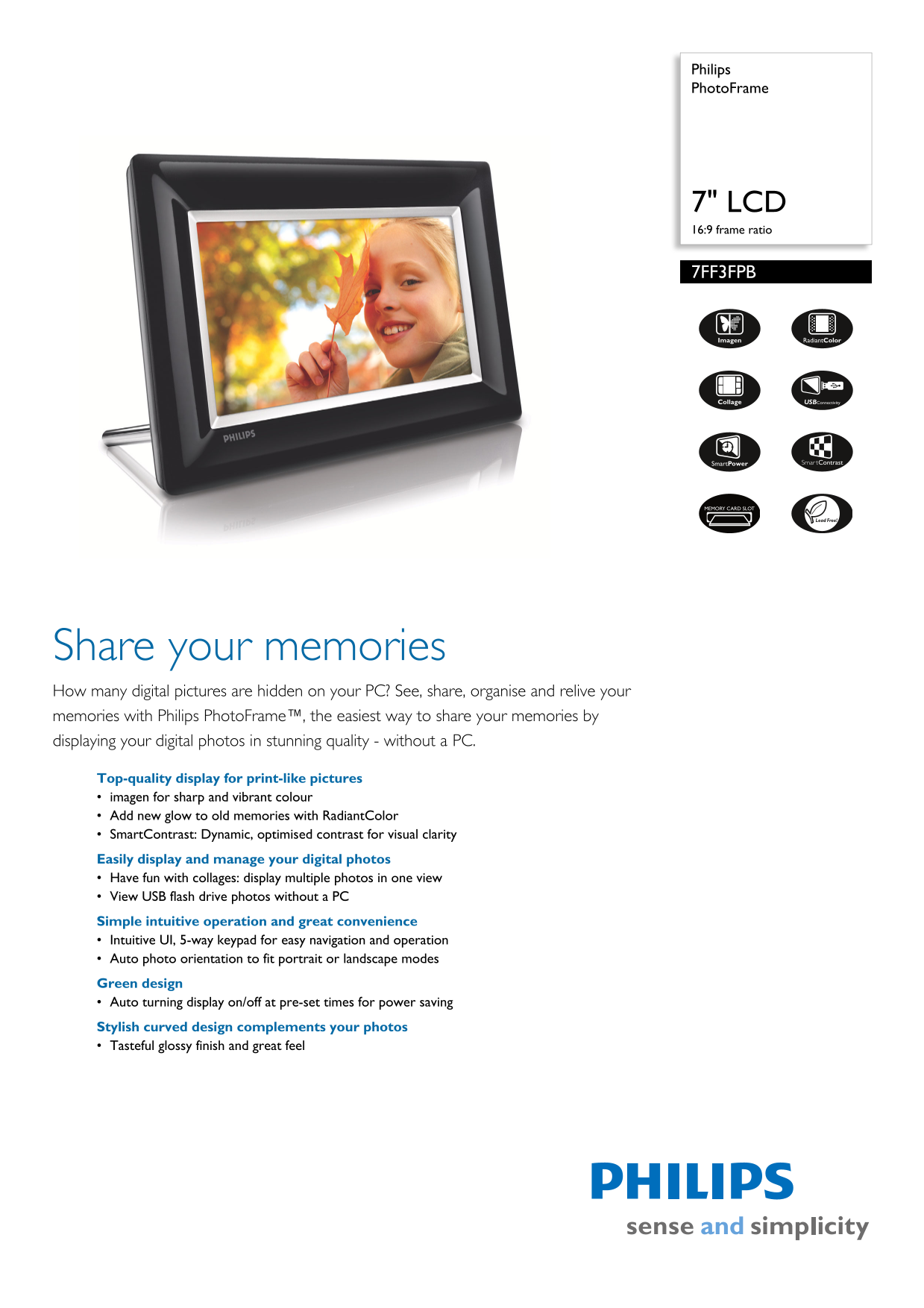
Page 1 Text Content
Philips Photo Frame
7" LCD 16:9 frame ratio
7FF3FPB
hare your memories How many d igital pictures are hidden on your PC? See, share, organise and relive your memories w ith Philips Photo Frame™, the easiest way to share your memories by displaying yo ur digital photos in stunning quality - without a PC. Top-q uality display for print-like pictures imag en for sharp and vibrant colour Add new glow to old memories with Radiant Color Sma rt Contrast: Dynamic, optimised contrast for visual clarity Easily display and manage your digital photos Hav e fun with collages: display multiple photos in one view View USB flash drive photos without a PC Simpl e intuitive operation and great convenience Intui tive UI, 5-way keypad for easy navigation and operation Auto photo orientation to fit portrait or landscape modes Green design Auto turning display on/off at pre-set times for power saving Stylish curved design complements your photos Tast eful glossy finish and great feel
Page Summary Contents For PHILIPS 7FF3FPB User Guide and Manual
Manual Details
| Brand | Philips |
|---|---|
| Pages | 2 |
| File Size | 445.55 KB |
| Published | July 22, 2026 |
Enter the captcha to get the download link:

Frequently Asked Questions
What external media can I use to display my photos?
It supports USB flash drives, Memory Cards (SD, SDHC, Compact Flash type I, xD card, etc.), and Multimedia Card.
How is the picture quality enhanced on this frame?
It uses 'imagen' for sharp and vibrant color, 'RadiantColor', and SmartContrast technology to dynamically adjust contrast and brightness.
Can I view photos without needing a computer connection?
Yes, you can simply plug in a USB flash drive or memory card to display your digital photos directly.
Does the frame automatically fit portrait or landscape photos?
Yes, it has 'Auto orientation' which uses a sensor to recognize and display each photo in its proper mode (Portrait or Landscape).
How can I save electricity using this PhotoFrame?
It features SmartPower, which allows you to set a timer for the photo frame to automatically turn on and off at pre-set times.