Page 1
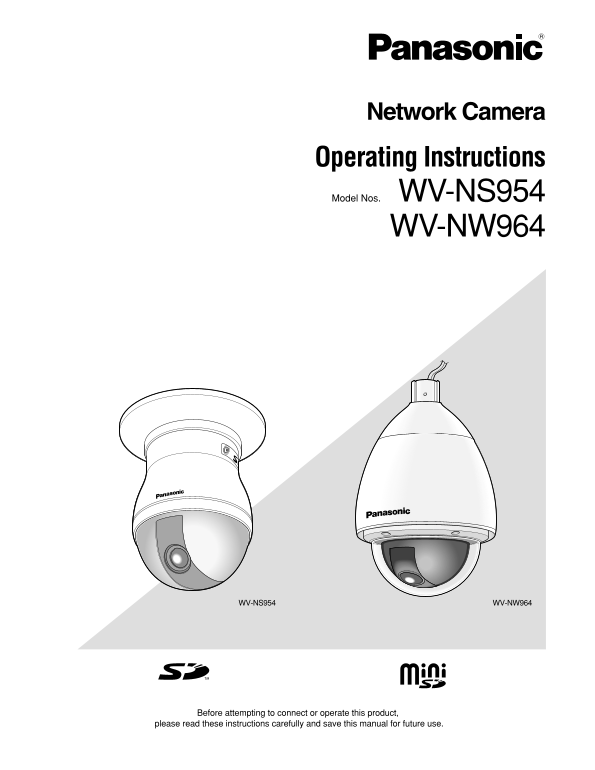
Network Camera Operating Instructions Model Nos. WV-NS954 WV-NW964 WV-NS954 WV-NW964 Before attempting to connect or operate this product, please read these instructions carefully and save this manual...
Page 2
CONTENTS Preface ............................................................................................................................ About these operating instructions ..........................
Page 3
Preface About these operating instructions There are 3 sets of operating instructions for the WV-NS954, WV-NW964 as follows. Installation Guide Operating instructions Setup Instructions WV-NS954 Netwo...
Page 4
Monitor images on a PC The following are descriptions of how to monitor images from the camera on a PC. Monitor images from a single camera Step 1 Notes: Start up the web browser. When "ON" ...
Page 5
The refresh interval may be longer depending on a network environment, PC spec, photographic sub- ject, access traffic, etc. Refer to the following page for further information about the "Live&qu...
Page 6
AUX buttons (*2) Click the [STOP] button to stop the operation. These buttons will be displayed only when "Terminal The selected operation will stop when the camera alarm 3" is selected for ...
Page 7
Preset map-shot: 8 thumbnail images of the preset !2 Control pad/buttons (*2) position 1-8 ( Setup Instructions) will be displayed Left-click on the control pad to adjust orderly on a newly displayed ...
Page 8
!7 Full screen button Possible duration of audio transmission is up to 5 Images will be displayed on a full screen. To return minutes per transmission. When 5 minutes have to the "Live" page...
Page 9
When MPEG-4 image is being displayed, it may take *3 Operable by users who belong to the access level time to display the frame border indicating an area selected for "Authentication" on the...
Page 10
Record images on the SD memory card manually Images displayed on the "Live" page can be recorded on the SD memory card manually. This button is operable only when "Manual" is selec...
Page 11
Action at an alarm occurrence The alarm action will be performed when the following alarms occur. Alarm type Terminal alarm: When connecting an alarm device such as a sensor to the EXT I/O connector 1...
Page 12
Transmit images onto an FTP server Images can be transmitted to an FTP server. By configuring the following settings, transmission of images captured at an alarm occurrence or captured at a designated...
Page 13
Save images on the SD memory card when images fail to transmit using the FTP periodic transmission function Images that have failed to transmit using the FTP periodic transmission can be saved automat...
Page 14
Display the log list The following logs can be displayed in list form. Alarm log: Logs of the alarm occurrences such as time and date of the alarm occurrences and the alarm type will be displayed. Man...
Page 15
Log list displayed in the log list win- [Time & date] Time and date when each log has been filed will be dis- played. [Number of the listed logs] Notes: Total number of the logs of the selected lo...
Page 16
[Download] button Click this button to download all logs of the selected log list as a file onto the PC. [CLOSE] button Click this button to close the log list window.
Page 17
Playback of images saved on the SD memory card When clicking a time and date listed on the log list window, the "live" page will turn to the "playback" page. When images associated...
Page 18
[STOP] button [Download] button Playback will stop and the "playback" window will turn to The selected image will be downloaded onto the PC. the "live" page. Before downloading ima...
Page 19
About the network security of the camera Equipped security functions The following security functions are featured in this camera. Access restrictions by the host authentication and the user authentic...
Page 20
Viewing Help If you want to know anything about operation or setup methods on screen, display the "Help" screen. Displaying the Help screen Setup screen Step 1 Click the [Setup] button. The ...
Page 21
Panasonic System Solutions Company, Panasonic Canada Inc. Unit Company of Panasonic Corporation of North America 5770 Ambler Drive,Mississauga, Ontario, L4W 2T3 Canada (905)624-5010 Security Systems h...