Panasonic CFVEB511 User's Manual
Summary
A port replicator designed for Panasonic CF-51 series Toughbook laptop computers, providing desktop connectivity expansion. The operating instructions cover physical connection and disconnection procedures, available ports and interfaces, and interface cable length limitations of 3 meters maximum. Includes multilingual documentation in English, German, and French with FCC compliance statements. Designed for mobile professionals and enterprise IT departments using Panasonic Toughbook CF-51 notebooks who need quick docking and undocking capability to connect external monitors, keyboards, mice, and network interfaces at their workspace.
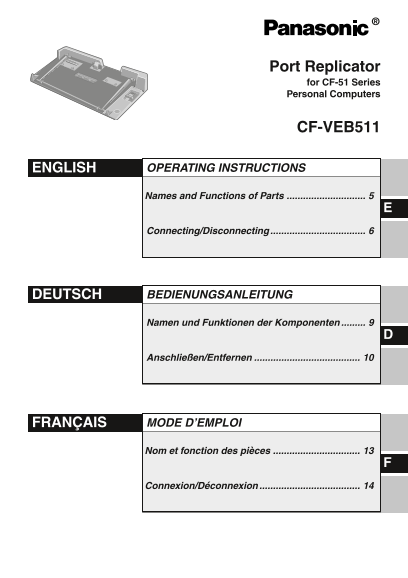
Page 1 Text Content
Port Replicator for CF-51 Series Personal Computers
CF-VEB511
ENGLISH OPERATING INSTRUCTIONS
Names and Functions of Parts
Connecting/Disconnecting
DEUTSCH BEDIENUNGSANLEITUNG
Namen und Funktionen der Komponenten
Anschließen/Entfernen
FRANÇAIS MODE D’EMPLOI
Nom et fonction des pièces
Connexion/Déconnexion
Page Summary Contents For Panasonic CFVEB511 User's Manual
Manual Details
| Brand | Panasonic |
|---|---|
| Pages | 16 |
| File Size | 1013.96 KB |
| Published | June 16, 2026 |
Enter the captcha to get the download link:

Frequently Asked Questions
Which notebook models is this port replicator compatible with?
It is compatible exclusively with the Panasonic CF-51 notebook computer series and cannot be used with other models.
What is the maximum recommended interface cable length?
Interface cables longer than 3 m (9.84 feet) are not recommended for use with this device.
How do I disconnect the notebook from the port replicator?
Turn off the notebook, close the display, slide the lever fully back, then lift the notebook off and replace the expansion bus connector cap.
What compliance standards does this device meet in Europe?
It meets EN60950, EN55022, EN61000-3-2, EN61000-3-3, and EN55024 under EU Low Voltage and EMC Directives.