Page 1
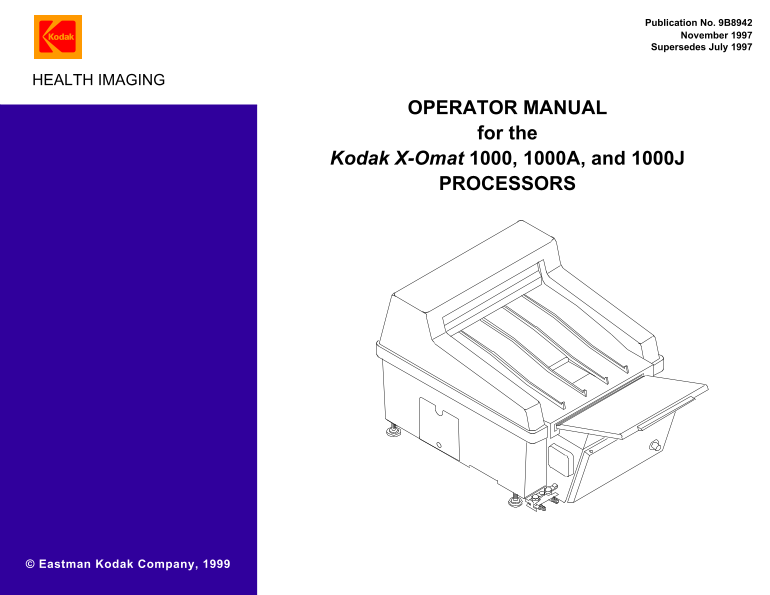
{Operators Manual}{Production}{Health Imaging} Publication No. 9B8942 November 1997 Supersedes July 1997 HEALTH IMAGING OPERATOR MANUAL for the Kodak X-Omat 1000, 1000A, and 1000J PROCESSORS © Eastman...
Page 2
PLEASE NOTE The information contained herein is based on the experience and knowledge relating to the subject matter gained by Eastman Kodak Company prior to publication. No patent license is granted ...
Page 3
Overview Section 1: Overview Product Description The KODAK X-OMAT 1000, 1000A, and 1000J Model Electrical Requirements Processors are fully automatic table-top, x-ray film 1000 Processor 220/230/240 V...
Page 4
OPERATORS MANUAL Figure 2 The Processor without the Top Cover H164_0021DCA H164_0021DC Note See also the illustrations on Pages 9 - 11. Item No. Description Item No. Description Top Cover Dryer Rack L...
Page 5
Overview Figure 3 Processor with Replenishment and Drain Hoses Inserted in the Correct Containers H164_0064DCA H164_0064DC Item No. Description Item No. Description Developer Overflow Hose Developer R...
Page 6
OPERATORS MANUAL Section 2: Operating Instructions Daily Start-Up Warning If Drain Containers 36, 37, are used, continually check that the Drain Containers have enough room in them to accommodate more...
Page 7
Operating Instructions Film Feeding Procedure Figure 4 Feeding Film into the Processor 1 each 1 each 1 each 28 x 35 cm (11 x 14 in.) 35 x 43 cm 35 x 35 cm (14 x 14 in.)(14 x 17 in.) 1 each 2 side by s...
Page 8
OPERATORS MANUAL [3] Slowly feed the sheet of film into the Processor. When the film starts to move by itself, release the film. [4] When the trailing edge of the sheet of film is inside of the Feed T...
Page 9
Operating Instructions Draining and Cleaning the Tanks, in Preparation for Changing the Chemicals or Storing the Processor for More Than a Week Figure 5 Rinsing the Racks H164_0014DCA H164_0014DC [1] ...
Page 10
OPERATORS MANUAL [11] Place the Developer and Fixer Drain Hoses 24, into the Wash Water Drain Container or into the floor drain (if allowed by local codes). [12] Use the Pitcher ( 43 ) to pour 4 litre...
Page 11
Replenishment Solutions Section 3: Replenishment Solutions Mixing the Developer and Fixer Replenishers Use KODAK RP X-OMAT Developer Replenisher and KODAK RP X-OMAT LO Fixer and Replenisher. Avoid con...
Page 12
OPERATORS MANUAL [17] Turn on the water to the Processor. November 1997 – 9B8942
Page 13
Preventive Maintenance Section 4: Preventive Maintenance Important For trouble-free operation of the Processor, perform maintenance periodically in accordance with the following suggestions. Daily Mai...
Page 14
OPERATORS MANUAL [8] Mix new chemicals. See Page 11. Note If the image quality of the film has been satisfactory, you may use the solutions longer than a month. [9] Install the Racks ( 12, 15, 16 ) . ...
Page 15
Preventive Maintenance Action If this does not solve the Problem Problem Analysis problem, contact your service provider. Fogging The developer is contaminated. Drain the developer from the Processor,...
Page 16
Warranty (U.S. only) Section 5: Warranty (U.S. only) Kodak warrants this KODAK X-OMAT or 1000A or 1000J Processor to function properly for one year from the date of initial installation, when installe...