# A B C D E F G H I J K L M N O P Q R S T U V W X Y Z

HP ProDesk 680 G4 Microtower PC - Motherboard Viewer

Summary

This essential interactive guide provides a detailed component overview of the ProDesk 600 G4 PCI MT system board. Designed for technicians and advanced users, this manual offers zoomable views at four magnification levels (1x to 4x), allowing pinpoint identification of every feature. Easily locate critical components such as CPU sockets, DDR4 DIMM slots, Ethernet ports, USB-C connections, M.2 sockets, and various expansion headers with precision and clarity.
📄 Preview 📖 Table of Contents Contents PAGE OF 19

Page 1 Text Content

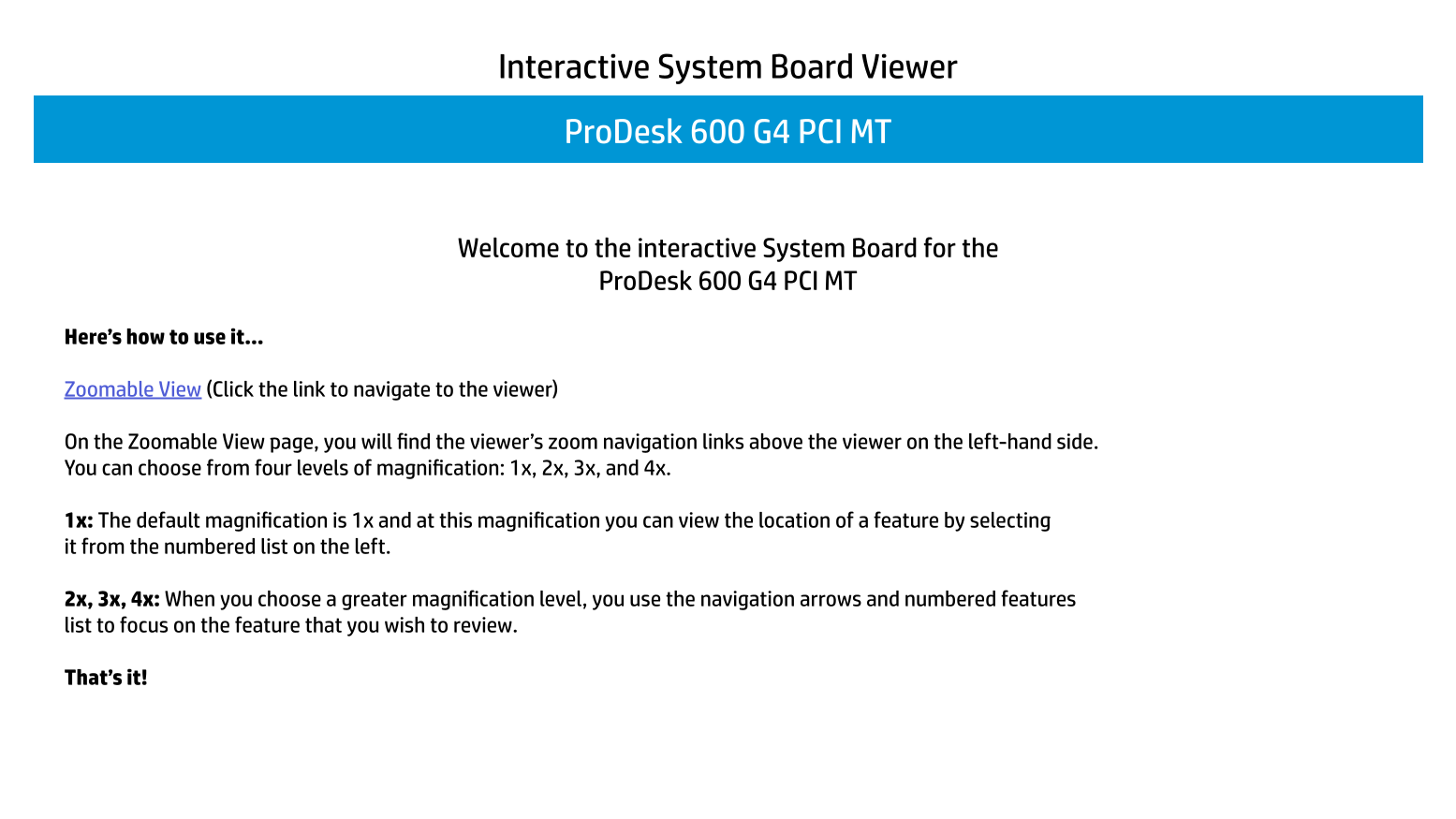
Interactive System Board Viewer Pro Desk 600 G4 PCI MT

Welcome to the interactive System Board for the

Pro Desk 600 G4 PCI MT

Here’s how to use it…

Zoomable View (Click the link to navigate to the viewer)

On the Zoomable View page, you will find the viewer’s zoom navigation links above the viewer on the left-hand side. You can choose from four levels of magnification: 1x, 2x, 3x, and 4x.

1x: The default magnification is 1x and at this magnification you can view the location of a feature by selecting it from the numbered list on the left.

2x, 3x, 4x: When you choose a greater magnification level, you use the navigation arrows and numbered features list to focus on the feature that you wish to review.

That’s it!

Page Summary Contents For HP ProDesk 680 G4 Microtower PC - Motherboard Viewer

Page 1 Interactive System Board Viewer Pro Desk 600 G4 PCI MT Welcome to the interactive System Board for the Pro Desk 600 G4 PCI MT Here’s how to use it… Zoomable View (Click the link to navigate to the vie...
Page 2 1x view
Page 3 2 X View 1. CPU power 2. CPU socket 3. CPU Fan Connector 4. 4 DDR4 DIMM sockets 5. RTC battery 6. Power LED 7. Power button 8. HDD LED 9. Headset jack 10. USB charger port 11. USB 2.0 port 12. USB 3.0...
Page 4 2 X View 1. CPU power 2. CPU socket 3. CPU Fan Connector 4. 4 DDR4 DIMM sockets 5. RTC battery 6. Power LED 7. Power button 8. HDD LED 9. Headset jack 10. USB charger port 11. USB 2.0 port 12. USB 3.0...
Page 5 2 X View 1. CPU power 2. CPU socket 3. CPU Fan Connector 4. 4 DDR4 DIMM sockets 5. RTC battery 6. Power LED 7. Power button 8. HDD LED 9. Headset jack 10. USB charger port 11. USB 2.0 port 12. USB 3.0...
Page 6 2 X View 1. CPU power 2. CPU socket 3. CPU Fan Connector 4. 4 DDR4 DIMM sockets 5. RTC battery 6. Power LED 7. Power button 8. HDD LED 9. Headset jack 10. USB charger port 11. USB 2.0 port 12. USB 3.0...
Page 7 3 X View 1. CPU power 2. CPU socket 3. CPU Fan Connector 4. 4 DDR4 DIMM sockets 5. RTC battery 6. Power LED 7. Power button 8. HDD LED 9. Headset jack 10. USB charger port 11. USB 2.0 port 12. USB 3.0...
Page 8 3 X View 1. CPU power 2. CPU socket 3. CPU Fan Connector 4. 4 DDR4 DIMM sockets 5. RTC battery 6. Power LED 7. Power button 8. HDD LED 9. Headset jack 10. USB charger port 11. USB 2.0 port 12. USB 3.0...
Page 9 3 X View 1. CPU power 2. CPU socket 3. CPU Fan Connector 4. 4 DDR4 DIMM sockets 5. RTC battery 6. Power LED 7. Power button 8. HDD LED 9. Headset jack 10. USB charger port 11. USB 2.0 port 12. USB 3.0...
Page 10 3 X View 1. CPU power 2. CPU socket 3. CPU Fan Connector 4. 4 DDR4 DIMM sockets 5. RTC battery 6. Power LED 7. Power button 8. HDD LED 9. Headset jack 10. USB charger port 11. USB 2.0 port 12. USB 3.0...
Page 11 4 X View 1. CPU power 2. CPU socket 3. CPU Fan Connector 4. 4 DDR4 DIMM sockets 5. RTC battery 6. Power LED 7. Power button 8. HDD LED 9. Headset jack 10. USB charger port 11. USB 2.0 port 12. USB 3.0...
Page 12 4 X View 1. CPU power 2. CPU socket 3. CPU Fan Connector 4. 4 DDR4 DIMM sockets 5. RTC battery 6. Power LED 7. Power button 8. HDD LED 9. Headset jack 10. USB charger port 11. USB 2.0 port 12. USB 3.0...
Page 13 4 X View 1. CPU power 2. CPU socket 3. CPU Fan Connector 4. 4 DDR4 DIMM sockets 5. RTC battery 6. Power LED 7. Power button 8. HDD LED 9. Headset jack 10. USB charger port 11. USB 2.0 port 12. USB 3.0...
Page 14 4 X View 1. CPU power 2. CPU socket 3. CPU Fan Connector 4. 4 DDR4 DIMM sockets 5. RTC battery 6. Power LED 7. Power button 8. HDD LED 9. Headset jack 10. USB charger port 11. USB 2.0 port 12. USB 3.0...
Page 15 4 X View 1. CPU power 2. CPU socket 3. CPU Fan Connector 4. 4 DDR4 DIMM sockets 5. RTC battery 6. Power LED 7. Power button 8. HDD LED 9. Headset jack 10. USB charger port 11. USB 2.0 port 12. USB 3.0...
Page 16 4 X View 1. CPU power 2. CPU socket 3. CPU Fan Connector 4. 4 DDR4 DIMM sockets 5. RTC battery 6. Power LED 7. Power button 8. HDD LED 9. Headset jack 10. USB charger port 11. USB 2.0 port 12. USB 3.0...
Page 17 4 X View 1. CPU power 2. CPU socket 3. CPU Fan Connector 4. 4 DDR4 DIMM sockets 5. RTC battery 6. Power LED 7. Power button 8. HDD LED 9. Headset jack 10. USB charger port 11. USB 2.0 port 12. USB 3.0...
Page 18 4 X View 1. CPU power 2. CPU socket 3. CPU Fan Connector 4. 4 DDR4 DIMM sockets 5. RTC battery 6. Power LED 7. Power button 8. HDD LED 9. Headset jack 10. USB charger port 11. USB 2.0 port 12. USB 3.0...
Page 19 4 X View 1. CPU power 2. CPU socket 3. CPU Fan Connector 4. 4 DDR4 DIMM sockets 5. RTC battery 6. Power LED 7. Power button 8. HDD LED 9. Headset jack 10. USB charger port 11. USB 2.0 port 12. USB 3.0...

Manual Details

Brand HP
Pages 19
File Size 3.31 MB
Published May 30, 2026
80 views

Enter the captcha to get the download link:

captcha

Frequently Asked Questions

What levels of magnification are available in the zoomable viewer?

You can choose from four magnification levels: 1x, 2x, 3x, and 4x.

How do I locate a specific component at 1x magnification?

The default view (1x) allows you to see features by selecting them from the numbered list on the left-hand side.

What ports are included on the system board?

Ports include USB Type-C, SD reader, multiple USB 2.0/3.0 ports, Ethernet port, Display Ports (2), and Audio in/out jacks (2).

Which internal expansion slots are available?

The system features a PCI Express x16 slot, an auxiliary PCI Express x2 slot, a M.2 WLAN socket, and an M.2 SSD socket.