HP Compaq dc7600 Business Desktop Computer User's Guide
Summary
This essential guide provides comprehensive documentation for the robust HP Compaq dc7600 desktop PC. Designed for IT professionals and businesses, this manual covers detailed technical specifications, connectivity standards, and system components required for optimal performance. It serves as a deep dive into the machine's architecture, including details on multiple I/O options (USB 2.0, PS/2, RJ-45) and compatibility with various operating systems like Windows XP. Use this resource to understand maintenance, configuration, and full capability of your professional workspace solution.
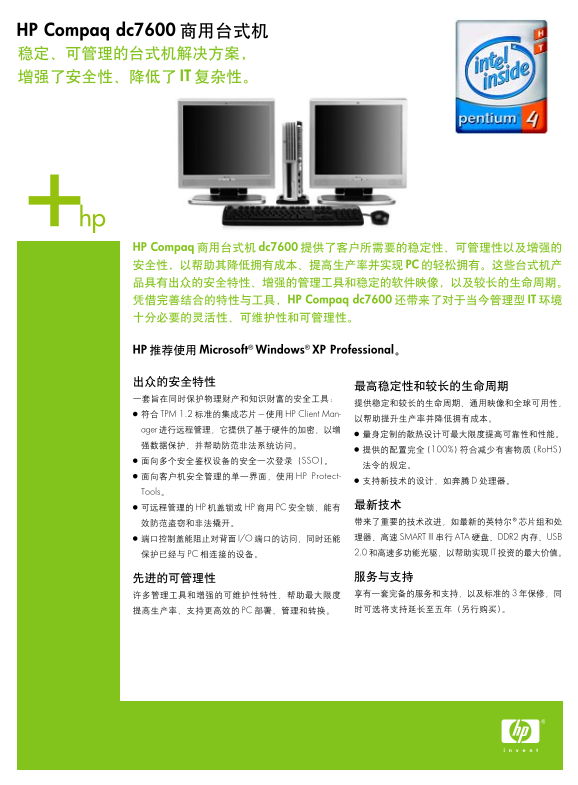
Page 1 Text Content
HP Compaq dc7600
HP Compaq dc7600
HP Compaq dc7600 IT
HP Microsoft® Windows® XP Professional
TPM 1.2 HP Client Man- ager
100% Ro HS
SSO HP Protect-
Tools
HP HP PC
I/O SMART III ATA DDR2 USB
PC 2.0 IT
Page Summary Contents For HP Compaq dc7600 Business Desktop Computer User's Guide
Manual Details
| Brand | Compaq |
|---|---|
| Pages | 2 |
| File Size | 259.05 KB |
| Published | May 18, 2026 |
Enter the captcha to get the download link:

Frequently Asked Questions
What operating systems are compatible with the HP Compaq dc7600?
The manual states compatibility with Microsoft Windows XP Professional, SuSE Linux, and FreeDOS.
What types of ports and connectivity options are provided on this model?
It includes multiple USB 2.0 ports, dedicated PS/2 ports, RJ-45 (Ethernet), and a VGA port.
Does the computer support ECC memory for increased stability?
Yes, it is listed as supporting Error Correcting Code (ECC) memory alongside various DDR2 speeds.