HP ProBook 6565b Laptop Computer
Summary
Enhance your digital safety with HP DigitalPass, a powerful security feature built into HP Business Notebooks. This technology provides advanced, cost-free multifactor authentication, going beyond basic passwords to protect against sophisticated online fraud and identity theft. Learn how this system combines your user credentials with a unique, generated PC token for every secure visit—ideal for professionals, small businesses, and frequent users who handle sensitive data like banking details or corporate network access.
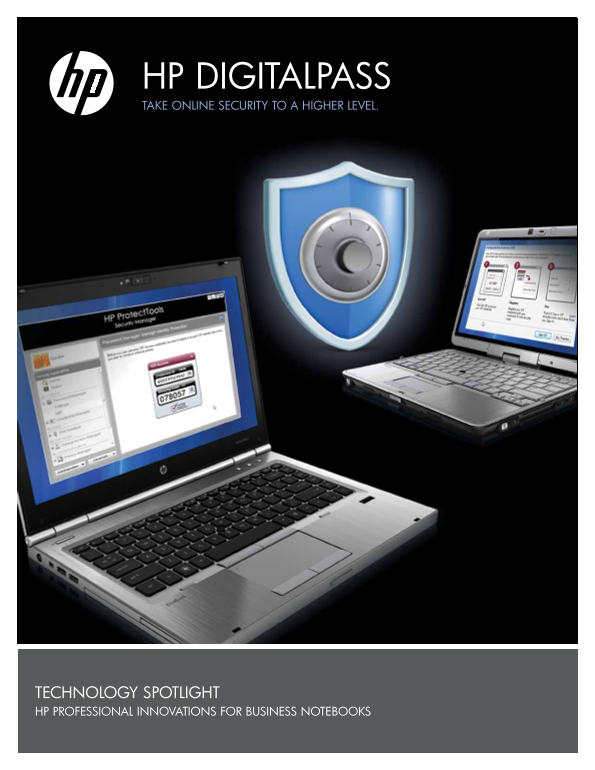
Page 1 Text Content
HP DIGITALPASS TAKE ONLINE SECURITY TO A HIGHER LEVEL.
TECHNOLOGY SPOTLIGHT HP PROFESSIONAL INNOVATIONS FOR BUSINESS NOTEBOOKS
Page Summary Contents For HP ProBook 6565b Laptop Computer
Manual Details
| Brand | HP |
|---|---|
| Pages | 4 |
| File Size | 483.85 KB |
| Published | May 31, 2026 |
Enter the captcha to get the download link:

Frequently Asked Questions
How does HP DigitalPass operate beyond a simple password?
It uses multifactor authentication by coupling something you know, like your password, with something unique that your PC generates, acting as a digital token.
Where can I activate or enable the HP DigitalPass feature?
You can enable it through the Credential Manager located within the HP ProtectTools console.
If my user name and password are stolen, how is my account protected?
They cannot log into websites remotely because the system requires a secondary credential unique to your specific PC device for login verification.