Futaba 6DA Radio System User Manual
Summary
Take control of your hobby with the Futaba 6DA 6-channel R/C radio system. This comprehensive manual is essential reading for both beginner flyers and experienced pilots needing a reliable upgrade. Within these pages, you will find step-by-step setup guides, detailed troubleshooting tips, advanced operational features (such as specialized mixing and dual rates), and crucial safety information to ensure smooth, secure flights every time. Master industry-leading R/C technology with this ultimate guide.
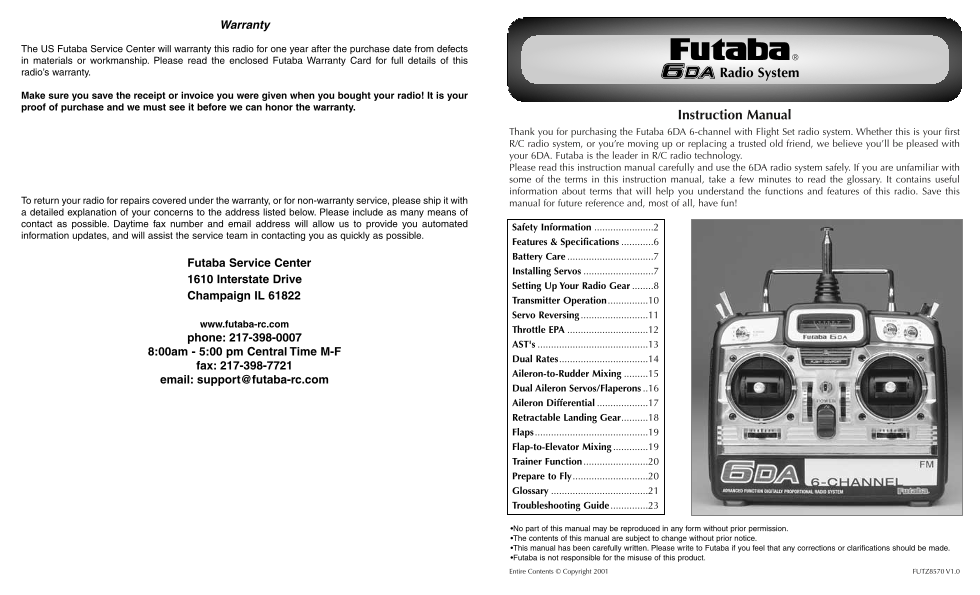
Page 1 Text Content
Warranty
The US Futaba Service Center will warranty this radio for one year after the purchase date from defects in materials or workmanship. Please read the enclosed Futaba Warranty Card for full details of this radio’s warranty. Radio System
Make sure you save the receipt or invoice you were given when you bought your radio! It is your proof of purchase and we must see it before we can honor the warranty.
Instruction Manual
Thank you for purchasing the Futaba 6DA 6-channel with Flight Set radio system. Whether this is your first R/C radio system, or you’re moving up or replacing a trusted old friend, we believe you’ll be pleased with your 6DA. Futaba is the leader in R/C radio technology. Please read this instruction manual carefully and use the 6DA radio system safely. If you are unfamiliar with some of the terms in this instruction manual, take a few minutes to read the glossary. It contains useful information about terms that will help you understand the functions and features of this radio. Save this
To return your radio for repairs covered under the warranty, or for non-warranty service, please ship it with
manual for future reference and, most of all, have fun!
a detailed explanation of your concerns to the address listed below. Please include as many means of contact as possible. Daytime fax number and email address will allow us to provide you automated
Safety Information ......................2
information updates, and will assist the service team in contacting you as quickly as possible.
Features & Specifications ............6 Battery Care ................................7
Futaba Service Center
Installing Servos ..........................7
1610 Interstate Drive
Setting Up Your Radio Gear ........8
Champaign IL 61822
Transmitter Operation ...............10 Servo Reversing .........................11
www.futaba-rc.com
Throttle EPA ..............................12
phone: 217-398-0007
AST's .........................................13
8:00am - 5:00 pm Central Time M-F
Dual Rates.................................14
fax: 217-398-7721
Aileron-to-Rudder Mixing .........15
email: [email protected]
Dual Aileron Servos/Flaperons ..16 Aileron Differential ...................17 Retractable Landing Gear..........18 Flaps ..........................................19 Flap-to-Elevator Mixing .............19 Trainer Function ........................20 Prepare to Fly............................20 Glossary ....................................21 Troubleshooting Guide ..............23
•No part of this manual may be reproduced in any form without prior permission. •The contents of this manual are subject to change without prior notice. •This manual has been carefully written. Please write to Futaba if you feel that any corrections or clarifications should be made. •Futaba is not responsible for the misuse of this product. Entire Contents © Copyright 2001 FUTZ8570 V1.0
Page Summary Contents For Futaba 6DA Radio System User Manual
Manual Details
| Brand | Futaba |
|---|---|
| Pages | 12 |
| File Size | 831.39 KB |
| Published | May 21, 2026 |
Enter the captcha to get the download link:

Frequently Asked Questions
What is required to process a warranty claim?
You must provide the original receipt or invoice as proof of purchase and send the manual along with your radio system.
How should I prepare my R/C set for flying safely?
Always test the R/C set before use, fully charge batteries, check frequencies in area, and ensure all antennas are properly routed.
What to do if a servo does not move correctly or is abnormal?
Check the installation direction of each servo, ensure it matches the proper operation, or send it to the service center.
How do I adjust the servo throw for accurate control surfaces?
Set the controls by moving the full range of movement. Adjust both the AST and EPA pots while measuring the required travel for the surface.
Is there a guide for basic operations or troubleshooting?
The manual includes detailed sections on 'Preparing to Fly' and a comprehensive 'Troubleshooting Guide'.