Dell USB Enhanced Multimedia Keyboard User Guide
Summary
Dell USB Enhanced Multimedia Keyboard user guide covers LED indicators (Num Lock, Caps Lock, Scroll Lock), hotkeys for Internet browser functions, and audio cluster controls. Includes application key and Windows key combinations for quick access to Start Menu, Windows Explorer, and system functions. Features 2 USB ports for connecting peripherals. Compatible with Windows XP and later versions.
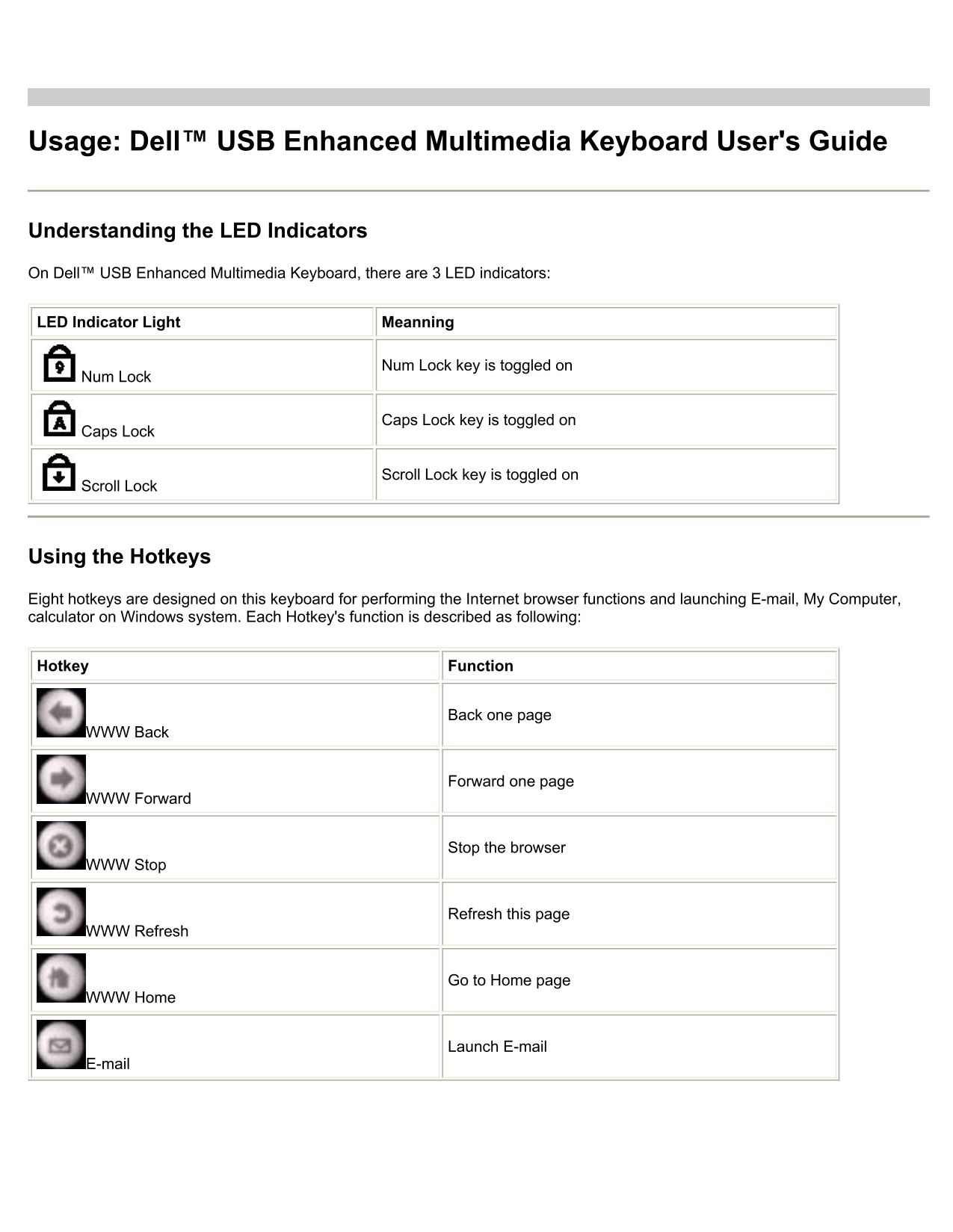
Page 1 Text Content
Usage: Dell™ USB Enhanced Multimedia Keyboard User's Guide
Understanding the LED Indicators
On Dell™ USB Enhanced Multimedia Keyboard, there are 3 LED indicators:
LED Indicator Light Meanning
Num Lock key is toggled on
Num Lock
Caps Lock key is toggled on
Caps Lock
Scroll Lock key is toggled on
Scroll Lock
Using the Hotkeys
Eight hotkeys are designed on this keyboard for performing the Internet browser functions and launching E-mail, My Computer, calculator on Windows system. Each Hotkey's function is described as following:
Hotkey Function
Back one page
WWW Back
Forward one page
WWW Forward
Stop the browser
WWW Stop
Refresh this page
WWW Refresh
Go to Home page
WWW Home
Launch E-mail
Page Summary Contents For Dell USB Enhanced Multimedia Keyboard User Guide
Manual Details
| Brand | Dell |
|---|---|
| Pages | 3 |
| File Size | 113.53 KB |
| Published | July 03, 2026 |
Enter the captcha to get the download link:

Frequently Asked Questions
How do I check if Num Lock or Caps Lock is active?
The corresponding LED indicator will light up when the key is toggled on.
What functions can I perform using the hotkeys?
It supports functions like Web navigation (Back, Forward, Refresh), and launching E-mail, My Computer, and Calculator.
How do I control the volume and media on Windows?
Use the Audio Cluster: Volume Knob for adjust, Mute button, and dedicated keys for Media Stop, Previous/Next Track, and Play/Pause.
Are all USB devices compatible with the ports?
The two USB ports support Full-speed or Low-speed devices, but some High-Speed devices may not work.