# A B C D E F G H I J K L M N O P Q R S T U V W X Y Z

Dell System S6000-ON 9.14.2.9P1 Release Notes

Summary

These release notes document Dell Networking OS version 9.14(2.9P1) for the S6000-ON switch. Covers supported hardware and software, new features, restrictions, CLI syntax changes, CPLD upgrades, fixed issues, deferred issues, and known problems. Includes problem report numbers for tracking caveats. Intended for network engineers and administrators managing S6000-ON switches in production environments.
📄 Preview 📖 Table of Contents Contents PAGE OF 20

Page 1 Text Content

Rev. A01 February 2021

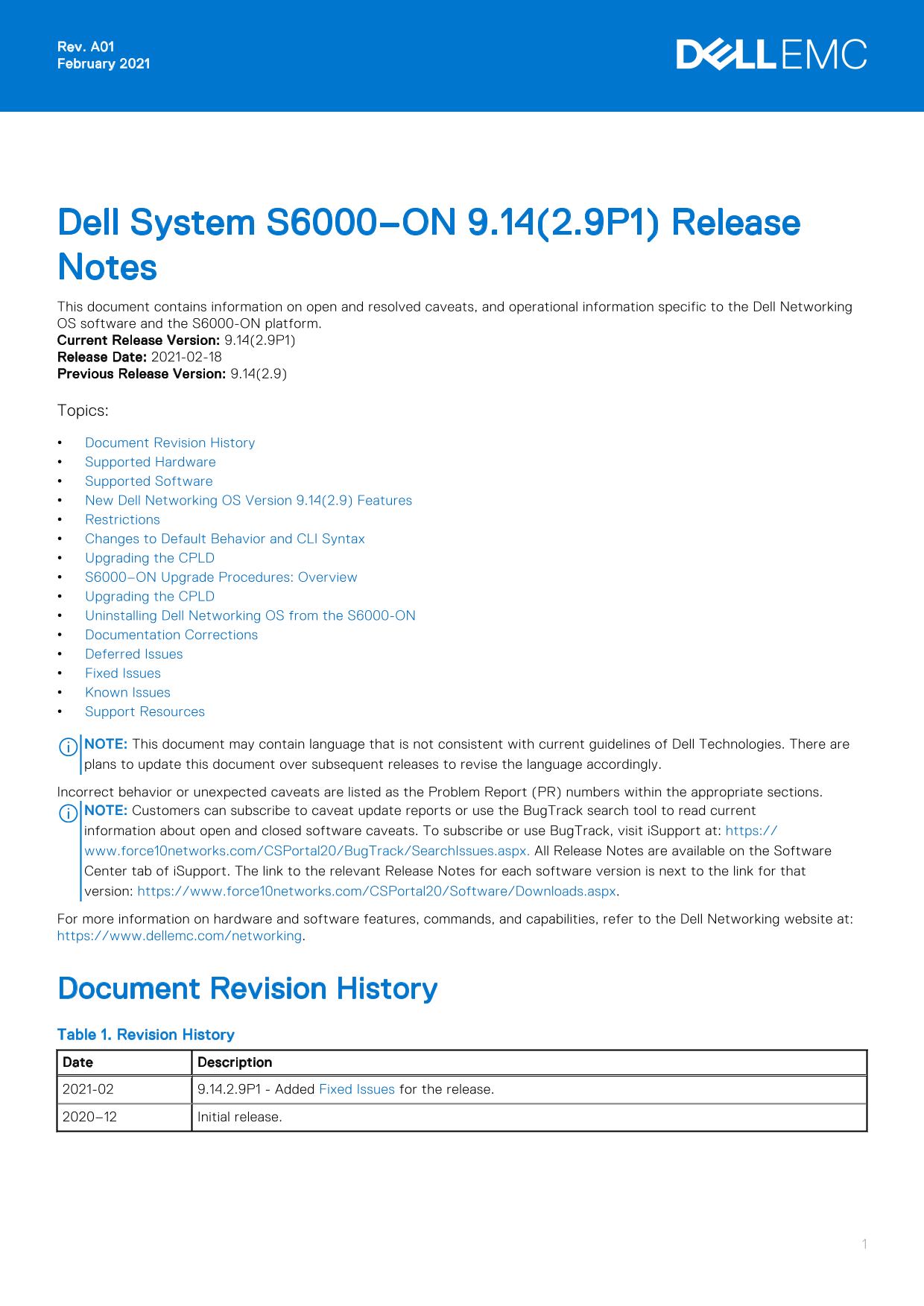
Dell System S6000–ON 9.14(2.9P1) Release Notes This document contains information on open and resolved caveats, and operational information specific to the Dell Networking OS software and the S6000-ON platform. Current Release Version: 9.14(2.9P1) Release Date: 2021-02-18 Previous Release Version: 9.14(2.9) Topics: Document Revision History Supported Hardware Supported Software New Dell Networking OS Version 9.14(2.9) Features Restrictions Changes to Default Behavior and CLI Syntax Upgrading the CPLD S6000–ON Upgrade Procedures: Overview Upgrading the CPLD Uninstalling Dell Networking OS from the S6000-ON Documentation Corrections Deferred Issues Fixed Issues Known Issues Support Resources

NOTE: This document may contain language that is not consistent with current guidelines of Dell Technologies. There are plans to update this document over subsequent releases to revise the language accordingly. Incorrect behavior or unexpected caveats are listed as the Problem Report (PR) numbers within the appropriate sections. NOTE: Customers can subscribe to caveat update reports or use the Bug Track search tool to read current information about open and closed software caveats. To subscribe or use Bug Track, visit i Support at: https:// www.force10networks.com/CSPortal20/Bug Track/Search Issues.aspx. All Release Notes are available on the Software Center tab of i Support. The link to the relevant Release Notes for each software version is next to the link for that version: https://www.force10networks.com/CSPortal20/Software/Downloads.aspx. For more information on hardware and software features, commands, and capabilities, refer to the Dell Networking website at: https://www.dellemc.com/networking.

Document Revision History Table 1. Revision History Date Description 2021-02 9.14.2.9P1 - Added Fixed Issues for the release. 2020–12 Initial release.

Page Summary Contents For Dell System S6000-ON 9.14.2.9P1 Release Notes

Page 1 Rev. A01 February 2021 Dell System S6000–ON 9.14(2.9P1) Release Notes This document contains information on open and resolved caveats, and operational information specific to the Dell Networking OS so...
Page 2 Supported Hardware The following hardware is supported with this platform: Hardware S6000-ON chassis Thirty-two QSFP+ ports (40 Gbps) Two AC/DC PSUs Three fan subsystems NOTE: If all the three fan tra...
Page 3 If you downgrade the Dell Networking OS version from 9.14.2.9 to 9.11.0.0 or any older versions, the system displays the following error message even though there is no functional impact: CDB boot err...
Page 4 Upgrading the CPLD The S6000-ON system with Dell Networking OS Version 9.14(2.9) requires System CPLD revision 10, Master CPLD revision 12, and Slave CPLD revision 10. Verify that a CPLD upgrade is re...
Page 5 S6000-ON image >>>> onie-updater-x86_64-dell_s6000_s1220-r0 2. Manual: Copy the image onto the TFTP/HTTP servers and boot ONIE. Update the ONIE using the onie-self-update command, then dow...
Page 6 Creating new diag partition /dev/sda3 ... Warning: The kernel is still using the old partition table. The new table will be used at the next reboot. The operation has completed successfully. The syste...
Page 7 1. Dell Networking recommends that you back up your startup configuration and any important files and directories to an external media prior to upgrading the system. 2. Upgrade the Dell Networking OS ...
Page 8 Dell Networking OS version 9.14(2.9) requires S6000-ON Boot Flash image version 3.20.2.5 and Boot Selector image version 3.20.0.3. The Boot Flash and Boot Selector images can be upgraded together by s...
Page 9 Unit1 Boot Selector 3.20.0.3 3.20.0.3 * Warning - Upgrading boot selectors is inherently risky and should * * only be attempted when necessary. A failure at this upgrade may * * cause a board RMA. Pro...
Page 10 show system stack-unit [1-6] Dell#show system stack-unit 1 -- Unit 1 -- Unit Type : Management Unit Status : online Next Boot : online Required Type : S6000-ON - 32-port TE/FG (SI-ON) Current Type : S...
Page 11 S6000-ON SYSTEM CPLD : 10 S6000-ON MASTER CPLD : 12 S6000-ON SLAVE CPLD : 10 Dell# Use the following command to view CPLD version that is associated with the Dell Networking OS image: Dell# show os-ve...
Page 12 Upgrade image for stack-unit 1 [yes/no]: 2. Power cycle the system physically. Switch off the system by unplugging the power chords from the REAR PSUs and wait until the PSU FAN–REAR STATUS LED is com...
Page 13 The uninstall process begins. Following is the log generated by the system while Dell Networking OS 9.14(2.9) uninstalls: ONIE: OS Uninstall Mode ... Version : feature/workspace-202012151619-dirty Bui...
Page 14 POST SPD test ............................... PASS POST Lower DRAM Memory test Speed Step enabled, Processor Bus Ratio=10, Vid=51 Short memory cell test Perf cnt (curr/fixed): 24e32568/24e48b08 POST L...
Page 15 Deferred Issues Issues that appear in this section were reported in Dell Networking OS version 9.14(2.0) as open, but have since been deferred. Deferred caveats are those that are found to be invalid,...
Page 16 Category Description Work around Work around describes a mechanism for circumventing, avoiding, or recovering from the issue. It might not be a permanent solution. Issues listed in the “Closed Caveats...
Page 17 Fixed S6000-ON 9.14(2.9) Software Issues NOTE: Dell Networking OS 9.14(2.9) includes fixes for caveats addressed in the previous 9.14 releases. Refer to the respective release notes documentation for ...
Page 18 Category Description Severity S1 — Crash: A software crash occurs in the kernel or a running process that requires a restart of AFM, the router, switch, or process. S2 — Critical: An issue that render...
Page 19 For more information about the open network installation environment (ONIE)-compatible third-party operating system, refer to http://onie.org. Issues Issues are unexpected or incorrect behavior and ar...
Page 20 Notes, cautions, and warnings NOTE: A NOTE indicates important information that helps you make better use of your product. CAUTION: A CAUTION indicates either potential damage to hardware or loss of d...

Manual Details

Brand Dell
Pages 20
File Size 188.41 KB
Published June 26, 2026
11 views

Enter the captcha to get the download link:

captcha

Frequently Asked Questions

What hardware is supported by the S6000-ON platform?

The system supports the S6000-ON chassis with thirty-two QSFP+ ports, two AC/DC PSUs, and three fan subsystems.

How do I downgrade the Dell Networking OS version?

Uninstall the OA package of 9.14.2.0 or later, then downgrade to an earlier version and install the respective OA package from that older version.

Do FRRP and xSTP coexist in a VLT environment?

No; FRRP and any flavor of Spanning tree should not be concurrently enabled on the nodes within that specific VLT domain.

Where can I find detailed information about supported features or commands?

Refer to the Dell Networking website at https://www.dellemc.com/networking for more information.