# A B C D E F G H I J K L M N O P Q R S T U V W X Y Z

Dell EMC System S3048–ON 9.14.2.9P1 Release Notes

Summary

The Dell EMC System S3048-ON is a networking switch running Dell EMC Networking OS Version 9.14(2.9P1). This release notes document covers supported hardware and software, new features, restrictions, changes to default behavior and CLI syntax, documentation corrections, deferred issues, fixed issues, known issues, and upgrade procedures for ONIE and Networking OS. Target users include network administrators and engineers managing Dell EMC S3048-ON switches in enterprise and data center network environments.
📄 Preview 📖 Table of Contents Contents PAGE OF 20

Page 1 Text Content

Rev. A01 February 2021

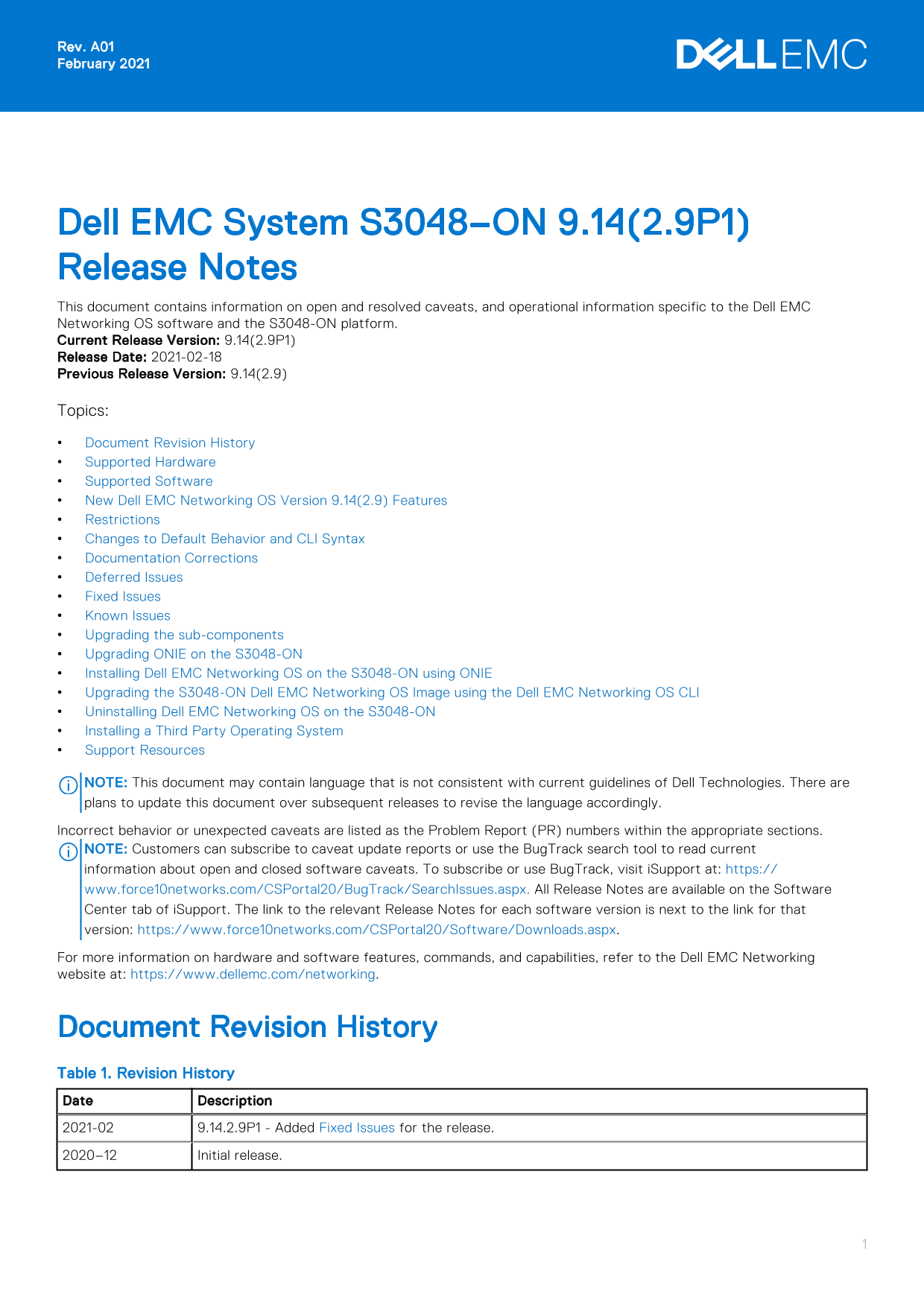
Dell EMC System S3048–ON 9.14(2.9P1) Release Notes This document contains information on open and resolved caveats, and operational information specific to the Dell EMC Networking OS software and the S3048-ON platform. Current Release Version: 9.14(2.9P1) Release Date: 2021-02-18 Previous Release Version: 9.14(2.9) Topics: Document Revision History Supported Hardware Supported Software New Dell EMC Networking OS Version 9.14(2.9) Features Restrictions Changes to Default Behavior and CLI Syntax Documentation Corrections Deferred Issues Fixed Issues Known Issues Upgrading the sub-components Upgrading ONIE on the S3048-ON Installing Dell EMC Networking OS on the S3048-ON using ONIE Upgrading the S3048-ON Dell EMC Networking OS Image using the Dell EMC Networking OS CLI Uninstalling Dell EMC Networking OS on the S3048-ON Installing a Third Party Operating System Support Resources

NOTE: This document may contain language that is not consistent with current guidelines of Dell Technologies. There are plans to update this document over subsequent releases to revise the language accordingly. Incorrect behavior or unexpected caveats are listed as the Problem Report (PR) numbers within the appropriate sections. NOTE: Customers can subscribe to caveat update reports or use the Bug Track search tool to read current information about open and closed software caveats. To subscribe or use Bug Track, visit i Support at: https:// www.force10networks.com/CSPortal20/Bug Track/Search Issues.aspx. All Release Notes are available on the Software Center tab of i Support. The link to the relevant Release Notes for each software version is next to the link for that version: https://www.force10networks.com/CSPortal20/Software/Downloads.aspx. For more information on hardware and software features, commands, and capabilities, refer to the Dell EMC Networking website at: https://www.dellemc.com/networking.

Document Revision History Table 1. Revision History Date Description 2021-02 9.14.2.9P1 - Added Fixed Issues for the release. 2020–12 Initial release.

Page Summary Contents For Dell EMC System S3048–ON 9.14.2.9P1 Release Notes

Page 1 Rev. A01 February 2021 Dell EMC System S3048–ON 9.14(2.9P1) Release Notes This document contains information on open and resolved caveats, and operational information specific to the Dell EMC Networki...
Page 2 Supported Hardware The following hardware is supported with this platform: Hardware S3048-ON chassis Forty-eight 10/100/1000Base-T RJ-45 Ports Four SFP+ optical ports (10 Gbps) Management Port USB 2.0...
Page 3 1. Uninstall the OA package of 9.14.2.0 or later version 2. Downgrade the Dell EMC Networking OS to an earlier version 3. Install the respective OA package from an earlier version For more information...
Page 4 Category Description S3 — Major: An issue that affects the functionality of a major feature or negatively effects the network for which there exists a work-around that is acceptable to the customer. S...
Page 5 PR# 169575 Severity: Sev 2 Synopsis: In certain scenarios, port configuration does not take effect and you may see the IFMGR-3-IFA_COMM_FAIL syslog error. Release Notes: In certain scenarios, port con...
Page 6 Release Notes: The switch may encounter a software exception due to invalid memory access on bootup. Workaround: None PR# 169921 Severity: Sev 2 Synopsis: Static routes are not restored when BFD is di...
Page 7 Category Description Work around Work around describes a mechanism for circumventing, avoiding, or recovering from the issue. It might not be a permanent solution. Issues listed in the “Closed Caveats...
Page 8 * Warning - Upgrading boot selectors is inherently risky and should * * only be attempted when necessary. A failure at this upgrade may * * cause a board RMA. Proceed with caution ! * Proceed upgrade ...
Page 9 1 3 up up 7200 Speed in RPM Dell EMC# Upgrade the GRUB or Boot Flash To upgrade the GRUB or Boot Flash from Dell EMC Networking OS, perform the following steps: 1. Upgrade the S3048-ON Boot Flash imag...
Page 10 TARGET IMAGE INFORMATION : Type Version Target checksum runtime 9.14(2.9) Control Processor passed BOOT IMAGE INFORMATION : Type Version Target checksum boot flash 3.24.2.9 Control Processor passed BO...
Page 11 Need to power cycle the unit to complete the FPGA upgrade. 2. Power cycle the system physically. Switch off the system by unplugging the power chords from the REAR PSUs and wait until the PSU FAN–REAR...
Page 12 4. Upgrade the DIAG installer package. ONIE:/ # onie-nos-install tftp://10.16.127.35/INSTALLER-DND-SG-2.0.0.5.bin Stopping: discover... done. Info: Fetching tftp://10.16.127.35/INSTALLER-DND-SG-2.0.0....
Page 13 The following message appears: Stopping: discover... done. ONIE:/ # 3. Configure an interface and assign an IP address to that interface using the following command: ONIE:/ # ifconfig eth0 ip-address/...
Page 14 ECC enabled: channel 0 DECCCTRL_DUNIT_REG=0x000200F3 POST: RTC Battery OK at last cold boot RTC date Thursday 12/10/2020 22:35:26 POST SPD test ..................................... PASS POST Lower DR...
Page 15 upgrade system [flash: | ftp: stack-unit <1-6> | tftp: | scp: | usbflash:] [A: | B:] Dell EMC#upgrade system tftp: a: Address or name of remote host []: 10.16.127.35 Source file name []: FTOS-SG...
Page 16 reload Command : reload Mode : EXEC PRIVILEGE Dell EMC#reload Proceed with reload [confirm yes/no]: y 7. Verify the S3048 ON has been upgraded to the Dell EMC Networking OS version 9.14(2.9). EXEC Pri...
Page 17 The following menu appears: | ONIE: Install OS | | ONIE: Rescue | |*ONIE: Uninstall OS | | ONIE: Update ONIE | | ONIE: Embed ONIE | | ONIE: Diag ONIE | | DELL-DIAG | 4. From this menu, choose the ONIE...
Page 18 (48-port 1G/4-port SFP+ 10G) CPLD JTAG to normal mode... done. Resetting... POST Configuration CPU Signature 406D8 CPU Family ID=6, Model=4D, Stepping Id=8, Processor=0 Microcode Revision 125 Platform...
Page 19 NOTE: You can subscribe to issue update reports or use the Bug Track search tool to read current information about open and closed issues. To subscribe or use Bug Track, visit Dell EMC Support at: htt...
Page 20 Notes, cautions, and warnings NOTE: A NOTE indicates important information that helps you make better use of your product. CAUTION: A CAUTION indicates either potential damage to hardware or loss of d...

Manual Details

Brand Dell
Pages 20
File Size 201.95 KB
Published June 24, 2026
9 views

Enter the captcha to get the download link:

captcha

Frequently Asked Questions

What hardware is supported with the S3048-ON chassis?

It supports forty-eight 10/100/1000Base-T RJ-45 ports, four SFP+ optical ports, management port, USB 2.0, serial console, and two AC PSUs.

What are the prerequisites for upgrading the Dell EMC Networking OS?

You must uninstall the older Open Automation package, upgrade the OS to 9.14.2.0 or later, and then reinstall SmartScripts, Puppet, OMI, and SNMP MIB.

Can I downgrade the switch firmware to an older version?

Yes, but downgrading to 9.11.0.0 or older requires removing CDB files using delete flash://confd_cdb.tar.gz commands before reloading.

What happens if the fan subsystems are empty or faulty?

The system will shut down automatically after one minute.