# A B C D E F G H I J K L M N O P Q R S T U V W X Y Z

Dell EMC System S3048-ON 9.14.2.12 Release Notes

Summary

Release notes for Dell EMC S3048-ON system running Networking OS version 9.14(2.12), released March 2022. Documents new features, fixed issues, known issues, deferred issues, and restrictions for the 48-port 10/100/1000Base-T and 4-port SFP+ open networking switch. Covers upgrade procedures for ONIE, Dell Networking OS installation, and third-party OS deployment. Includes supported hardware specifications (dual AC PSUs, three fan subsystems) and minimum software requirements. Intended for network engineers deploying campus and access-layer switching infrastructure.
📄 Preview 📖 Table of Contents Contents PAGE OF 18

Page 1 Text Content

Rev. A00 March 2022

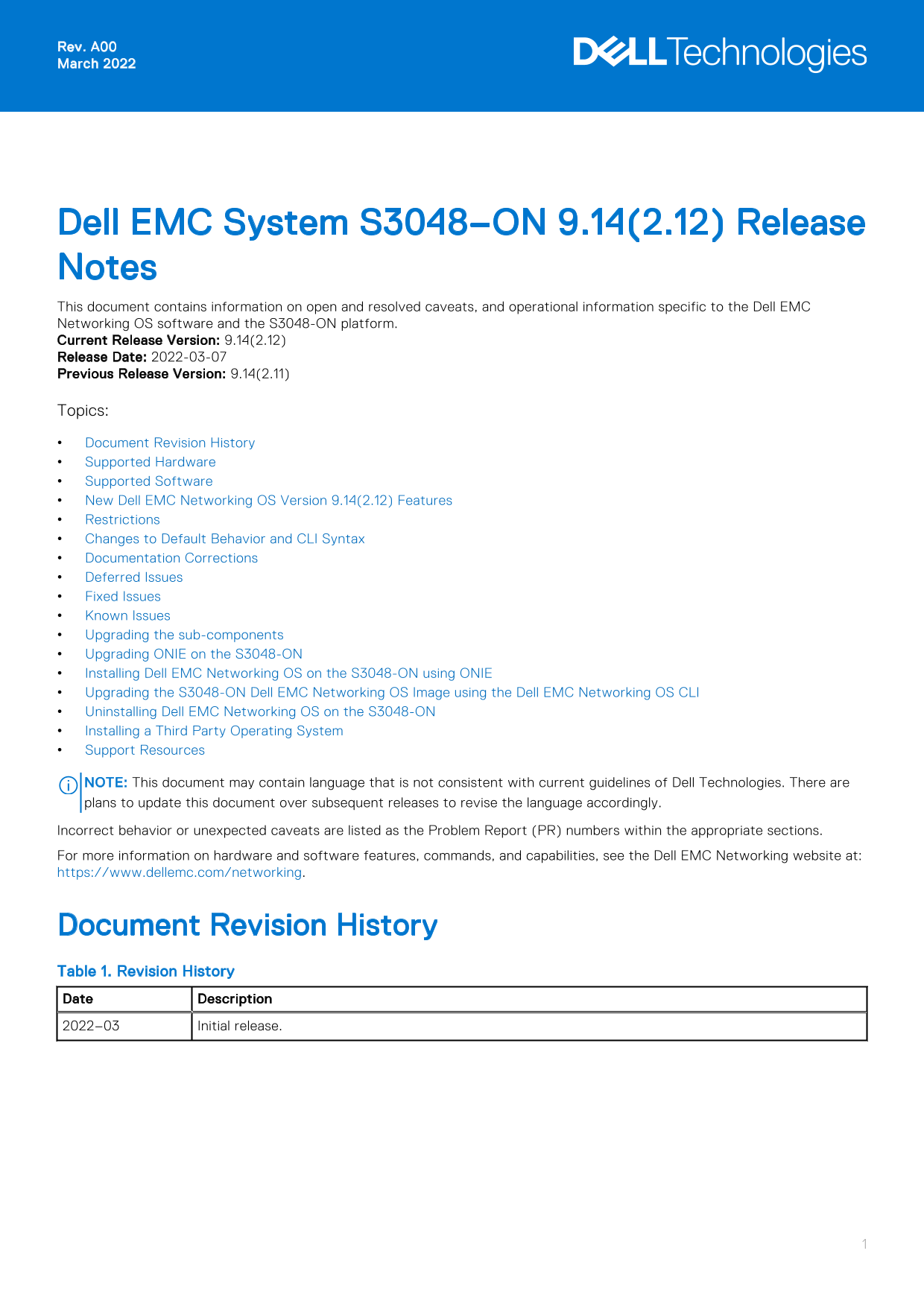
Dell EMC System S3048–ON 9.14(2.12) Release Notes This document contains information on open and resolved caveats, and operational information specific to the Dell EMC Networking OS software and the S3048-ON platform. Current Release Version: 9.14(2.12) Release Date: 2022-03-07 Previous Release Version: 9.14(2.11) Topics: Document Revision History Supported Hardware Supported Software New Dell EMC Networking OS Version 9.14(2.12) Features Restrictions Changes to Default Behavior and CLI Syntax Documentation Corrections Deferred Issues Fixed Issues Known Issues Upgrading the sub-components Upgrading ONIE on the S3048-ON Installing Dell EMC Networking OS on the S3048-ON using ONIE Upgrading the S3048-ON Dell EMC Networking OS Image using the Dell EMC Networking OS CLI Uninstalling Dell EMC Networking OS on the S3048-ON Installing a Third Party Operating System Support Resources

NOTE: This document may contain language that is not consistent with current guidelines of Dell Technologies. There are plans to update this document over subsequent releases to revise the language accordingly. Incorrect behavior or unexpected caveats are listed as the Problem Report (PR) numbers within the appropriate sections. For more information on hardware and software features, commands, and capabilities, see the Dell EMC Networking website at: https://www.dellemc.com/networking.

Document Revision History Table 1. Revision History Date Description 2022–03 Initial release.

Page Summary Contents For Dell EMC System S3048-ON 9.14.2.12 Release Notes

Page 1 Rev. A00 March 2022 Dell EMC System S3048–ON 9.14(2.12) Release Notes This document contains information on open and resolved caveats, and operational information specific to the Dell EMC Networking O...
Page 2 Supported Hardware The following hardware is supported with this platform: Hardware S3048-ON chassis Forty-eight 10/100/1000Base-T RJ-45 Ports Four SFP+ optical ports (10 Gbps) Management Port USB 2.0...
Page 3 Prerequisite steps to downgrade the Dell EMC Networking OS from 9.14.2.0 or later to the earlier version: 1. Uninstall the OA package of 9.14.2.0 or later version 2. Downgrade the Dell EMC Networking ...
Page 4 Category Description S2 — Critical: An issue that renders the system or a major feature unusable, which can have a pervasive impact on the system or network, and for which there is no work-around acce...
Page 5 PR# 170240 Severity: Sev 2 Synopsis: AAA accounting request displays an incorrect calling station-id. Release Notes: AAA accounting request displays an incorrect calling station-id. Workaround: None P...
Page 6 1. Upgrade the BIOS or Boot-selector - using the upgrade boot bootselector-image stack-unit 1 booted command. 2. Upgrade the GRUB or Bootflash - using the upgrade boot bootflash-image stack-unit 1 boo...
Page 7 Boot Flash : 3.24.2.9 Boot Selector : 3.24.0.0-11 Memory Size : 2127654912 bytes Temperature : 30C Voltage : ok Serial Number : NA Part Number : 0VCY6T Rev A00 Vendor Id : NA Date Code : NA Country Co...
Page 8 Upgrade the CPLD The S3048-ON system with Dell EMC Networking OS Version 9.14(2.12) requires System CPLD revision 10 and Module CPLD revision 9. NOTE: If your CPLD revisions are higher than the ones s...
Page 9 upgrade fpga-image stack-unit <id> booted Dell EMC#upgrade fpga-image stack-unit 1 booted Current information for the system: Card Device Name Current Version New Version Unit1 S3048-ON SYSTEM C...
Page 10 S3048-ON image>>>> onie-updater-x86_64-s3000_c2338-r0 2. Manual: Copy the image onto the TFTP/HTTP servers and boot ONIE. Update the ONIE using the onie-self-update command, then download ...
Page 11 machine restart BIOS (Dell EMC Inc) Boot Selector S3000 3.24.0.0-11 (48-port 1G/4-port SFP+ 10G) CPLD JTAG to normal mode... done. Resetting... Installing Dell EMC Networking OS on the S3048-ON using ...
Page 12 Restarting system. machine restart BIOS (Dell EMC) Boot Selector S3000 3.24.0.0-11 (48-port 1G/4-port SFP+ 10G) CPLD JTAG to normal mode... done. Resetting... POST Configuration CPU Signature 406D8 CP...
Page 13 Press Esc to stop autoboot ... 0 5. After the installation completes, the system displays the following DELL EMC prompt: Dell EMC# Upgrading the S3048-ON Dell EMC Networking OS Image using the Dell EM...
Page 14 stack-unit 1 DOWNLOAD BOOT 9.14(2.12)[boot] 9.14(2.11) stack-unit 2 is not present. stack-unit 3 is not present. stack-unit 4 is not present. stack-unit 5 is not present. stack-unit 6 is not present. ...
Page 15 1. Reboot the system. During the reboot process, the system displays the following message prompting you to press the Esc key in order to stop the auto-boot process: Version 2.16.1242. Copyright (C) 2...
Page 16 Percent complete: 100% Erase complete. Deleting partition 4 from /dev/sda Erasing internal mass storage device: /dev/sda5 (300MB) Percent complete: 100% Erase complete. Deleting partition 5 from /dev/...
Page 17 Support Resources The following support resources are available for the S3048–ON system. Documentation Resources This document contains operational information specific to the S3048–ON system. For inf...
Page 18 Notes, cautions, and warnings NOTE: A NOTE indicates important information that helps you make better use of your product. CAUTION: A CAUTION indicates either potential damage to hardware or loss of d...

Manual Details

Brand Dell
Pages 18
File Size 191.38 KB
Published June 26, 2026
5 views

Enter the captcha to get the download link:

captcha

Frequently Asked Questions

What hardware components are supported by the S3048-ON chassis?

The chassis supports 48 10/100/1000Base-T ports, 4 SFP+ optical ports, a management port, USB 2.0, serial console, two AC PSUs, and three fan subsystems.

Are there restrictions when upgrading the Dell EMC Networking OS?

Yes. To upgrade to 9.14.2.0 or later, you must uninstall the old Open Automation package first. For downgrading, you must remove CDB files (confd_cdb.tar.gz) and save the configuration before proceeding.

Can I downgrade the operating system to version 9.11.0.0 or older?

You can downgrade, but the system will display a CDB boot error message. To fix this, remove the CDB files (confd_cdb.tar.gz.version and confd_cdb.tar.gz) using the delete command and reload.

What features are not supported in Dell EMC Networking OS 9.7(0.0)?

Features such as PIM ECMP, static IGMP join, IGMP querier timeout, IGMP group join limit, and half-duplex mode are not available in version 9.7(0.0).

Does the REST API support AAA authentication?

No, the REST API does not support AAA authentication.