Dell Information Update - Intel Xeon 3400 Series Processors User's Guide
Summary
This technical document provides critical updates and guidelines for managing your system's BIOS settings. It instructs users on checking processor specifications, such as bus speed, within the Processor Settings menu. Crucially, it outlines compatibility limitations regarding system memory upgrades, warning against unsupported configurations like specific high-density RDIMMs or UDIMMs, and quad-rank modules. This manual is essential for power users and IT professionals undertaking hardware maintenance, ensuring reliable setup and optimal performance when upgrading RAM or adjusting firmware.
Page 1 Text Content
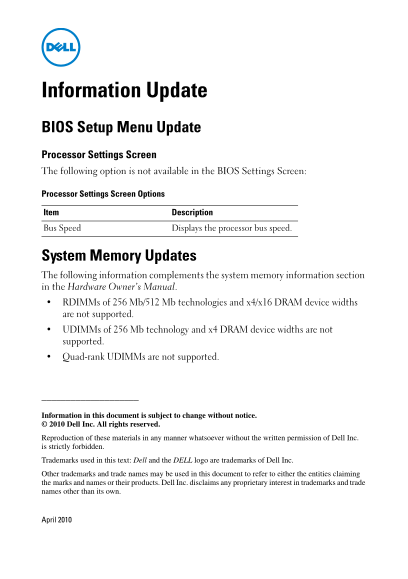
Information Update BIOS Setup Menu Update Processor Settings Screen The following option is not available in the BIOS Settings Screen: Processor Settings Screen Options Item Description Bus Speed Displays the processor bus speed.
System Memory Updates The following information complements the system memory information section in the Hardware Owner’s Manual. RDIMMs of 256 Mb/512 Mb technologies and x4/x16 DRAM device widths are not supported. UDIMMs of 256 Mb technology and x4 DRAM device widths are not supported. Quad-rank UDIMMs are not supported.
Information in this document is subject to change without notice. Dell Inc. All rights reserved.
Reproduction of these materials in any manner whatsoever without the written permission of Dell Inc. is strictly forbidden.
Trademarks used in this text: Dell and the DELL logo are trademarks of Dell Inc.
Other trademarks and trade names may be used in this document to refer to either the entities claiming the marks and names or their products. Dell Inc. disclaims any proprietary interest in trademarks and trade names other than its own.
April 2010
Page Summary Contents For Dell Information Update - Intel Xeon 3400 Series Processors User's Guide
Manual Details
| Brand | Intel |
|---|---|
| Pages | 7 |
| File Size | 400.26 KB |
| Published | May 29, 2026 |
Enter the captcha to get the download link:

Frequently Asked Questions
Processor Settings 화면에서 어떤 정보를 확인할 수 있나요?
'Bus Speed'(총선)를 통해 프로세서 총선 속도를 확인할 수 있습니다.
어떤 종류의 시스템 메모리는 지원되지 않나요?
RDIMM은 256 Mb/512 Mb 기술과 x4/x16 DRAM 장치 폭이, UDIMM은 256 Mb 기술 및 x4 DRAM 장치 폭, 그리고 사중(Quad-rank) UDIMMs는 지원되지 않습니다.
BIOS 설정 메뉴의 정보는 얼마나 자주 변경될 수 있나요?
본 문서에 포함된 모든 정보는 사전 예고 없이 내용이 변경될 수 있습니다.