Dell Image Assist Version 11.0.3 Release Notes
Summary
Image Assist is a critical Dell OS Imaging tool designed for system administrators to capture and restore complete operating system images on supported Windows 10 and Windows 11 platforms. This release documentation serves as comprehensive technical guidance, detailing security patches, functional enhancements, and resolved bugs across current versions. It helps IT professionals ensure smooth deployment and cross-platform compatibility, providing necessary information regarding system limitations, required frameworks, and best practices for accurate imaging workflows.
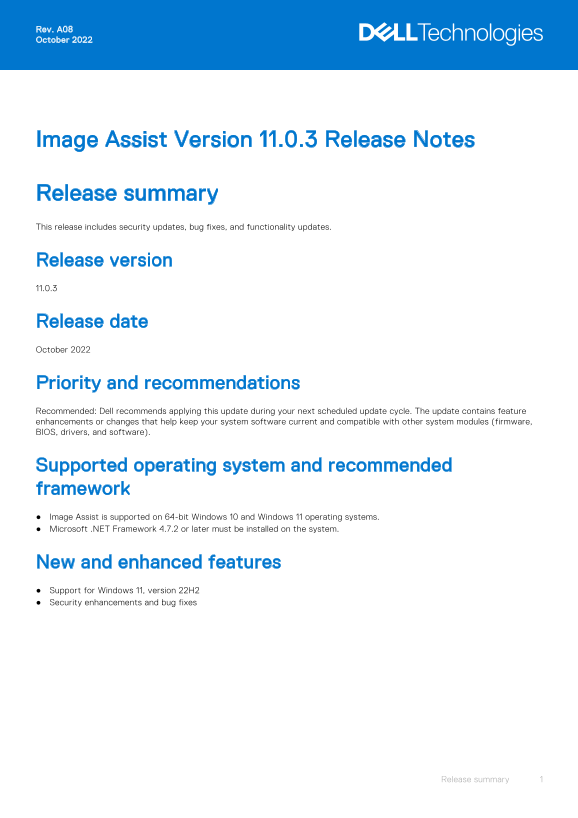
Page 1 Text Content
Rev. A08 October 2022
Image Assist Version 11.0.3 Release Notes
Release summary This release includes security updates, bug fixes, and functionality updates.
Release version 11.0.3
Release date October 2022
Priority and recommendations Recommended: Dell recommends applying this update during your next scheduled update cycle. The update contains feature enhancements or changes that help keep your system software current and compatible with other system modules (firmware, BIOS, drivers, and software).
Supported operating system and recommended framework Image Assist is supported on 64-bit Windows 10 and Windows 11 operating systems. Microsoft .NET Framework 4.7.2 or later must be installed on the system.
New and enhanced features Support for Windows 11, version 22H2 Security enhancements and bug fixes
Release summary
Page Summary Contents For Dell Image Assist Version 11.0.3 Release Notes
Manual Details
| Brand | Image |
|---|---|
| Pages | 4 |
| File Size | 54.22 KB |
| Published | June 03, 2026 |
Enter the captcha to get the download link:

Frequently Asked Questions
What operating systems does Image Assist support?
It supports 64-bit Windows 10 and Windows 11.
Which Microsoft .NET Framework is required?
A minimum of Microsoft .NET Framework 4.7.2 must be installed.
Are customized local settings maintained after Sysprep?
Customized static IP, DNS, or WINS settings are reset to default after the Sysprep process.
Can Image Assist Dynamic image capture support Windows Server?
No, Image Assist Dynamic does not support Windows Server or Embedded Windows 10 operating systems.