# A B C D E F G H I J K L M N O P Q R S T U V W X Y Z

Dell iDRAC9 Version 5.00.00.00 Release Notes

Summary

These release notes document iDRAC9 firmware version 5.00.00.00 for Dell PowerEdge servers, highlighting new features including NVMe Boot over Fibre Channel support, TPM firmware updates for 15th generation servers, PCIe slot inventory simplification, HTTP/2 support, and enhanced storage data filtration in the GUI. The document covers fixes, deprecated features, known issues, firmware update procedures, and Lifecycle Controller remote services. It is intended for server administrators and IT infrastructure engineers managing Dell enterprise server environments.
📄 Preview 📖 Table of Contents Contents PAGE OF 26

Page 1 Text Content

Rev. A00 June 2021

i DRAC9 Version 5.00.00.00 Release Notes

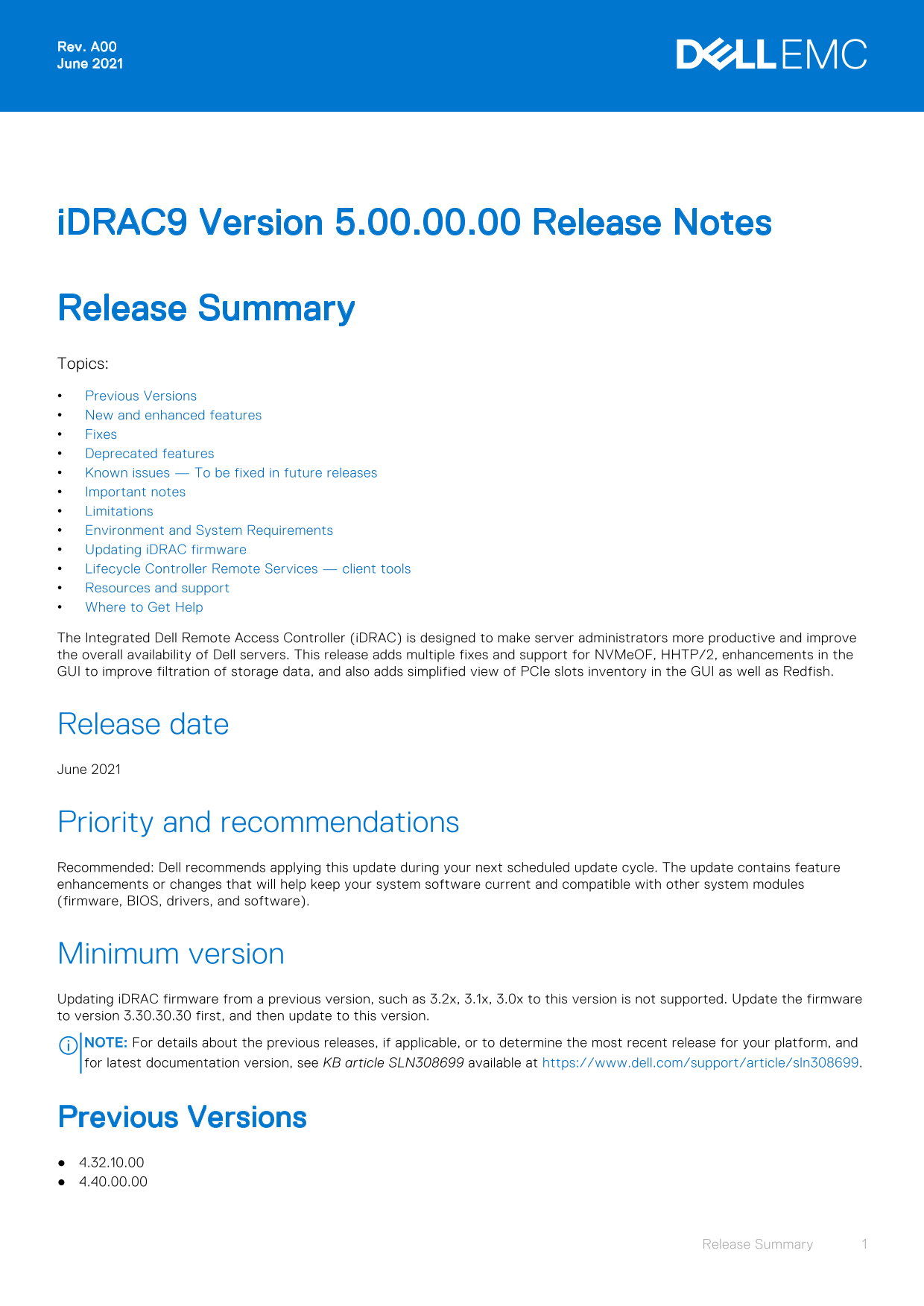
Release Summary Topics: Previous Versions New and enhanced features Fixes Deprecated features Known issues — To be fixed in future releases Important notes Limitations Environment and System Requirements Updating i DRAC firmware Lifecycle Controller Remote Services — client tools Resources and support Where to Get Help The Integrated Dell Remote Access Controller (i DRAC) is designed to make server administrators more productive and improve the overall availability of Dell servers. This release adds multiple fixes and support for NVMe OF, HHTP/2, enhancements in the GUI to improve filtration of storage data, and also adds simplified view of PCIe slots inventory in the GUI as well as Redfish.

Release date June 2021

Priority and recommendations Recommended: Dell recommends applying this update during your next scheduled update cycle. The update contains feature enhancements or changes that will help keep your system software current and compatible with other system modules (firmware, BIOS, drivers, and software).

Minimum version Updating i DRAC firmware from a previous version, such as 3.2x, 3.1x, 3.0x to this version is not supported. Update the firmware to version 3.30.30.30 first, and then update to this version. NOTE: For details about the previous releases, if applicable, or to determine the most recent release for your platform, and for latest documentation version, see KB article SLN308699 available at https://www.dell.com/support/article/sln308699.

Previous Versions 4.32.10.00 4.40.00.00

Release Summary

Page Summary Contents For Dell iDRAC9 Version 5.00.00.00 Release Notes

Page 1 Rev. A00 June 2021 i DRAC9 Version 5.00.00.00 Release Notes Release Summary Topics: Previous Versions New and enhanced features Fixes Deprecated features Known issues — To be fixed in future releases ...
Page 2 New and enhanced features i DRAC and LC firmware Support for NVMe Boot over Fibre Channel (NVMe OF). Support for firmware update of TPM 1.2 and 2.0 in 15th generation of Power Edge servers. Simplified...
Page 3 Fixes Authentication 196752: Open Source IPMITOOL authentication fails USer ID2 with a 20 character password. i DRAC and LC firmware 180173: Virtual Console goes into connecting viewer state if it is ...
Page 4 Features i DRAC9 i DRAC9 for Power Edge Rx5xx/ Cx5xx RBAP and Simple Identity profiles Removal Removal WSMan Deprecated Deprecated DCIM_account profile Removal Removal Telnet and TLS 1.0 Removal Remov...
Page 5 Description After updating backplane firmware to a newer version and then updating it back to a previous version from host OS, the backplane information is not displayed while trying to apply the firm...
Page 6 Workaround N/a Systems affected All Power Edge Rx5x5 or Cx5x5 series servers supported by this release. Tracking number 5. PR1 & PR10 Lifecycle logs displayed during Retire and Repurpose operation...
Page 7 Tracking number 3. NIC or FC device slot listed in hardware inventory even when disabled in BIOS Description For some NIC or FC cards, even if the device slot is disabled in BIOS, the slot may still g...
Page 8 Tracking number 4. SCP jobs failing through RACADM Description Updating configuration for NVMe Over FC fails with an LC log error stating " Unable to configure the target settings properties of t...
Page 9 Systems affected All systems supported by this release. Tracking number 11. Unable to create a recurring job after same job was completed Description Creating a recurring job will fail if the same job...
Page 10 Miscellaneous 1. v Media performance degraded with QLogic QL41000 Description v Media performance may be degraded when using it in Shared LOM mode with the QLogic QL41000 series OCP3 adapters with fir...
Page 11 Description Local video does not turn off and remains on, regardless of the local video server settings in i DRAC virtual console. Workaround N/a Systems affected Power Edge C6525, Power Edge C6400. T...
Page 12 7. After an i DRAC reboot, the i DRAC GUI may take some time to initialize causing some information to be unavailable or some options to be disabled. 8. While generating Server Configuration Profile t...
Page 13 30. If system lockdown mode is enabled while a user is logged into Life Cycle Controller GUI, then lockdown mode will not be applicable on Life Cycle Controller. Monitoring and alerting 1. OS collecto...
Page 14 Share contains fewer files and folders. 10. While i DRAC is initializing, all communications with i DRAC may fail. For any service requests, wait until the initialization process is complete. 11. In i...
Page 15 5. In the software inventory, the hash value for i DRAC firmware is displayed as NA instead of hash. 6. Install SEKM license before you update the i DRAC to SEKM supported version 4.00.00.00 or later....
Page 16 11. In SLES and RHEL, the native video players do not support the MPEG-1 video formats. To play the captured videos, install an MPEG decoder or a video player that supports this format. Limitations Au...
Page 17 4. LC can import and view an i DRAC license but cannot export or delete the i DRAC license. The i DRAC license can be deleted from i DRAC web interface. 5. The i SCSI offload attribute can be enabled ...
Page 18 7. LC does not support SOCK4 proxy with credentials. 8. LC UI supports share names and file paths that are up to 256 characters long. However, the protocol you use may only allow shorter values for th...
Page 19 Security 1. Cryptographic Erase operation is not supported for hot-plugged NVMe disks. Reboot the server before starting the operation. If the operation continues to fail, ensure that CSIOR is enabled...
Page 20 3. When accessing the i DRAC web interface for the first time using Google Chrome version 59.0, the mouse pointer may not be visible. To display the mouse pointer, refresh the page or use Google Chrom...
Page 21 Power Edge R940xa Power Edge R6415 Power Edge R6515 Power Edge R6525 Power Edge R7415 Power Edge R7425 Power Edge R7515 Power Edge R7525 Power Edge T140 Power Edge T340 Power Edge T440 Power Edge T640...
Page 22 OEMR T440 OEMR T640 Supported managed server operating systems and hypervisors Microsoft Windows Server 2016 Essentials Server 2016 Standard Server 2016 Datacenter Server 2019 Essentials Server 2019 D...
Page 23 i DRAC tools This version of i DRAC requires the following tools based on the operating system: Dell EMC i DRAC Tools for Microsoft Windows Server(R), v10.0.1 Dell EMC i DRAC Tools for Linux, v10.0.1 ...
Page 24 Lifecycle Controller Remote Services — client tools Redfish API For information about Redfish, see the DMTF website https://www.dmtf.org/standards/redfish.This website provides access to schema files,...
Page 25 4. Click the desired product and then click the desired version if applicable. NOTE: For some products, you may need to navigate through the subcategories. 5. Click DOCUMENTATION. 6. Click MANUALS AND...
Page 26 Copyright © 2021 Dell Inc. or its subsidiaries. All rights reserved. Dell, EMC, and other trademarks are trademarks of Dell Inc. or its subsidiaries. Other trademarks may be trademarks of their respec...

Manual Details

Brand Dell
Pages 26
File Size 245.59 KB
Published June 23, 2026
9 views

Enter the captcha to get the download link:

captcha

Frequently Asked Questions

Can I update iDRAC firmware from version 3.2x to version 5.00.00.00 directly?

No, you must update to version 3.30.30.30 first, and then update to this version.

What new Redfish features are included in this release?

New features include Redfish Life Cycle Events (RLCE), HTTP/2 protocol support, and operation options like GracefulRestart and OperationApplyTime.

How do I access the iDRAC manual?

You can access documents via direct links at dell.com/idracmanuals, using the product search on support.dell.com, or via the product selector in the browser.