Dell Image Assist Version 11.0.2 Release Notes
Summary
This comprehensive guide details updates for Image Assist, professional software used for system imaging on Dell systems. It is essential reading for IT professionals managing Windows 10 and Windows 11 environments. This manual summarizes bug fixes, performance enhancements, and expanded compatibility supporting newer Dell hardware. Use this reference to ensure your OS snapshots are current, optimized, and reliable across various deployment scenarios.
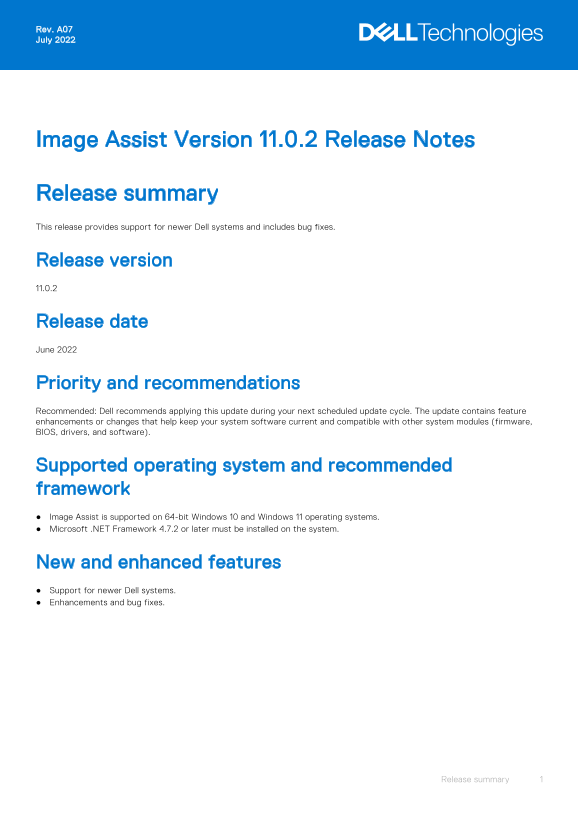
Page 1 Text Content
Rev. A07 July 2022
Image Assist Version 11.0.2 Release Notes
Release summary This release provides support for newer Dell systems and includes bug fixes.
Release version 11.0.2
Release date June 2022
Priority and recommendations Recommended: Dell recommends applying this update during your next scheduled update cycle. The update contains feature enhancements or changes that help keep your system software current and compatible with other system modules (firmware, BIOS, drivers, and software).
Supported operating system and recommended framework Image Assist is supported on 64-bit Windows 10 and Windows 11 operating systems. Microsoft .NET Framework 4.7.2 or later must be installed on the system.
New and enhanced features Support for newer Dell systems. Enhancements and bug fixes.
Release summary
Page Summary Contents For Dell Image Assist Version 11.0.2 Release Notes
Manual Details
| Brand | Image |
|---|---|
| Pages | 4 |
| File Size | 54.08 KB |
| Published | May 29, 2026 |
Enter the captcha to get the download link:

Frequently Asked Questions
What operating systems does Image Assist support?
It is supported on 64-bit Windows 10 and Windows 11.
Are there limitations with customizing network settings using Image Assist?
Custom modifications to static IP address, DNS, or WINS information settings are reset to default after the Sysprep process.
Is Profile Copier available for all operating systems?
The profile copier is disabled when using the Windows 11 operating system.
Who should I contact for Image Assist support?
Contact the Dell OS Imaging Helpdesk, with specific regional email addresses provided by the documentation.