Dell EqualLogic Host Integration Tools for Microsoft Edition Version 5.5 Release Notes
Summary
Optimize your data infrastructure with Dell EqualLogic Host Integration Tools for Microsoft Edition (HIT/ME). This essential kit allows system administrators to seamlessly integrate PS and FS Series storage arrays with key Microsoft applications, including SQL Server, Hyper-V, Exchange, and SharePoint. The technical guide provides comprehensive coverage of component functionality (MPIO, VSS, ASM/ME), mandatory installation requirements, supported Windows versions (Windows 10/Server), and detailed usage constraints. It is the definitive resource for IT professionals managing high-availability and efficient storage connectivity within a complex Windows enterprise environment.
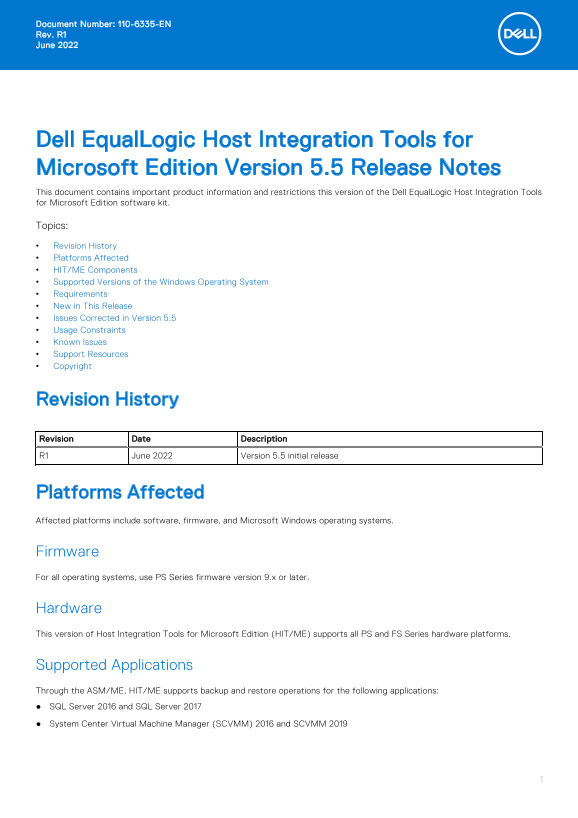
Page 1 Text Content
Document Number: 110-6335-EN Rev. R1 June 2022
Dell Equal Logic Host Integration Tools for Microsoft Edition Version 5.5 Release Notes This document contains important product information and restrictions this version of the Dell Equal Logic Host Integration Tools for Microsoft Edition software kit. Topics: Revision History Platforms Affected HIT/ME Components Supported Versions of the Windows Operating System Requirements New in This Release Issues Corrected in Version 5.5 Usage Constraints Known Issues Support Resources Copyright
Revision History Revision Date Description R1 June 2022 Version 5.5 initial release
Platforms Affected Affected platforms include software, firmware, and Microsoft Windows operating systems.
Firmware For all operating systems, use PS Series firmware version 9.x or later.
Hardware This version of Host Integration Tools for Microsoft Edition (HIT/ME) supports all PS and FS Series hardware platforms.
Supported Applications Through the ASM/ME, HIT/ME supports backup and restore operations for the following applications: SQL Server 2016 and SQL Server 2017 System Center Virtual Machine Manager (SCVMM) 2016 and SCVMM 2019
Page Summary Contents For Dell EqualLogic Host Integration Tools for Microsoft Edition Version 5.5 Release Notes
Manual Details
| Brand | Integration |
|---|---|
| Pages | 13 |
| File Size | 205.48 KB |
| Published | May 29, 2026 |
Enter the captcha to get the download link:

Frequently Asked Questions
How do I download the Host Integration Tools for Microsoft Edition?
You must go to eqlsupport.dell.com, log in, and select the latest recommended version under the Downloads tab.
What types of Windows operating systems are supported by HIT/ME?
It supports Windows Client 10, and various server versions including Server 2012 R2, 2016, and 2019 for both physical and Core editions.
Which applications can HIT/ME handle backup and restore operations for?
Supported applications include SQL Server (2016/2017), Hyper-V, Exchange Server (2016/2019), and SharePoint (2016/2019).
What is a restriction when using HIT/ME with existing software?
You must not use an unsupported instance of an application on the same computer as a supported instance, or it may cause incorrect operation.