Dell OpenManage Enterprise Integration for Microsoft System Center Operations Manager Version 1.0 Release Notes
Summary
Enhance your data center visibility with this vital integration plugin. Designed for IT professionals, it extends OpenManage Enterprise’s capabilities by allowing comprehensive monitoring of Dell hardware—including servers, switches, and modular systems—directly within the System Center Operations Manager (SCOM) console. This capability centralizes health checks, inventory management, and alerting across your critical infrastructure. The accompanying manual serves as a complete resource, detailing version 1.0's features, system requirements, known issues, operational limitations, and step-through guides for seamless SCOM integration.
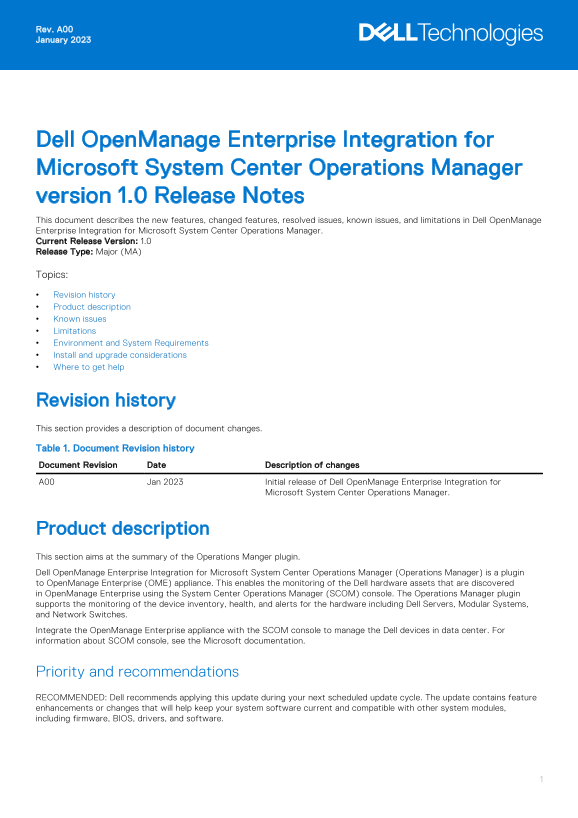
Page 1 Text Content
Rev. A00 January 2023
Dell Open Manage Enterprise Integration for Microsoft System Center Operations Manager version 1.0 Release Notes This document describes the new features, changed features, resolved issues, known issues, and limitations in Dell Open Manage Enterprise Integration for Microsoft System Center Operations Manager. Current Release Version: 1.0 Release Type: Major (MA) Topics: Revision history Product description Known issues Limitations Environment and System Requirements Install and upgrade considerations Where to get help
Revision history This section provides a description of document changes. Table 1. Document Revision history Document Revision Date Description of changes A00 Jan 2023 Initial release of Dell Open Manage Enterprise Integration for
Microsoft System Center Operations Manager.
Product description This section aims at the summary of the Operations Manger plugin. Dell Open Manage Enterprise Integration for Microsoft System Center Operations Manager (Operations Manager) is a plugin to Open Manage Enterprise (OME) appliance. This enables the monitoring of the Dell hardware assets that are discovered in Open Manage Enterprise using the System Center Operations Manager (SCOM) console. The Operations Manager plugin supports the monitoring of the device inventory, health, and alerts for the hardware including Dell Servers, Modular Systems, and Network Switches. Integrate the Open Manage Enterprise appliance with the SCOM console to manage the Dell devices in data center. For information about SCOM console, see the Microsoft documentation.
Priority and recommendations RECOMMENDED: Dell recommends applying this update during your next scheduled update cycle. The update contains feature enhancements or changes that will help keep your system software current and compatible with other system modules, including firmware, BIOS, drivers, and software.
Page Summary Contents For Dell OpenManage Enterprise Integration for Microsoft System Center Operations Manager Version 1.0 Release Notes
Manual Details
| Brand | Integration |
|---|---|
| Pages | 3 |
| File Size | 49.33 KB |
| Published | June 03, 2026 |
Enter the captcha to get the download link:

Frequently Asked Questions
What devices can the Operations Manager plugin monitor?
It supports monitoring inventory, health, and alerts for Dell Servers, Modular Systems, and Network Switches.
How do I troubleshoot synchronization issues after a VM migration?
After a Virtual Machine (VM) to VM migration, ensure you perform Sync on the OpenManage Enterprise appliance IP address in the SCOM Management Server Plugin Dashboard.
What are general system requirements for setup?
For the complete list of supported devices, protocols, hardware, and web browsers, consult the Dell OpenManage Enterprise User's Guide available at dell.com/openmanage-enterprise-integration-operations-manager/docs.
Can using Global Health tasks delay monitoring tasks?
Yes, if Global Health or Inventory jobs are running, Monitoring tasks and Synchronize tasks in Operations Manager may get delayed.