Asus Motherboard X570S AERO G (rev.1.x) RAID Setup Guide User Manual English
Summary
This comprehensive guide provides advanced system builders and IT professionals with detailed instructions for setting up high-performance RAID storage arrays using SATA controllers. The manual covers the complete process, from initial hardware installation to complex array management. Users will learn how to configure multiple RAID levels (including RAID 0, RAID 1, and RAID 10) through BIOS/UEFI settings. It also provides step-by-step instructions for installing necessary drivers, completing Operating System setup, and performing critical data tasks like rebuilding arrays after drive failure, ensuring maximum data redundancy and storage efficiency.
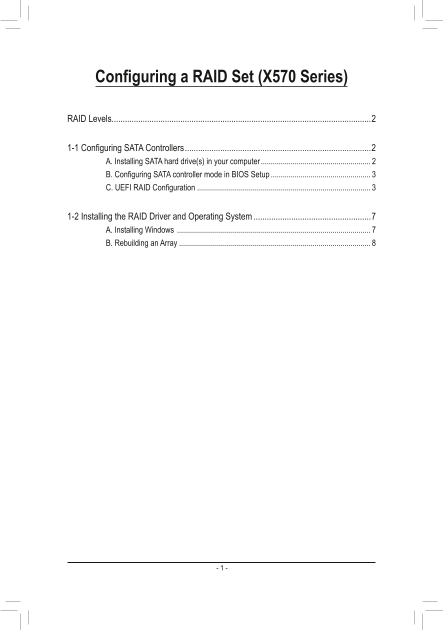
Page 1 Text Content
Configuring a RAID Set (X570 Series)
RAID Levels .....................................................................................................................2
1-1 Configuring SATA Controllers ....................................................................................2 A. Installing SATA hard drive(s) in your computer .......................................................
B. Configuring SATA controller mode in BIOS Setup .................................................. C. UEFI RAID Configuration .......................................................................................
1-2 Installing the RAID Driver and Operating System .....................................................7 A. Installing Windows .................................................................................................
B. Rebuilding an Array ................................................................................................
Page Summary Contents For Asus Motherboard X570S AERO G (rev.1.x) RAID Setup Guide User Manual English
Manual Details
| Brand | Asus |
|---|---|
| Pages | 8 |
| File Size | 1.87 MB |
| Published | May 15, 2026 |
Enter the captcha to get the download link:

Frequently Asked Questions
What are the requirements for setting up a RAID array?
You must have at least two SATA hard drives or SSDs, and it's recommended they use identical models and capacity.
How do I switch the SATA controller mode to RAID?
Press <Delete> to enter BIOS Setup, navigate to SettingsIO Ports, and set SATA Mode to RAID in the Saturated Configuration settings.
Which RAID levels are supported for array configuration?
Supported RAID levels include RAID 0, RAID 1, and RAID 10. RAID 10 requires a minimum of four hard drives.
How do I rebuild data onto a replacement drive in a fault-tolerant array?
Launch the RAIDXpert2 utility, select the new drive twice on the Disk Devices section, and then initiate the process to restore data.