ViewSonic E71f User Guide and Manual
Summary
This comprehensive user guide is designed for all users who need a reliable, high-quality color monitor. It provides step-by-step instructions covering initial setup, connectivity options, and maximizing performance across various operating systems. Locate straightforward guidance on using the OnView controls to adjust brightness and contrast, troubleshoot display issues, and understand the full capability of your monitor, ensuring an optimal viewing experience every time.
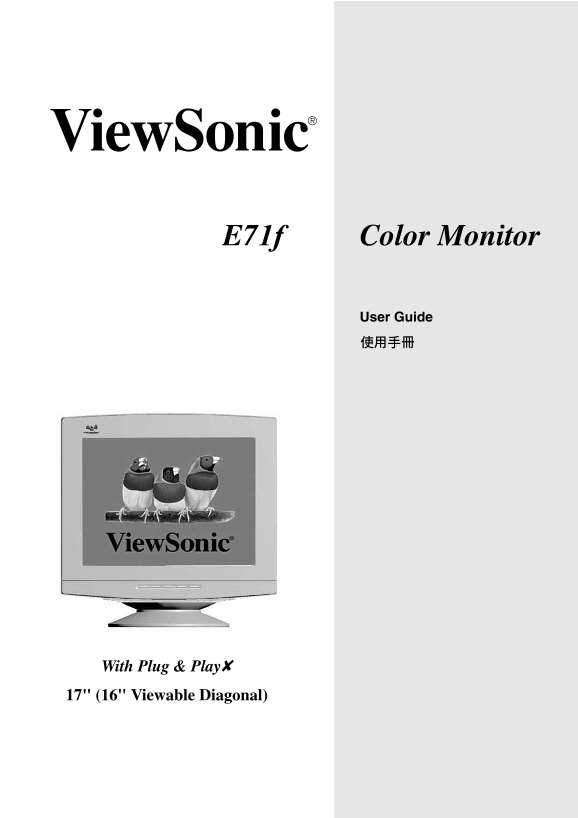
Page 1 Text Content
Color Monitor E71f
User Guide
With Plug & Play✘ 17" (16" Viewable Diagonal)
Page Summary Contents For ViewSonic E71f User Guide and Manual
Manual Details
| Brand | VIEWSONIC |
|---|---|
| Pages | 18 |
| File Size | 509.97 KB |
| Published | June 15, 2026 |
Enter the captcha to get the download link:

Frequently Asked Questions
How can I adjust the brightness or contrast?
Use the built-in function menu (Main Menu) and select 'Contrast' or 'Brightness' using physical controls.
What network standards is this monitor compatible with?
It supports various connections, but specific port details are needed for precise compatibility answers. General connectivity coverage includes standard video interfaces.
Does the equipment comply with FCC regulations?
Yes, it passes Class B digital device limits. If interference occurs, try increasing separation or using a different outlet circuit.