Samsung Smart Vacuum Cleaner SC7870 User Manual - Part 2 Product Guide
Summary
Master your cleaning routine with this comprehensive guide to operating and maintaining your indoor vacuum cleaner. This manual provides essential instructions on safe handling, setup, and performance optimization for owners seeking reliable, deep cleaning power. Learn best practices for different floor types, detailed steps for changing dust bags, cleaning filters (including HEPA models), and troubleshooting common issues like decreased suction or blockages. Read this guide to ensure your unit operates at peak efficiency safely and correctly.
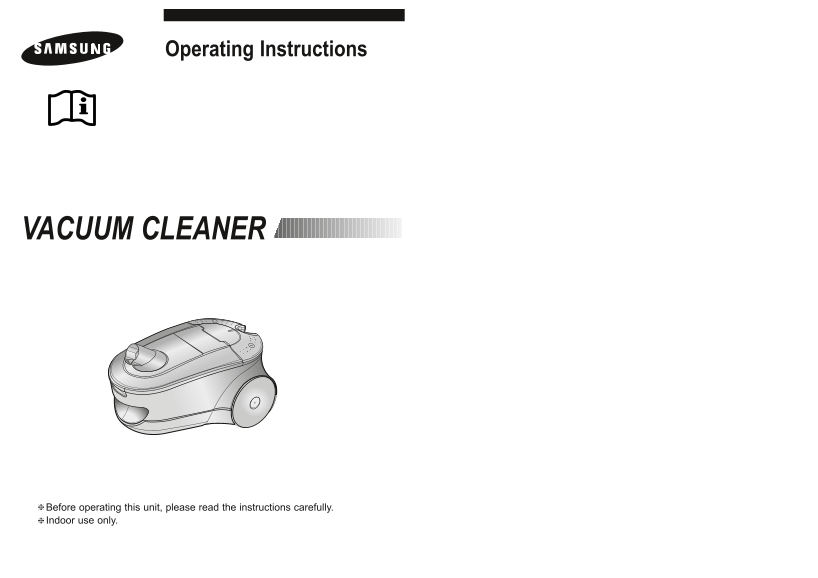
Page 1 Text Content
Operating Instructions
VACUUM CLEANER
❈Before operating this unit, please read the instructions carefully. ❈Indoor use only.
Page Summary Contents For Samsung Smart Vacuum Cleaner SC7870 User Manual - Part 2 Product Guide
Manual Details
| Brand | Samsung |
|---|---|
| Pages | 7 |
| File Size | 4.24 MB |
| Published | June 15, 2026 |
Enter the captcha to get the download link:

Frequently Asked Questions
What should I do if there is low or decreasing suction force?
Check for blockages in the nozzle/hose, and clean all filters (Cyclone, cassette, micro) as illustrated.
How should I unplug the vacuum cleaner safely?
First, switch the unit off on its body before unplugging. Grasp the plug itself, not the electrical cord.
Is it safe to rinse the filters with water?
Yes, you can rinse the cassette filter with water, but never immerse the whole cleaner; ensure all parts are completely dry before replacing.
What controls the vacuum's power level for different surfaces?
You can use either Body Control or Remote Control to select MIN (delicate), MID, or MAX (hard floors/heavy carpets).