Samsung SGH-C168B Quick User Guide
Summary
Discover the SGH-C160, a comprehensive multi-functional mobile device engineered for reliable communication and memory keeping. Featuring integrated camera/camcorder, music playback, photo printing, Bluetooth connectivity, and essential SOS messaging, this phone simplifies modern life. The quick start guide provides complete instructions on everything from initial setup (SIM card insertion) and basic calling functions to advanced features like offline mode and linking. Essential reading for any user seeking a dependable, feature-rich communication tool that includes full troubleshooting guidance and critical safety precautions.
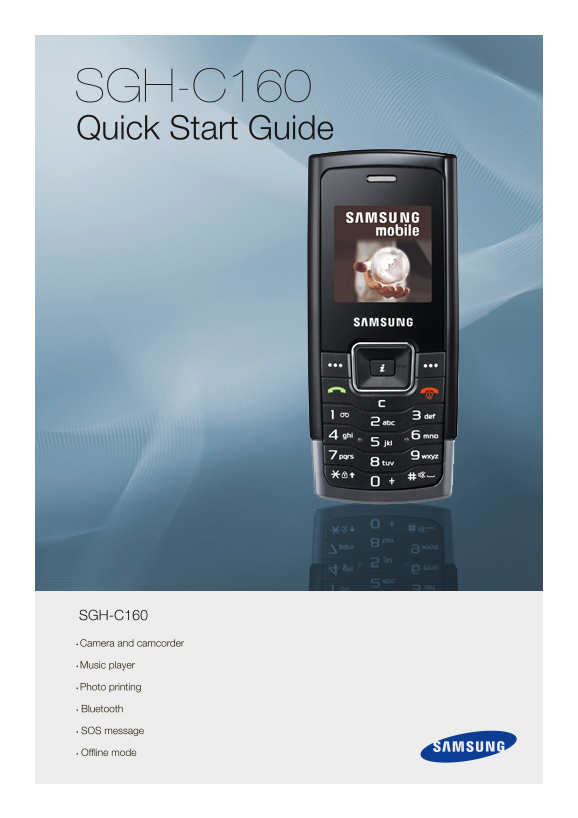
Page 1 Text Content
SGH-C160 Quick Start Guide
SGH-C160 • Camera and camcorder
• Music player
• Photo printing
• Bluetooth
• SOS message
• Offline mode
Page Summary Contents For Samsung SGH-C168B Quick User Guide
Manual Details
| Brand | Samsung |
|---|---|
| Pages | 7 |
| File Size | 361.29 KB |
| Published | June 02, 2026 |
Enter the captcha to get the download link:

Frequently Asked Questions
What precautions must I take regarding the phone's usage?
Do not use a hand-held phone while driving, and always switch off the device near fueling points, in aircraft, or near medical equipment.
Beyond calling, what key functions does this device offer?
It features Bluetooth for media transfer, Photo Printing capabilities, FM radio listening, an SOS message function, and Offline mode usage.
What should I do if my call audio quality is poor or difficult to maintain signal?
Check the signal strength indicator on the display. Try moving the phone slightly or closer to a window if you are inside a building.