Samsung PS60E530 Quick User Guide
Summary
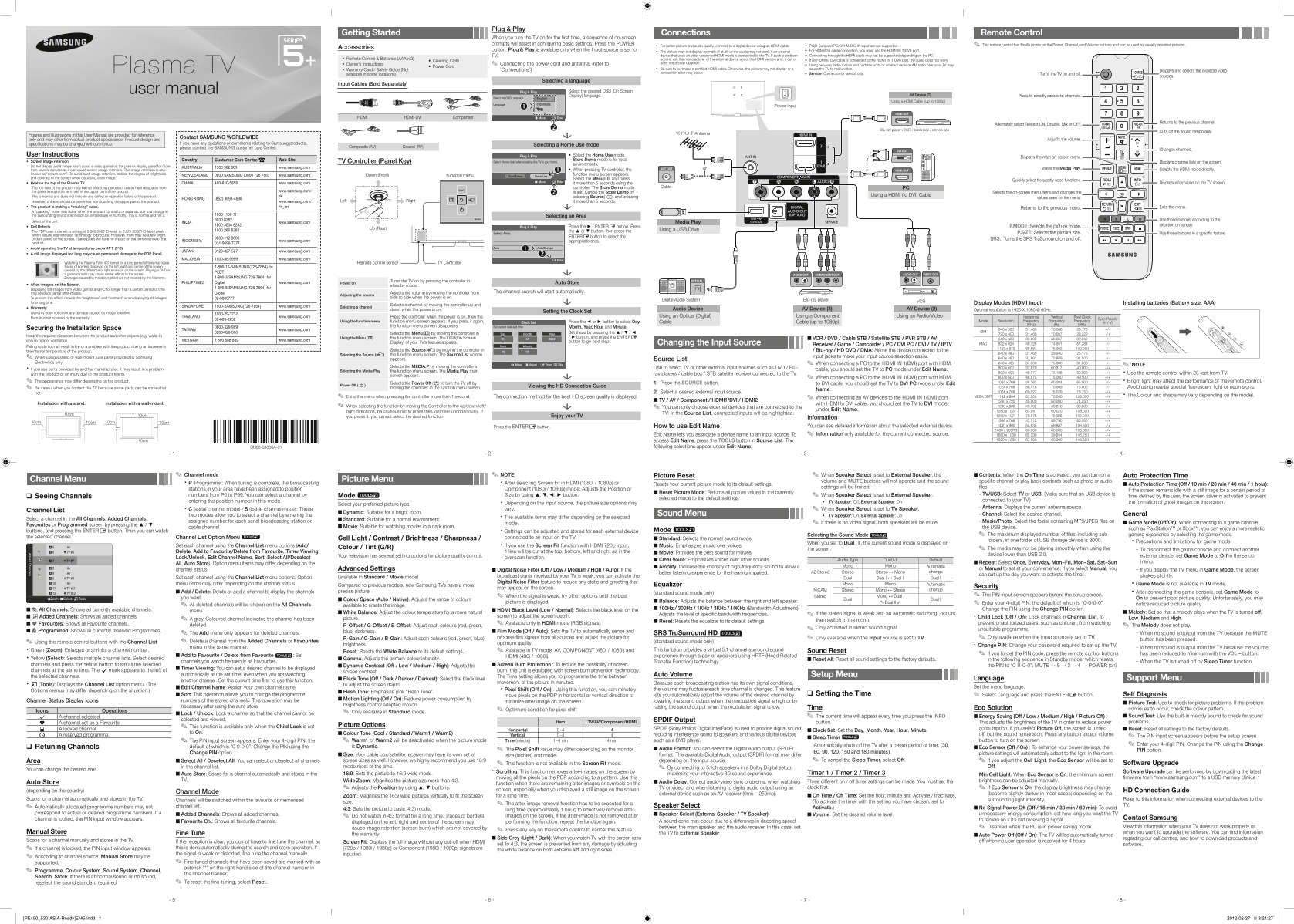
This comprehensive manual is your guide to optimizing your TV's performance, covering everything from initial plug-and-play setup to advanced feature utilization. It details how to properly connect and troubleshoot various digital sources—including HDMI, DVI, and RF antenna systems—to ensure picture quality and stability. The guide is essential reading for new owners who need detailed instructions on connecting external devices (like Blu-ray players), adjusting viewing modes, and resolving common connection or signal issues for flawless home entertainment.
Manual Details
| Brand | Samsung |
|---|---|
| Pages | 2 |
| File Size | 2.48 MB |
| Published | June 02, 2026 |
Enter the captcha to get the download link:

Frequently Asked Questions
What should I do when setting up the TV initially?
When you first power on the TV, follow the sequence of on-screen prompts which will guide you through configuring basic settings.
Why might my picture or audio not work when connecting external devices?
Issues can arise from using older HDMI modes, having mismatched cables (like an HDMI to DVI cable), or if the connection is unstable.
Is it normal for the TV to make a ‘cracking’ noise?
Yes, this noise may occur when the unit contracts or expands due to changes in temperature or humidity. This does not indicate a defect.
How do I ensure I receive all available channels?
Go to MENU - Setup - Plug & Play (Initial setup) and wait for the TV to store all available local channels.