Samsung RL33EAMS Two-Door, Three-Door Refrigerator User's Manual
Summary
This comprehensive manual provides new users of Samsung's advanced RL33 series refrigerator with everything they need for safe and optimal operation. It details advanced features like frost-free cooling, dual temperature control, and convenient storage design. Inside, you will find critical safety warnings, step-by-step setup guides, operational instructions (including precise temperature settings), thorough troubleshooting advice, and detailed maintenance procedures. Use this guide to confidently operate your high-performance appliance while ensuring longevity and peak efficiency.
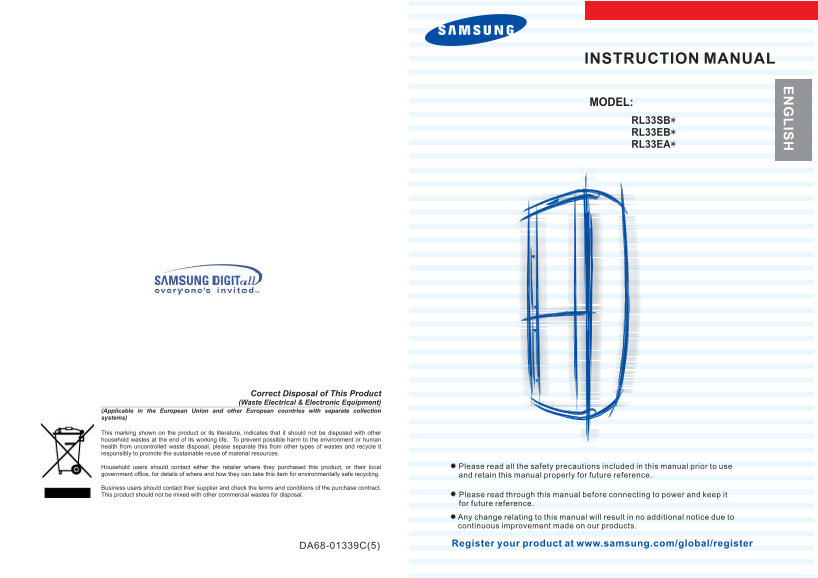
Page 1 Text Content
INSTRUCTION MANUAL
MODEL: RL33SB
RL33EB RL33EA
Please read all the safety precautions included in this manual prior to use and retain this manual properly for future reference.
Please read through this manual before connecting to power and keep it for future reference.
Any change relating to this manual will result in no additional notice due to continuous improvement made on our products.
Register your product at www.samsung.com/global/register
DA68-01339C(5)
Page Summary Contents For Samsung RL33EAMS Two-Door, Three-Door Refrigerator User's Manual
Manual Details
| Brand | Samsung |
|---|---|
| Pages | 9 |
| File Size | 1.35 MB |
| Published | June 05, 2026 |
Enter the captcha to get the download link:

Frequently Asked Questions
How do I troubleshoot general noise issues with this unit?
Noise may be normal during compressor operation, or it could indicate foreign objects behind or under the unit.
What causes a leak of water from the refrigerator?
The water results from frost thaw. If there's excessive buildup, check that the drainage outlet is not blocked.
How do I set the cooling and freezing temperatures?
Press down the Cooling Power Key to set the refrigeration temperature; this can be manually adjusted using the panel controls.
Does proper cleaning require a specialized process or tool?
Always disconnect the plug from power socket before performing any cleaning service, as noted in the manual.