Samsung PS43E400 Quick User Guide
Summary
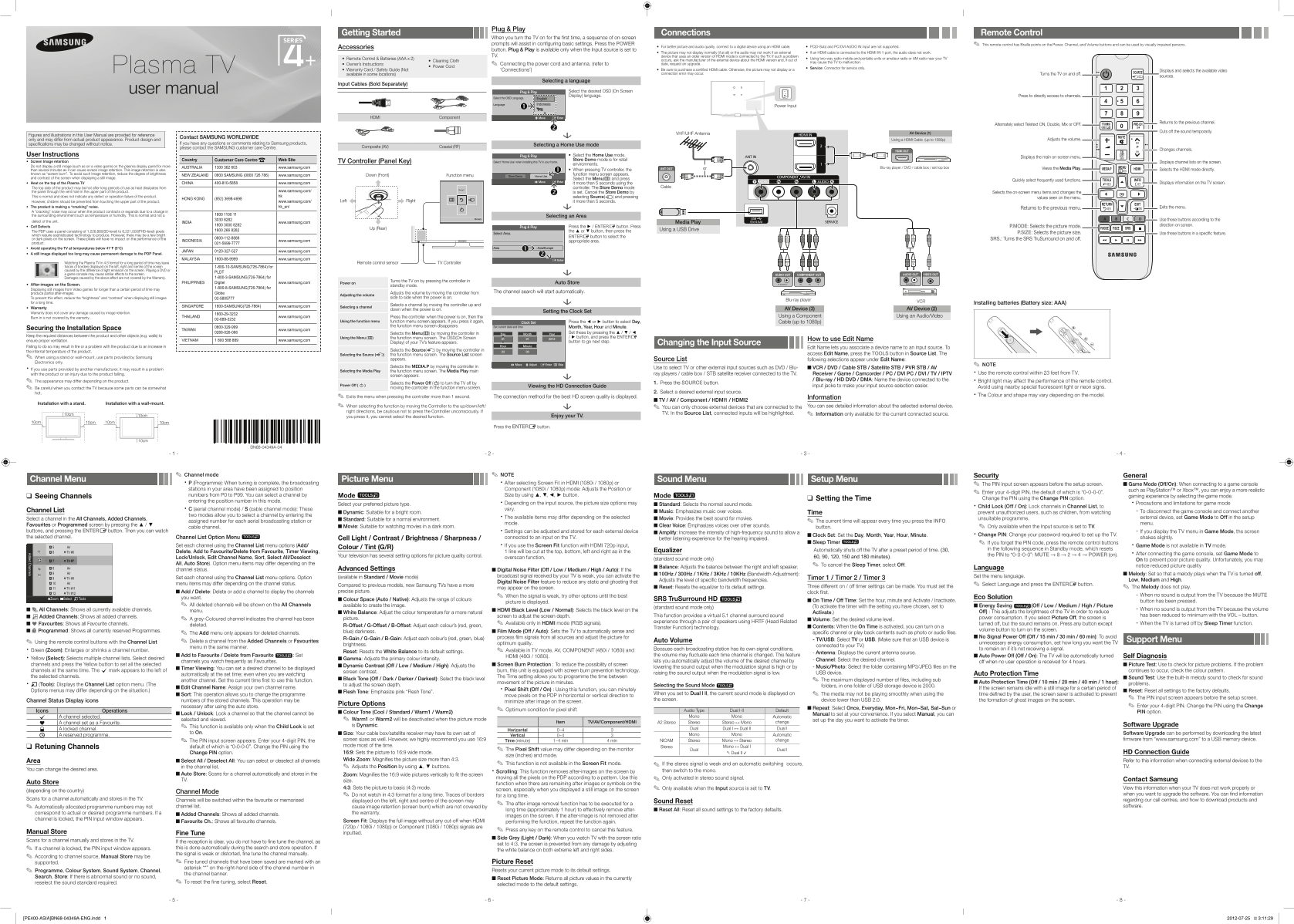
Equip your home with optimal viewing quality using this comprehensive user manual guide. Designed for new owners, it details every aspect of setting up your television, including secure connection guidelines for HDMI cables, antennas, and various external devices. Learn how to maximize picture and audio fidelity, perform seamless Plug & Play channel setups, and troubleshoot common issues like screen image retention or signal distortion for a flawless viewing experience every time.
Manual Details
| Brand | Samsung |
|---|---|
| Pages | 2 |
| File Size | 2.40 MB |
| Published | June 15, 2026 |
Enter the captcha to get the download link:

Frequently Asked Questions
How do I set up the TV for a home environment?
Select 'Home Use' mode when installing this TV rather than leaving it in Store Demo mode.
What should I do if my picture is distorted or blocky while viewing channels?
Picture distortion can be caused by video content compression or a low signal; this indicates the cause may not be the TV unit.
Which PC inputs are explicitly unsupported on this display model?
The manual specifies that the PC(D-Sub) and PC/DVI AUDIO IN input ports are not supported connections.
Is it safe for children to touch the top panel after running the TV?
The top side may be hot after long periods of use as heat dissipates; however, children should be prevented from touching this area.