Samsung HD UA32F4280 User's Manual - Part 2 Product Specifications
Summary
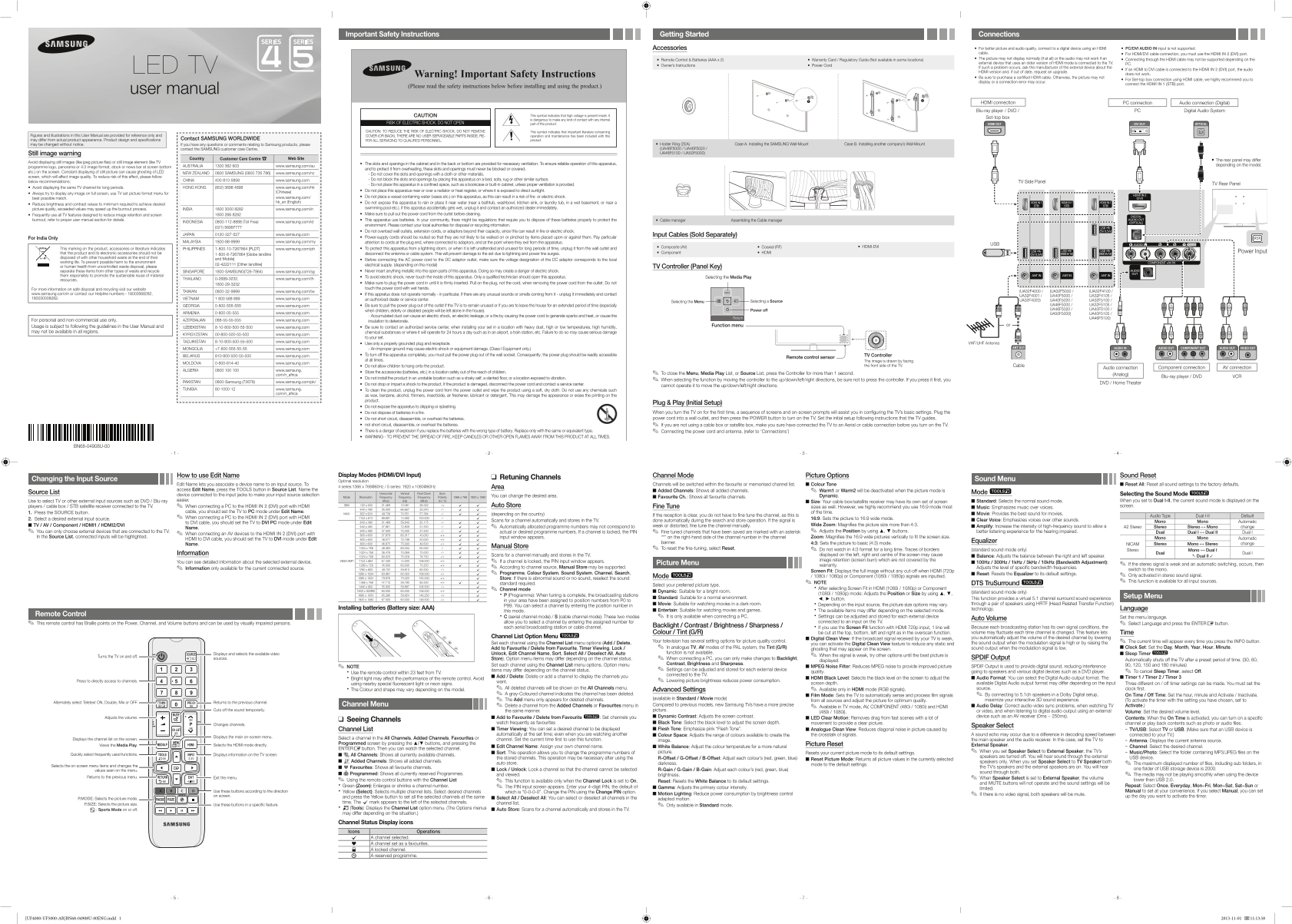
Optimize your home viewing experience with comprehensive setup guidance for this advanced display unit. This user manual details everything you need to connect seamlessly—from external devices like Blu-ray players and set-top boxes via HDMI to initial troubleshooting. It provides crucial information on optimal picture quality, system operation, proper maintenance, and essential safety precautions, ensuring a reliable and high-definition viewing environment for every household.
Manual Details
| Brand | Samsung |
|---|---|
| Pages | 2 |
| File Size | 1.81 MB |
| Published | May 29, 2026 |
Enter the captcha to get the download link:

Frequently Asked Questions
What should I do if I have no picture or video signal?
Check all connected cable links, ensure external devices are powered on, and use the SOURCE button to select the correct input.
Where should I connect my HDMI/DVI cables?
You must use the dedicated HDMI IN 2 (DVI) port for connecting with an HDMI to DVI cable.
How can I prevent screen burning or ghosting?
Avoid displaying static images, try to display content in full-screen format, and regularly vary what is shown on the screen.
What are critical safety considerations for placement?
Ensure that all ventilation slots are unobstructed, and do not place the TV near water sources, heat registers, or in confined spaces.