PHILIPS Mini Hi-Fi System FW-V39 with 3 CD Changer User Guide (English)
Summary
This operating manual covers the Philips FW-V39 VCD Mini Hi-Fi System supporting Video CD version 2.0 playback. A key highlight is Philips' proprietary Super Error Correction technology, which optimizes the system's ability to handle less-than-perfect discs including scratched, soiled, or non-standard-specification media with minimum disturbance to normal playback. The system combines a CD player, radio tuner, and amplified speakers in an integrated mini hi-fi form factor. The manual details dis
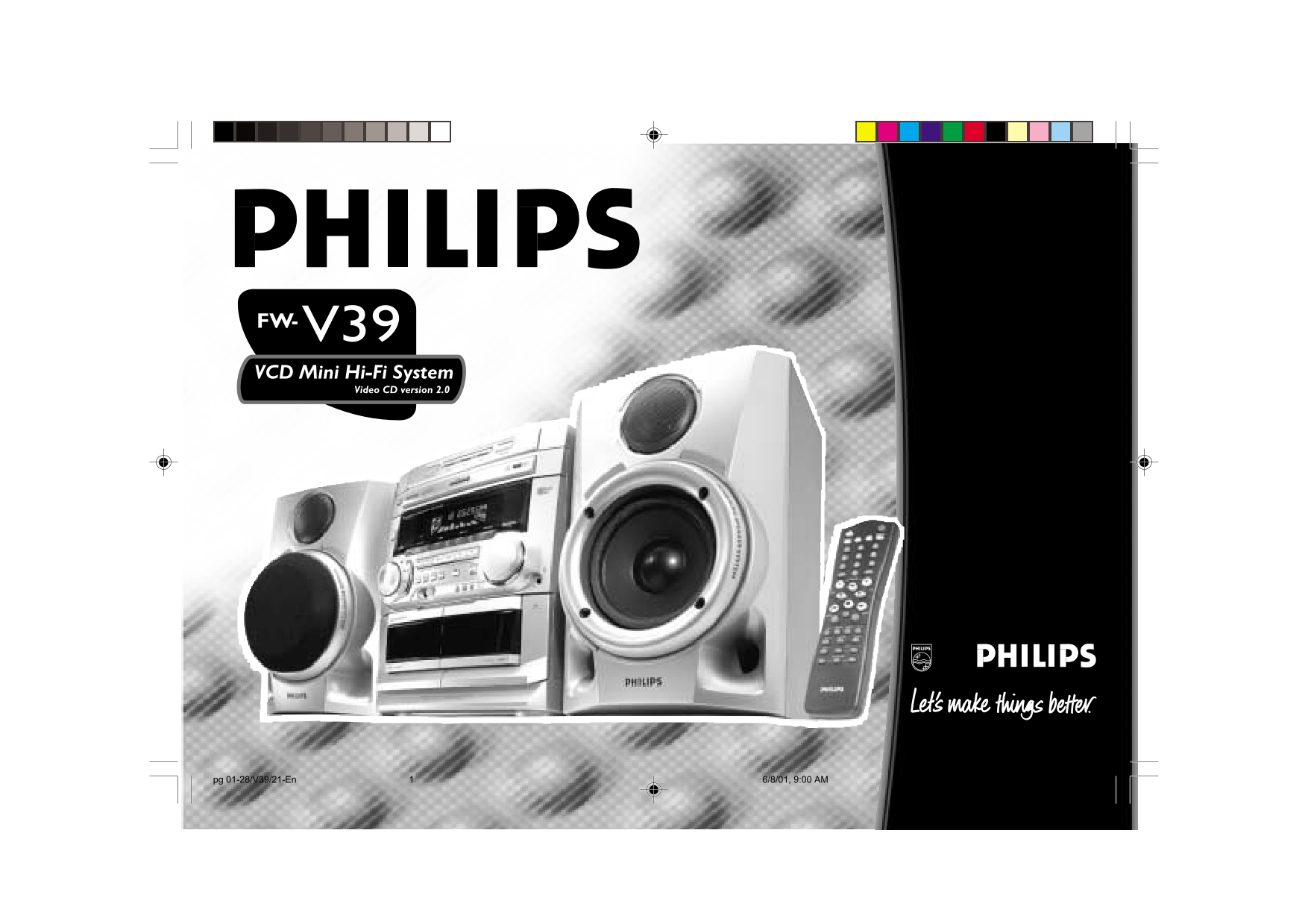
Page 1 Text Content
FW-V39
VCD Mini Hi-Fi System
Video CD version 2.0
pg 01-28/V39/21-En 6/8/01, 9:00 AM1 3139 116 19982
Page Summary Contents For PHILIPS Mini Hi-Fi System FW-V39 with 3 CD Changer User Guide (English)
Page 1
FW-V39 VCD Mini Hi-Fi System Video CD version 2.0 pg 01-28/V39/21-En 6/8/01, 9:00 AM1 3139 116 19982
Page 2
Optimum disc playability : Constantly improving performance Presenting Super Error Correction ensuring excellent picture quality As the penetration of the CD system has To ensure consistently good res...
Page 3
English .....................................4 Bahasa Melayu ....................53 CLASS 1 LASER PRODUCT pg 01-28/V39/21-En 6/8/01, 9:00 AM3 3139 116 19982 Ba ha sa En gli sh Me lay
Page 4
pg 01-28/V39/21-En 6/8/01, 9:00 AM4 3139 116 19982 English
Page 5
CONTENTS GENERAL INFORMATION SAFETY INFORMATION Under no circumstances should you IMPORTANT: Accessories (Supplied) General Information repair the system yourself, as this will PLEASE NOTE THAT THE Re...
Page 6
PREPARATION Rear Connections surr. surr. FM AERIAL REAR 75‰ SURROUND AM ANTENNA VOLTAGE SELECTOR 220V- 110V- 240V 127V AC MAINS SUBWOOFER OUT VIDEO AUX IN STANDBY ON SUBWOOFER LEVEL CONTROL MIN CUT OF...
Page 7
PREPARATION AM Loop Antenna Subwoofer Out Connection AC Power Supply Connection Connect the optional active subwoofer to After all other connections have been 12 mm the SUBWOOFER OUT terminal. The mad...
Page 8
CONTROLS DISC CHANGE DISC 2DISC 1 DISC 3 OPEN•CLOSE VCD3C MP3-CD PLAYBACK VCD.CD 1/2/3 AUX TUNER TAPE 1/2 FW-C10 VCD MINI HIFI SYSTEM STANDBY-ON JOG CD1 • 2 • BAND TAPE 1 • 2 CDR/VIDEO CONTROL TUNER T...
Page 9
CONTROLS MICROPHONE TAPE / (TAPE 1• 2) for DEMO (on the system only) to to connect microphones jack. to select Tape mode. When tape start or stop remote control MIC LEVEL playback is stopped, press to...
Page 10
CONTROLS KEY CONTROL ( I È i DIGIT 0 – 9 to connect headphones. to change the key to suit your vocal (numbers consisting more than two CLOCK•TIMER range (for VCD operation only). figures must be keyed...
Page 11
OPERATING THE SYSTEM IT LE IB LE Easy Set Switching the system ON FW-C10 VCD MINI HIFI SYSTEM EASY SET allows you to store all available Press VCD, TUNER, TAPE or AUX. radio stations automatically. Yo...
Page 12
OPERATING THE SYSTEM DIM 3 - half brightness with Spectrum DYNAMIC BASS BOOST (DBB) DIM mode VEC Selection DBB IS Analyzer Off and all LEDs on the The DBB mode enhances the bass HALL On On You can sel...
Page 13
CD / VCD / MP3-CD Press OPEN•CLOSE to close the disc Discs for playback carousel tray. DISC 2DISC 1 DISC 3 This system can playback all audio CD, DISC CHANGE OPEN •CLOSE The total number of tracks and...
Page 14
CD / VCD / MP3-CD Selecting a desired track during Playing a normal disc Disc Change Searching for a particular playback For normal VCD: You can change the outer two discs while passage during playbac...
Page 15
CD / VCD / MP3-CD Press PROGRAM to store the track. Playing the program Repeat (only on remote control) Repeat steps 4 to 5 to store other Programming tracks of a loaded disc is Press PLAYÉÅ to start ...
Page 16
CD / VCD / MP3-CD SINGLE ELAPSED Note: Resume VIDEO CD PLAY XX/TT MM:SS If a menu consists of more than one This feature is also applicable to audio CD page, it is possible to go through the (except f...
Page 17
CD / VCD / MP3-CD Press A-B once more to return to Vocal normal playback. 1. INTRO SCAN This feature enables you to view a still This feature allows you to fade out the "CLEAR AB" appears on...
Page 18
CD / VCD / MP3-CD TUNER IT LE IB LE MP3 Disc FW-C10 VCD MINI HIFI SYSTEM This feature allows you to add echo while singing or talking through a microphone. Album STANDBY-ON Press ECHO -/+ to decrease ...
Page 19
TUNER Manual programming Storing Preset Stations Tuning to Preset Radio Changing the MW tuning grid Press TUNER (BAND). You can store up to 40 radio stations in the Stations (for specific version only...
Page 20
TAPE IT LE IB LE Loading a tape Tape Playback FW-C10 VCD MINI HIFI SYSTEM Press OPEN. Press TAPE (TAPE 1•2) to select TAPE The tape deck door opens. mode. STANDBY-ON Load the tape with the open side &...
Page 21
TAPE AUX/CDR IT LE IB LE During playback FW-C10 VCD MINI HIFI SYSTEM Press and hold à or á until the desired passage is located. “T1 or T2” with “11 or 22”" STANDBY-ON scrolling left or right wil...
Page 22
KARAOKE RECORDING IT LE IB LE MICROPHONE - LEVEL FW-C10 VCD MINI HIFI SYSTEM STANDBY-ON CD1 • 2 • BAND TAPE 1 • 2 CDR/VIDEOJOG CONTROL TUNER TAPEVCD AUX PAL/NTSC ALBUM MP3-CD+- TITLE PREV PRESET NEXT ...
Page 23
RECORDING Notes: Recording the mixed sound / Dubbing tapes (from tape deck 1 to VCD/CD Synchro Start If you do not intend to record via the One Touch Recording tape deck 2) Recording microphone, unplu...
Page 24
CLOCK TIMER IT LE IB LE Press CLOCK•TIMER again to store the VCD MINI HIFI SYSTEM Timer Setting FW-C10 setting. The system can switch on to VCD, The clock starts. TUNER or TAPE 2 mode automatically at...
Page 25
TIMER MAINTENANCE Press CLOCK•TIMER to store the start To switch off the TIMER Cleaning the Heads and the Tape Paths Maintenance time. Press and hold CLOCK•TIMER for more To ensure good recording and ...
Page 26
SPECIFICATIONS TUNER GENERAL INFORMATION Specifications FM wave range 87.5 – 108 MHz Material Polystyrene AMPLIFIER MW wave range (9 k Hz) 531 – 1602 k Hz AC Power 110 - 127 / 220 - 240 V; Output powe...
Page 27
TROUBLESHOOTING Warning! Under no circumstances “NO DISC” is displayed. Radio Reception Tape Deck Operation should you try to repair the set There is no disc in the disc tray. Poor radio reception. “R...
Page 28
TROUBLESHOOTING Lack of bass sound or apparently System displays features General imprecise physical location of musical automatically; buttons flash System does not react when any instruments. contin...
Manual Details
| Brand | Philips |
|---|---|
| Pages | 28 |
| File Size | 930.42 KB |
| Published | July 06, 2026 |
3 views
Enter the captcha to get the download link:
