Page 1
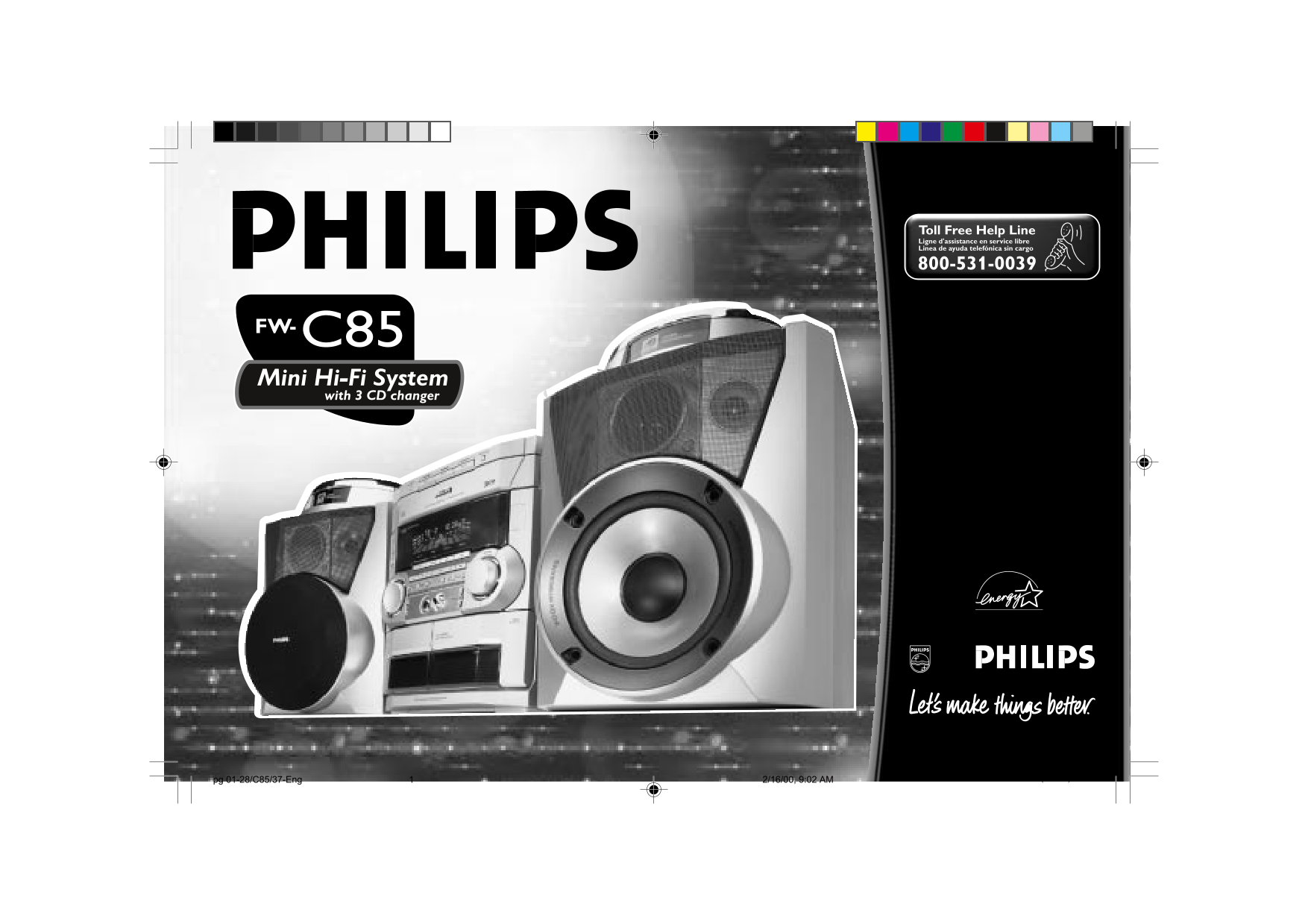
Toll Free Help Line Ligne d'assistance en service libre Linea de ayuda telefónica sin cargo FW-C85 Mini Hi-Fi System with 3 CD changer pg 01-28/C85/37-Eng 2/16/00, 9:02 AM1 3139 116 19591 (ENG)
Page 2
Return your Warranty Registrat ion card today to ensure you receive a the benef its you’re entit led to. • Once your Philips purchase is registered, you’re eligible to receive • So complete and return...
Page 3
Visit our World Wide Web Site at http://www.philipsusa.com Congratulations on your purchase, Hurry! and welcome to the “family!” Dear Philips product owner: Thank you for your confidence in Philips.Yo...
Page 4
IMPORTANT SAFETY INSTRUCTIONS – Read before operating equipment This product was designed and manufactured to meet 9. Do not defeat the strict quality and safety standards. There are, however, safety ...
Page 5
LIMITED WARRANTY a product that is used for commercial or institutional TO GET WARRANTY SERVICE IN AUDIO SYSTEM purposes. One Year Free Labor CANADA... Please contact Philips at: One Year Free Service...
Page 6
pg 01-28/C85/37-Eng 2/16/00, 9:02 AM6 3139 116 19591 (ENG)
Page 7
GENERAL INFORMATION SAFETY INFORMATION Your system consists of materials which If the system is brought directly from General Information Safety Information can be recycled and reused if a cold to a w...
Page 8
PREPARATION Rear Connections AM Loop Antenna Connection Connect the supplied loop antenna to the AM ANTENNA terminal. Place the STANDBY ON SUBWOOFER LEVEL CONTROL AM loop antenna far away from the MIN...
Page 9
PREPARATION radio frequency. Connect the wireless Digital Out Connection Inserting batteries into the radio frequency transmitter to the LINE 12 mm You can record the digital sound from Remote Control...
Page 10
CONTROLS DISC CHANGE OPEN•CLOSE DISC 1 DISC 2 DISC 3 CD 123 TUNER TAPE 1/2 AUX/CDR MINI HIFI SYSTEM STANDBY ON POWER SAVE AUTO REV.CLOCK IR SENSOR VOLUME FM•AM TAPE 1•2CD 1•2•3 CDR/DVD3 BASS/TREBLE PR...
Page 11
CONTROLS DIGITAL SOUND CONTROL AUX / (CDR/DVD) STOP•CLEAR Ç Controls on the system to select the desired Digital Sound to select sound from an external for CD to stop CD playback and remote control Co...
Page 12
CONTROLS DUB (HSD) (HIGH SPEED SHUFFLE DUBBING) to play all the available discs and to dub a tape in normal or fast their tracks in random order. speed. REPEAT BASS/TREBLE CONTROL – to repeat a CD tra...
Page 13
OPERATING THE SYSTEM To start the demonstration mode MINI HIFI SYSTEM Switching the system ON STANDBY Press and hold Ç(on the system ON Press CD, TUNER, TAPE or AUX. only) for five seconds when the sy...
Page 14
OPERATING THE SYSTEM DIM 1 - normal brightness with Adjust the JOG to select the desired Selecting the Source Volume Control Spectrum Analyzer Off Personal setting. Press the respective source selecti...
Page 15
OPERATING THE SYSTEM Repeat step 3 - 4 to select the DIGITAL SOUND CONTROL BASS/TREBLE When normal w OOx sound effect is desired mid and high frequencies (DSC) The BASS/TREBLE features enable you sele...
Page 16
CD Discs for playback CD Direct Play DISC CHANGE OPEN•CLOSE This system can play all digital audio CD, You can play a CD directly by DISC 1 DISC 2 DISC 3 finalized digital audio CD-Recordable pressing...
Page 17
Selecting a desired track during If the system is reading the disc, Disc Change Programming Tracks playback programming is not possible, You can change the outer two discs Programming tracks of a load...
Page 18
Notes: Shuffle (only on remote control) Repeat (only on remote control) If you press any of the CD DIRECT In shuffle mode, the system plays all the You can play the current track, a disc or PLAY butto...
Page 19
TUNER The system will search for every Press à or á to tune to the MINI HIFI SYSTEM STANDBY available radio station in the FM desired frequency. waveband first, then search the If you wish to store th...
Page 20
TAPE MINI HIFI SYSTEM Loading a tape Auto Reverse Playback (only STANDBY ON Press on the tape deck to open the on tape deck 2) tape deck door. Press A. REV to select the different POWER SAVE The tape ...
Page 21
TAPE AUX/CDR If tape 2 is selected for playback; During playback MINI HIFI SYSTEM "T2 " with "! or @" scrolling left or Press and hold à or á until the STANDBY right will be displa...
Page 22
RECORDING MINI HIFI SYSTEM Notes: Recording from other STANDBY It is not possible to change tape side ON sources (only on tape deck 2) during recording. Press TAPE (TAPE 1•2) to select For recording, ...
Page 23
RECORDING CLOCK Press DUB (HSD) once for CD Synchro Start MINI HIFI SYSTEM normal speed dubbing or twice STANDBY Recording (within 2 seconds) for high speed dubbing. Load a blank tape into tape deck 2...
Page 24
TIMER SLEEP TIMER Press CLOCK/TIMER again to Press and hold CLOCK/TIMER for If the source selected is TUNER, the Sleep (only on remote control) store the setting. more than two seconds to select last ...
Page 25
SPECIFICATIONS TAPE DECK Specifications Frequency response AMPLIFIER Cr O2 tape (type II) 60 – 15000 Hz (5 d B) Output power 2 x 100 W FTC(1) Normal tape (type I) 60 – 15000 Hz (5 d B) Signal-to-noise...
Page 26
MAINTENANCE TROUBLESHOOTING Cleaning the Heads and the Tape Warning! Under no “DISC NOT FINALIZED” is Maintenance Paths circumstances should you try to displayed. Cleaning the Cabinet To ensure good r...
Page 27
TROUBLESHOOTING No or poor sound. Reduce the distance. All lighted buttons are not lit. Tape Deck Operation Volume is not turned up. Batteries are inserted incorrectly. Display is switch on in DIM 3 m...
Page 28
TABLE OF CONTENTS President Message 2 - 3 AUX/CDR ..............................................21 Important Safety Instructions ...............4 Recording 22 - 23 Limited Warranty ......................
Page 29
PAGE GUIDE TABLE OF CONTENTS PAGE GUIDE BLANK BLANK PAGE PAGE PAGE pg 01-28/C85/37-Eng 2/16/00, 9:03 AM29 3139 116 19591 (ENG)
Page 30
FW 890P FW-C85 Philips Consumer Electronics Company A Division of Philips Electronics North America Corporation, Knoxville, Tennessee 37914-1810, USA 3139 116 19591 (ENG) IB8171T001 Printed In China J...