# A B C D E F G H I J K L M N O P Q R S T U V W X Y Z

PHILIPS AZ1565 Usage Instructions (English)

Summary

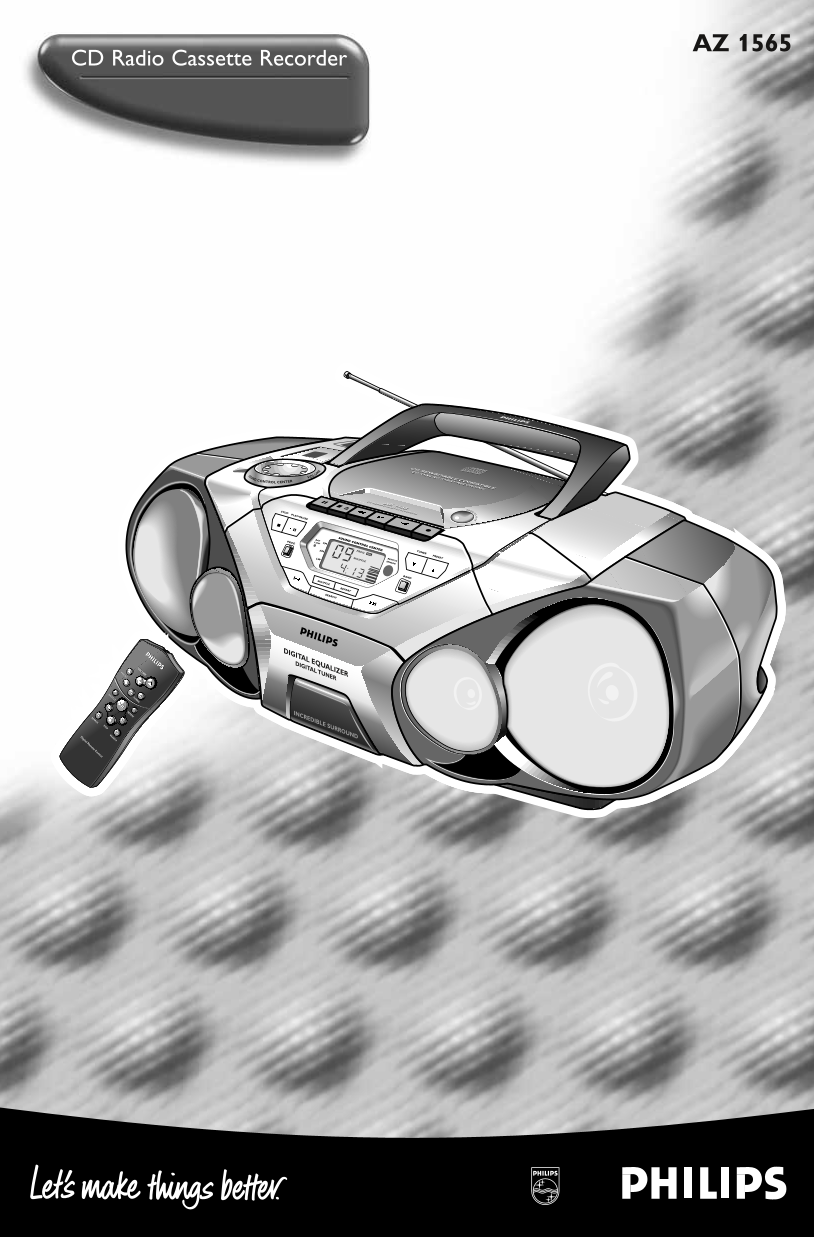
This user manual for the Philips AZ 1565 CD radio cassette recorder covers the operation of this portable audio system featuring a CD player compatible with CD rewritable discs, a digital AM/FM stereo tuner with station presets, and a cassette recorder with CD synchro start recording capability. The document identifies all top and front panel controls including the Digital Equalizer with bass, mid, and high frequency adjustment, Incredible Surround sound enhancement, Dynamic Bass Boost, and the
📄 Preview PAGE OF 12

Page 1 Text Content

AZ 1565

CD Radio Cassette Recorder

CD REWRITABLE COMPATIBLE CD SYNCRO STRAT RECORDING

CONTROL VOLUME

CENTER

CD RADIO CASSETTE RECORDER AZ 1565

STOP OPEN

PLAY•PAUSE

PROG LOW BAT SOUND CONTROL CENTER

AM PROG VOL TUNER

LW SHUFFLE REMOTESENSOR PRESET

SOUND

SHUFFLE

REPEAT

SEARCH

DIGITAL EQUALIZER VOLUME DIGITAL TUNER

PRESET

SHUFFLE TUNING

REPEATSEARCH INCREDIBLE SURROUND

Digital Remote Control SEARCH

Page Summary Contents For PHILIPS AZ1565 Usage Instructions (English)

Page 1 AZ 1565 CD Radio Cassette Recorder CD REWRITABLE COMPATIBLE CD SYNCRO STRAT RECORDING CONTROL VOLUME CENTER CD RADIO CASSETTE RECORDER AZ 1565 STOP OPEN PLAY•PAUSE PROG LOW BAT SOUND CONTROL CENTER AM...
Page 2 CD REWRITABLE COMPATIBLE CD SYNCRO STRAT RECORDING CONTROL VOLUME CENTER CD RADIO CASSETTE RECORDER AZ 1565 STOP SE OPEN PLAY•PAUSE PROG BAT SOUND CONTROL CENTER LOW FM AM PROG VOL TUNER LW SHUFFLE RE...
Page 3 CONTROLS Display – shows the status of the set TOP AND FRONT PANELS REMOTE SENSOR DIGITAL EQUALIZER – selects volume or the infrared sensor for remote control various frequency for adjustment: volume,...
Page 4 AZ 1565/00 page POWER SUPPLY Whenever convenient, use the power supply if you want to conserve battery life. Make sure you remove the plug from the set and wall socket before inserting batteries. BATT...
Page 5 AZ 1565 /00 page BASIC FUNCTIONS GENERAL INFORMATION SWITCHING ON AND OFF Adjust the POWER slider to the desired sound source: CD, TUNER or TAPE. The set is switched off when the POWER slider is in th...
Page 6 AZ 1565/00 page DIGITAL TUNER 1. Select TUNER source. CD RADIO CASSETTE RECORDER AZ 1565 is displayed briefly and then the radio station OPESTOP PLAY•PAUSE frequency is shown. PROG LOW BAT SOUND CONTR...
Page 7 AZ 1565 /00 page DIGITAL TUNER SE CD PLAYER Changing tuning grid (some versions only) In North and South America the frequency step between adjacent channels in the AM (MW) and FM band are 10 KHz and ...
Page 8 AZ 1565/00 page CD PLAYER Press SEARCH or § on the set, (on the remote control ¡ or ™) once or repeatedly until the desired track number appears in the display. If you have selected a track number sho...
Page 9 AZ 1565 /00 page CD PLAYER Programming track numbers Programme in the STOP position to select and store your CD tracks in the desired sequence. If you like, store any track more than once. Up to 20 tr...
Page 10 AZ 1565/00 page CD PLAYER CASSETTE RECORDER To take a CD out of its box, press the centre spindle while lifting the CD. Always pick up the CD by the edge and return the CD to its box after use to avoi...
Page 11 AZ 1565 /00 page CASSETTE RECORDER 5. Press RECORD to start recording. Playing of the CD programme starts automatically from the beginning of the programme. It is not necessary to start the CD player ...
Page 12 AZ 1565/00 page TROUBLESHOOTING If a fault occurs, first check the points listed below before taking the set for repair. If you are unable to remedy a problem by following these hints, consult your de...

Manual Details

Brand Philips
Pages 12
File Size 585.17 KB
Published July 07, 2026
3 views

Enter the captcha to get the download link:

captcha

Frequently Asked Questions

What is the risk if I open the set myself?

Do not open the set, as there is a risk of electric shock and any attempt to repair it will invalidate the guarantee.

Why are my CD tracks skipping frequently?

The possible cause is that the CD is damaged or dirty. The remedy is to replace or clean the disc.

What should I do if my radio reception is poor?

Direct the FM telescopic aerial for optimum reception, and ensure you have received a strong signal.

How many batteries are needed for the remote control?

You need two AAA type, R03 or UM1 alkaline batteries for remote control operation.