Page 1
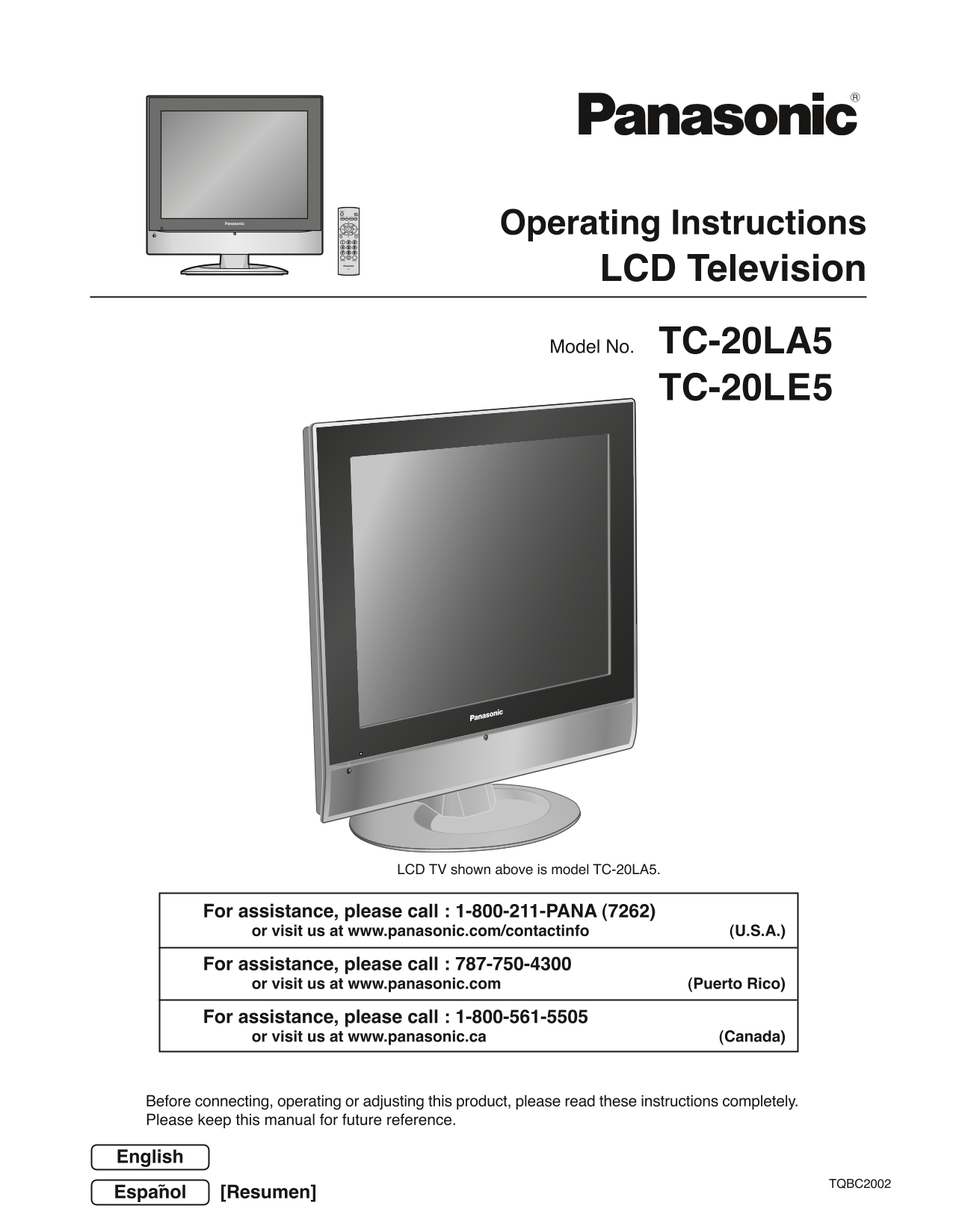
Operating Instructions LCD Television Model No. TC-20LA5 TC-20LE5 LCD TV shown above is model TC-20LA5. For assistance, please call : 1-800-211-PANA (7262) or visit us at www.panasonic.com/contactinfo...
Page 2
Important Safety Instructions CAUTION RISK OF ELECTRIC SHOCK DO NOT OPEN The lightning flash with arrow head The exclamation point within a within a triangle is intended to tell triangle is intended t...
Page 3
Important Safety Instructions 18) If an outside antenna is connected to the television equipment, be sure the antenna system is grounded so as to provide EXAMPLE OF ANTENNA GROUNDING AS PER some prote...
Page 4
Dear Panasonic Customer Welcome to the Panasonic family of customers. We hope that you will have many years of enjoyment from your new LCD TV. To obtain maximum benefit from your set, please read thes...
Page 5
Table of Contents Important Safety Instructions PICTURE ADJUST SUPPLIED ACCESSORIES AUDIO ADJUST Maintenance ASPECT Controls Installation Manuel de instrucciones [ Resumen ] Remote control battery ins...
Page 6
Installation Receiver Location Locate for comfortable viewing. Avoid placing where sunlight or other bright light (including reflections) will fall on the screen. Use of some types of fluorescent ligh...
Page 7
Connections Note: Cables and adapters are not supplied with this set. Antenna Connection For proper reception of VHF/UHF channels, an external antenna is required. For best reception, an outdoor anten...
Page 8
Connections Connecting Other Equipment To bundle the cables with the clamper COMPONENT VIDEO OUTAudio [Example] OUT DVD/STB Pr Pb YLR VIDEO AUDIO VIDEO S-VIDEO AUDIO PR COMPORNENT VIDEO INPUTINPUT VHF...
Page 9
Connections Connecting Headphones / Earphones (Not supplied) M3 plug Power ON / OFF Connecting the Plug to the Wall Outlet AC120V, 60Hz AUDIO VIDEO S-VIDEO VIDEO AUDIO PR VHF / UHF COMPORNENT VIDEO IN...
Page 10
Menu Operations Press to display MENU screen. ADJUST SET UP PICTURE PICTURE ADJUST MENU AUDIO ADJUST SET UP AUDIO ADJUST PICTURE PICTURE ADJUST or AUDIO AUDIO ADJUST ADJUST SET UP LANGUAGE PROGRAM CH ...
Page 11
Menu Operations Press to select the MENU screen (ADJUST or SET UP). Press to select the sub-menu feature. Press to display the sub-menu screen. • To return to the previous screen : • To exit the MENU ...
Page 12
Basic Controls <Top Side Controls> Main POWER switch TV/VIDEO VOL CH Press to turn the TV’s POWER main power on/off. (see page 9) TV/VIDEO button Volume Up/Down Channel Up/Down Remote control se...
Page 13
Tuning Channels Press the TV/VIDEO button to display the TV channel.1 Press the MENU button to display the MENU screen and select SET UP. ADJUST SET UP Press to select PROGRAM CH. LANGUAGE Press to di...
Page 14
LOCK V-Chip technology allows parents to use the TV rating codes to block programs that they feel are inappropriate for their children to watch. Press the MENU button to display the MENU screen and se...
Page 15
U.S. MOVIES This TV features the “V-Chip technology” which allows you to use Motion Picture Ratings when viewing movies or video tapes. This innovation allows parents to block various types of movies ...
Page 16
NR Not Rated. See Customer Caution below. All children. The themes and elements in this program are specifically designed for a very young audience, including children from ages 2-6. Directed to older...
Page 17
CANADIAN ENGLISH RATINGS CHART Exempt - Exempt programming includes: news, sports, documentaries and other information programming, talk shows, music videos, and variety programming. Programming inten...
Page 18
CLOSED CAPTION This unit has a built in decoder that provides a visual depiction of the audio portion of a television program in the form of written words across the screen (white or colored letters o...
Page 19
INPUT LABEL You can change the video input labels displayed on the screen to match the connected device (VCR, DVD player, etc.). Press the MENU button to display the MENU screen and select SET UP. MEN...
Page 20
PICTURE ADJUST Press the MENU button to display the MENU screen and select ADJUST. ADJUST SET UP Press to select PICTURE ADJUST. PICTURE PICTURE ADJUST Press to display the PICTURE ADJUST screen. AUDI...
Page 21
AUDIO ADJUST Press the MENU button to display the MENU screen and select ADJUST. MENU ADJUST SET UP Press to select AUDIO ADJUST. PICTURE PICTURE ADJUST Press to display the AUDIO ADJUST screen. AUDIO...
Page 22
ASPECT Controls (For Video input only) This feature allows you to enjoy viewing the picture at its maximum size, including wide screen cinema format picture. Each time you press the button: Notes: • T...
Page 23
Manual de instrucciones [ Resumen ] Estimado cliente de Panasonic Bienvenido a la familia de clientes de Panasonic. Esperamos sinceramente que disfrute durante muchos años de su nuevo Esperamos sincer...
Page 24
Conexión Nota: Con este aparato no se suministran cables ni adaptadores. Conexión de antena Para recibir correctamente los canales de VHF/UHF se requiere una antena externa. Para obtener la mejor rece...
Page 25
Conexión Conexión de auriculares (No suministrado) Clavija M3 Conexión/desconexión de la alimentación Conexión de la clavija a la toma de corriente Nota: CA 120 V, 60 Hz El televisor consumirá algo de...
Page 26
Operaciones con menús Púlselo para visualizar la Ajuste Configu. pantalla MENU. Imagen Ajuste Imagen Sonido Ajuste Configu. Ajuste Sonido Imagen Ajuste Imagen Sonido Ajuste Sonido MENU Ajuste Configu....
Page 27
Operaciones con menús Púlselo para seleccionar la pantalla MENU (Ajuste o Configu.). Púlselo para seleccionar la función de menú secundario. Púlselo para visualizar la pantalla de menú secundario. •Pa...
Page 28
Controles básicos <Controles del lado superior> Interruptor POWER TV/VIDEO VOL CH principal POWER Púlselo para conectar/ desconectar la alimentación principal Botón TV/VIDEO del televisor Subida...
Page 29
Sintonización de canales Pulse el botón TV/VIDEO para visualizar el canal de TV.1 MENU Ajuste Configu. Pulse el botón MENU para visualizar la pantanlla MENU y seleccione Configu. Pulse para selecciona...
Page 30
Troubleshooting If there is a problem with your TV please refer to the table below to determine the symptoms, then carry out the suggested check. If this does not solve the problem, please contact you...
Page 31
CUSTOMER SERVICES DIRECTORY (for U.S.A.) Customer Services Directory Obtain Product Information and Operating Assistance; locate your nearest Dealer or Servicenter; purchase Parts and Accessories; or ...
Page 32
Specifications TC-20LA5 TC-20LE5 Power Source AC 120 V, 60 Hz Average use : 56 W (Maximum Current 1.3 A) Power Consumption Stand-by condition : 0.11 W Power off : 0.10 W LCD 640 × 480 pixels 4:3 aspec...