Panasonic CF-18 CF-29 CF-73 Series User's Manual
Summary
Stay connected anywhere with this supplementary guide designed for owners of the EDGE Modem CF-18/CF-29/CF-73 Series computer units. This manual provides essential supplemental instructions covering everything from initial setup and SIM card management to software installation and comprehensive safety guidelines. Learn how to maximize your radio frequency communication capabilities while ensuring safe operation in various environments. Ideal for users needing detailed technical support and best practices for reliable mobile internet access.
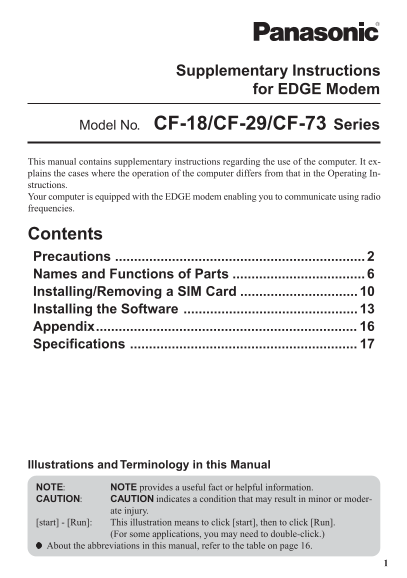
Page 1 Text Content
Supplementary Instructions
for EDGE Modem
Model No. CF-18/CF-29/CF-73 Series
This manual contains supplementary instructions regarding the use of the computer. It ex- plains the cases where the operation of the computer differs from that in the Operating In- structions. Your computer is equipped with the EDGE modem enabling you to communicate using radio frequencies.
Contents Precautions Names and Functions of Parts Installing/Removing a SIM Card Installing the Software Appendix..................................................................... Specifications
Illustrations and Terminology in this Manual NOTE: NOTE provides a useful fact or helpful information. CAUTION: CAUTION indicates a condition that may result in minor or moder-
ate injury.
[start] - [Run]: This illustration means to click [start], then to click [Run].
(For some applications, you may need to double-click.)
About the abbreviations in this manual, refer to the table on page 16.
Page Summary Contents For Panasonic CF-18 CF-29 CF-73 Series User's Manual
Manual Details
| Brand | Panasonic |
|---|---|
| Pages | 20 |
| File Size | 1.01 MB |
| Published | June 05, 2026 |
Enter the captcha to get the download link:

Frequently Asked Questions
What is the critical safety precaution when using the modem near medical devices?
When in a health care facility, be aware that cardiac pacemakers and other implanted equipment may be affected by RF energy. Consult a physician if unsure.
Can I use this device while driving or park it anywhere?
Never operate the handheld computer while driving, and do not place it where it could cause personal injury to occupants or near an air bag deployment area.
How is the modem recommended to be stowed when in a vehicle?
It is recommended to stow the unit securely in the boot or a designated secure stowage area while driving.
What must I do before flying with the EDGE modem attached?
Switch off the Personal Computer or Handheld Computer incorporating EDGE modem before boarding an aircraft, and ensure it cannot be switched on accidentally.