# A B C D E F G H I J K L M N O P Q R S T U V W X Y Z

Panasonic BT-LS1400 User Guide

Summary

The BT-LS1400P is a professional liquid crystal video monitor designed for high-quality display in broadcast or commercial environments. This comprehensive manual provides essential operating instructions, guiding users through setup, utilizing on-screen menus, and understanding connectivity options. It features critical safety precautions and technical specifications, making it an indispensable guide for professional technicians and specialized users ensuring safe and effective operation of the unit.
📄 Preview 📖 Table of Contents Contents PAGE OF 16

Page 1 Text Content

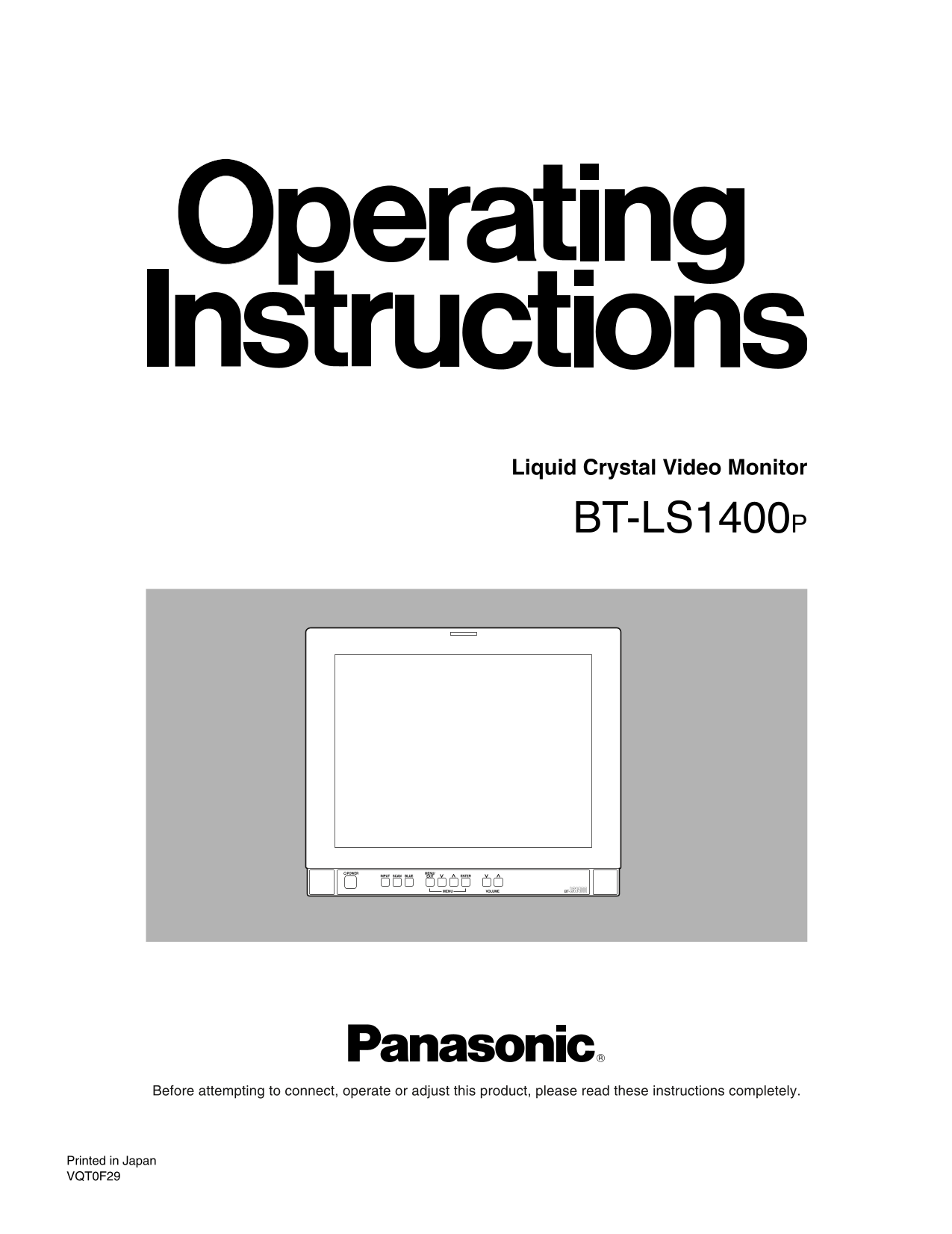
Liquid Crystal Video Monitor

BT-LS1400P

POWER INPUT SCAN BLUE MENU/ EXIT ENTER

MENU VOLUME

Before attempting to connect, operate or adjust this product, please read these instructions completely.

Printed in Japan VQT0F29

Page Summary Contents For Panasonic BT-LS1400 User Guide

Page 1 Liquid Crystal Video Monitor BT-LS1400P POWER INPUT SCAN BLUE MENU/ EXIT ENTER MENU VOLUME Before attempting to connect, operate or adjust this product, please read these instructions completely. Prin...
Page 2 For your safety FCC Note: CAUTION This device complies with Part 15 of the FCC Rules. RISK OF ELECTRIC SHOCK To assure continued compliance follow the attached DO NOT OPEN installation instructions an...
Page 3 For your safety THIS APPARATUS MUST BE GROUNDED CAUTION: To ensure safe operation the three-pin plug must be inserted only into a standard three-pin power outlet THIS APPARATUS CAN BE OPERATED AT A wh...
Page 4 Precautions for use This product has been specially designed for commercial use. As such, it should be used and operated only by persons with related expertise. The liquid crystal parts are fabricated...
Page 5 Introduction The BT-LS1400 commercial-use LCD video monitor features a 14 v-type LCD screen, a slim and lightweight design, and a wide angle of view. Its connectors support not only standard NTSC sign...
Page 6 Parts and their functions (rear panel) LINE A VIDEO S-VIDEO IN OUTAUDIO OUT OUTININ LINE B VIDEO S-VIDEO IN OUTAUDIO IN OUT IN OUT CMPNT COMPONENT AUDIO REMOTE IN IN LINE-A Security lock These connect...
Page 7 How to use the on-screen menus Press the MENU/EXIT button to display the main menu on the screen. MENU/EXIT button Menus The following items appear on the main menu. [MAIN MENU] PICTURE PICTURE 4 This...
Page 8 How to use the on-screen menus ¥ PICTURE menu The menu items shown below appear when the PICTURE menu is selected on the main menu. [PICTURE MENU] PHASE MODE BROADCAST The phase can be adjusted here. ...
Page 9 How to use the on-screen menus VIDEO CONFIG menu The menu items shown below appear when the VIDEO CONFIG menu is selected on the main menu. [VIDEO CONFIG] ASPECT ASPECT 16:9 An aspect ratio of 4:3 or ...
Page 10 How to use the on-screen menus ¥ MAINTENANCE menu The menu item shown below appears when the MAINTENANCE menu is selected on the main menu. [MAINTENANCE] RUNNING TIME The total running time of the mon...
Page 11 About the stand The stand attached to the unit can be tilted forward 10° and back 20°. When tilting the monitor, firmly press down on the stand and grasp the top part of the monitor. Further, it is re...
Page 12 Maintenance Wipe off any dust or dirt on the monitor and LCD panel with a soft cloth. For stubborn dirt or stains, wipe the monitor and LCD panel with a cloth that has been lightly dampened with well-...
Page 13 Specifications [GENERAL] [Video signal output] LINE A: Power supply: AC 100 V to 240 V, 50-60 Hz Loop-through output, 75 h automatic termination Power consumption: 0.98 A to 0.54 A (BNC, S connector) ...
Page 16 PANASONIC BROADCAST & TELEVISION SYSTEMS COMPANY UNIT COMPANY OF MATSUSHITA ELECTRIC CORPORATION OF AMERICA Executive Office: One Panasonic Way 4E-7, Secaucus, NJ 07094 (201) 348-7000 EASTERN ZONE...

Manual Details

Brand Panasonic
Pages 16
File Size 295.36 KB
Published July 16, 2026
1 views

Enter the captcha to get the download link:

captcha

Frequently Asked Questions

What is required for safe operation of this monitor?

The three-pin plug must be inserted only into a standard three-pin power outlet that is properly grounded.

Is this unit safe to operate in a residential area?

Operation in a residential area may cause harmful interference, and continuous use at his own expense is required.

What is the recommended viewing angle for the speakers?

The speaker has an angle of view of 160 degrees vertically and 160 degrees horizontally.

Which video input connections are prioritized?

S-video signals (S connector) are prioritized over other inputs like NTSC composite or Component.