Nikon Digital SLR CamerasD5600 User'
Summary
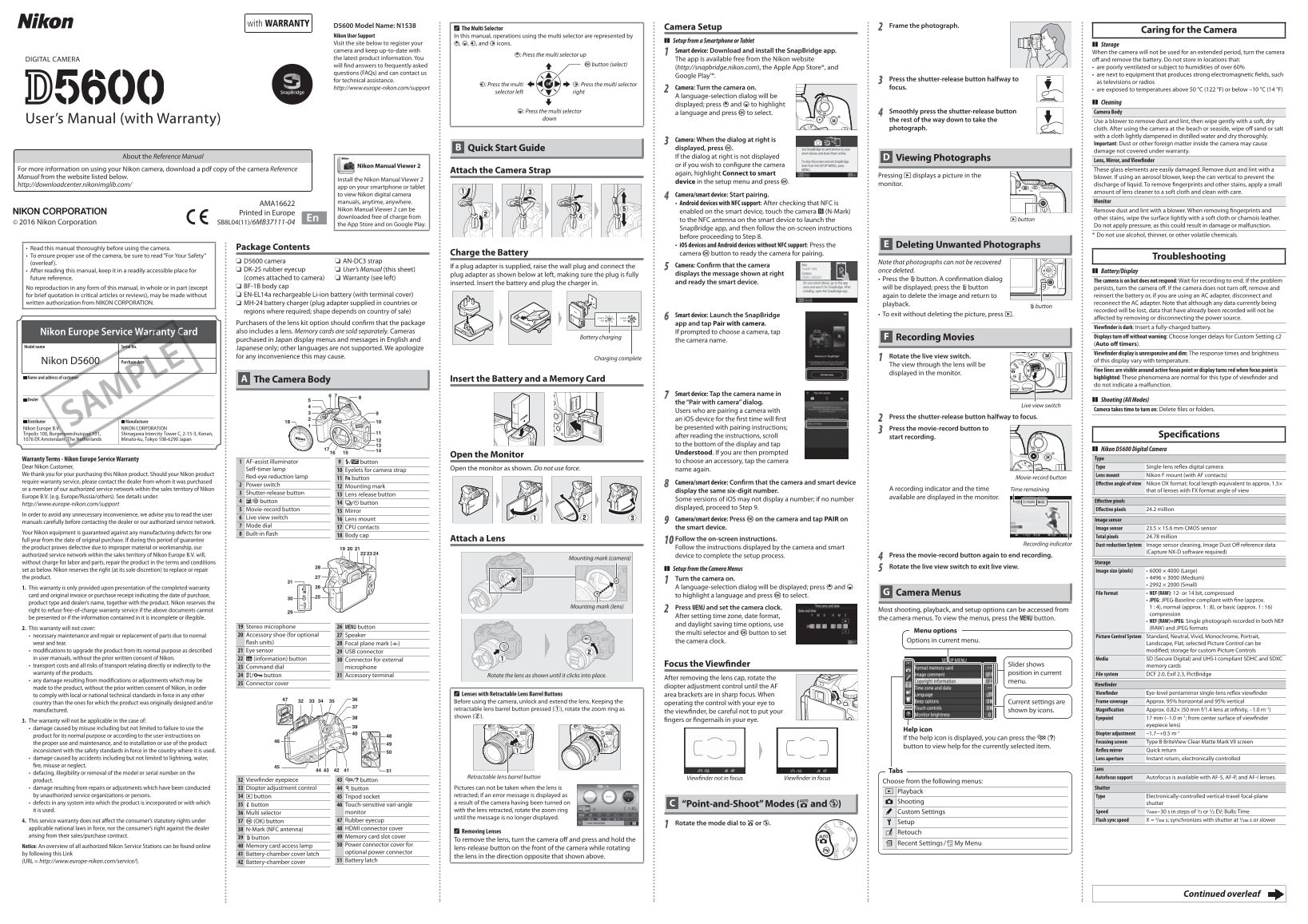
Comprehensive guide for maximizing your Nikon digital camera performance. This manual covers everything from initial setup and basic operation to advanced features like smartphone connectivity via the SnapBridge app. Learn best practices for maintenance, safely cleaning optics, and troubleshooting common issues. Essential reading for owners—new or experienced—eager to fully utilize their DSLR’s imaging capabilities.
Manual Details
| Brand | Nikon |
|---|---|
| Pages | 2 |
| File Size | 954.39 KB |
| Published | May 29, 2026 |
Enter the captcha to get the download link:

Frequently Asked Questions
How do I clean fingerprints and stains from the lens?
Apply a small amount of lens cleaner to a soft cloth and wipe with care. Do not use alcohol or volatile chemicals.
What should I do if the camera is on but unresponsive?
Wait for the recording to end. If the problem persists, turn the camera off by removing the battery.
How do I connect my camera to a smartphone?
Download and install the SnapBridge app. For NFC devices, tap the camera's H button to the NFC antenna on the smart device.
What is the recommended storage environment for the camera?
Keep it away from poor ventilation, humidity over 60%, strong electromagnetic fields, and extreme temperatures (above 50°C or below -10°C).
How should I clean sand or salt residue after seaside use?
Wipe off sand or salt with a cloth lightly dampened in distilled water and dry thoroughly.