Nikon Compact Digital Cameras COOLPIX L30 User'
Summary
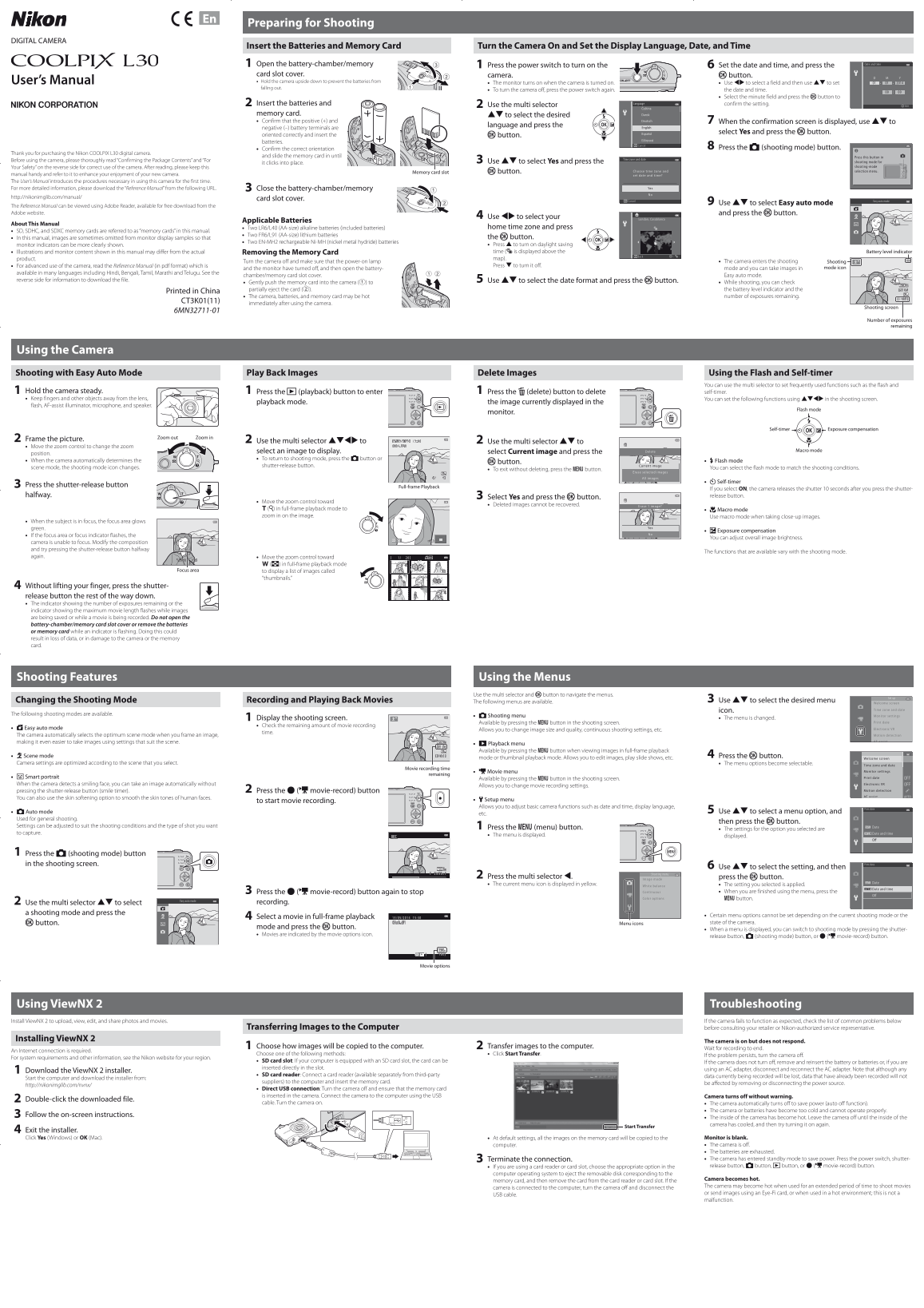
Introducing the Nikon COOLPIX L30 digital camera, an easy-to-use point-and-shoot system for capturing high-quality memories. This comprehensive user manual guides first-time owners through everything from initial setup—including date/time, language selection, and battery insertion—to mastering basic operations. Learn how to use Easy Auto mode, navigate shooting modes, take professional photos with advanced controls, and manage images effectively. For detailed technical functions and optimal performance, consult the included Reference Manual.
Manual Details
| Brand | Nikon |
|---|---|
| Pages | 2 |
| File Size | 2.86 MB |
| Published | May 27, 2026 |
Enter the captcha to get the download link:

Frequently Asked Questions
How do I prepare the camera for the first time?
1. Insert batteries and memory card. 2. Turn on the camera. 3. Set the desired language/date/time. 4. Press A to enter shooting mode.
What types of batteries are compatible with the camera?
The camera accepts AA-size alkaline (LR6/L40), lithium (FR6/L91), or rechargeable Ni-MH (EN-MH2) batteries.
How do I turn off the Nikon COOLPIX L30?
To turn the camera off, press the power switch again after pressing it to turn on the unit.
Which card types are supported for storage?
The camera supports SD, SDHC, and SDXC memory cards.