Lenovo ThinkPad X1 Tablet Gen 3 Setup Guide
Summary
The Tablet Gen 3 is a sophisticated mobile computing device featuring comprehensive connectivity, including USB-C (Thunderbolt compatible), NFC touchpoints, fingerprint reader, and dedicated pen slot. This setup guide provides new users with detailed instructions on connecting, utilizing all hardware components, and mastering advanced features like camera calibration and system diagnostics across multiple languages. It is essential reading for first-time owners, ensuring they understand everything from basic power handling to optimal performance settings for professional use.
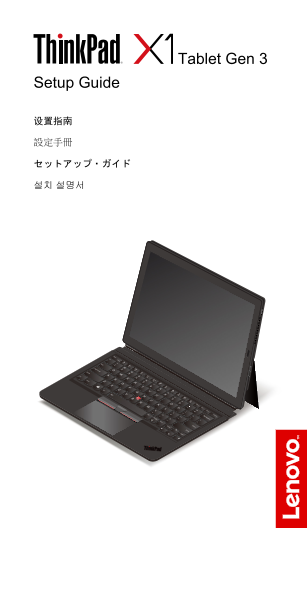
Page 1 Text Content
Tablet Gen 3
Setup Guide
Page Summary Contents For Lenovo ThinkPad X1 Tablet Gen 3 Setup Guide
Manual Details
| Brand | Lenovo |
|---|---|
| Pages | 8 |
| File Size | 1.03 MB |
| Published | May 25, 2026 |
Enter the captcha to get the download link:

Frequently Asked Questions
What ports does the Tablet Gen 3 have?
The device includes USB-C connectors (Thunderbolt 3 compatible), an audio connector, and a mini security-lock slot.
Where can I connect external displays or peripherals?
You can use the USB-C ports for connecting devices. Optional adapters like Lenovo USB-C to HDMI adapter are available for display connection.
Does the tablet support communication features?
Yes, it supports connectivity via a Nano-SIM card and also has microphone, NFC touchpoint, and fingerprint reader capabilities.