HP LaserJet M109-M112 Printer Series Install Poster
Summary
Easily set up your HP LaserJet M109-M112 series printer with this comprehensive guide. The manual walks you through every step, from initial cartridge installation and paper loading to powering on the device. Learn how to connect securely by installing the necessary HP Smart software and linking your printer to your home or office network. This essential resource is designed for new users who require clear, foolproof instructions to get their printing started quickly and efficiently.
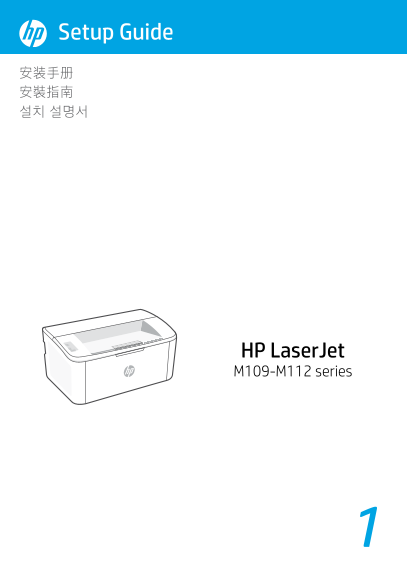
Page 1 Text Content
Setup Guide 安装手册 安裝指南 설치 설명서
HP Laser Jet M109-M112 series
Page Summary Contents For HP LaserJet M109-M112 Printer Series Install Poster
Manual Details
| Brand | HP |
|---|---|
| Pages | 6 |
| File Size | 1.18 MB |
| Published | June 02, 2026 |
Enter the captcha to get the download link:

Frequently Asked Questions
How do I initially set up the printer cartridges?
Remove all tapes and foam, take out the cartridge, then remove orange guides and protective films before reinserting the cartridge.
What is needed to complete the setup process?
You must install the HP Smart software on a computer or mobile device and follow its instructions to connect the printer to a network.
How should I load paper into the printer?
Open the input tray, slide out the guides, load Letter or A4 paper, and adjust the guides accordingly. You can also open the tray extender.
What resources are available for connectivity issues?
Refer to the Reference Guide for detailed information on Wi-Fi troubleshooting and tips.