HP ENVY 6000e Series Reference Guide
Summary
This comprehensive guide is designed for users setting up the HP ENVY All-in-One Series printer, providing detailed instructions for seamless printing, scanning, and copying. The manual covers everything from initial hardware setup—including loading paper and installing ink cartridges—to advanced wireless connectivity troubleshooting using the HP Smart app. Learn how to connect securely via Wi-Fi, interpret status lights, resolve potential connection issues (like VPN conflicts), and operate all features quickly and easily.
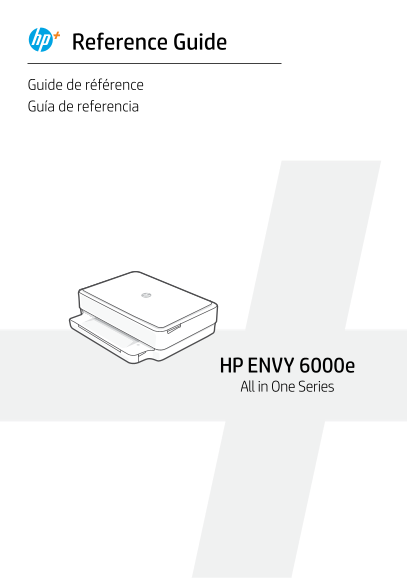
Page 1 Text Content
Reference Guide Guide de référence Guía de referencia
HP ENVY 6000e All in One Series
Page Summary Contents For HP ENVY 6000e Series Reference Guide
Manual Details
| Brand | HP |
|---|---|
| Pages | 12 |
| File Size | 1.99 MB |
| Published | June 16, 2026 |
Enter the captcha to get the download link:

Frequently Asked Questions
How do I get the printer into wireless setup mode?
Press and hold the Wi-Fi Reset button on the back of the printer for 5 seconds until the status light starts pulsing purple.
What should I do if my computer is connected to a VPN during setup?
You must disconnect from any Virtual Private Network (VPN) before installing HP Smart software, and then reconnect to the VPN once setup is complete.
How do I load or change ink cartridges?
Open the ink access door, remove the protective tape, rotate the cartridges so the taller end faces towards the printer, and click them into place.
What steps are needed when loading paper in the printer?
Pull open the paper tray, slide out the guides, load Letter or A4 paper, and adjust the guides to fit the stack properly.