HP 9s Scientific Calculator - HP 9s User's Manual - English / E / HDPMR178E23
Summary
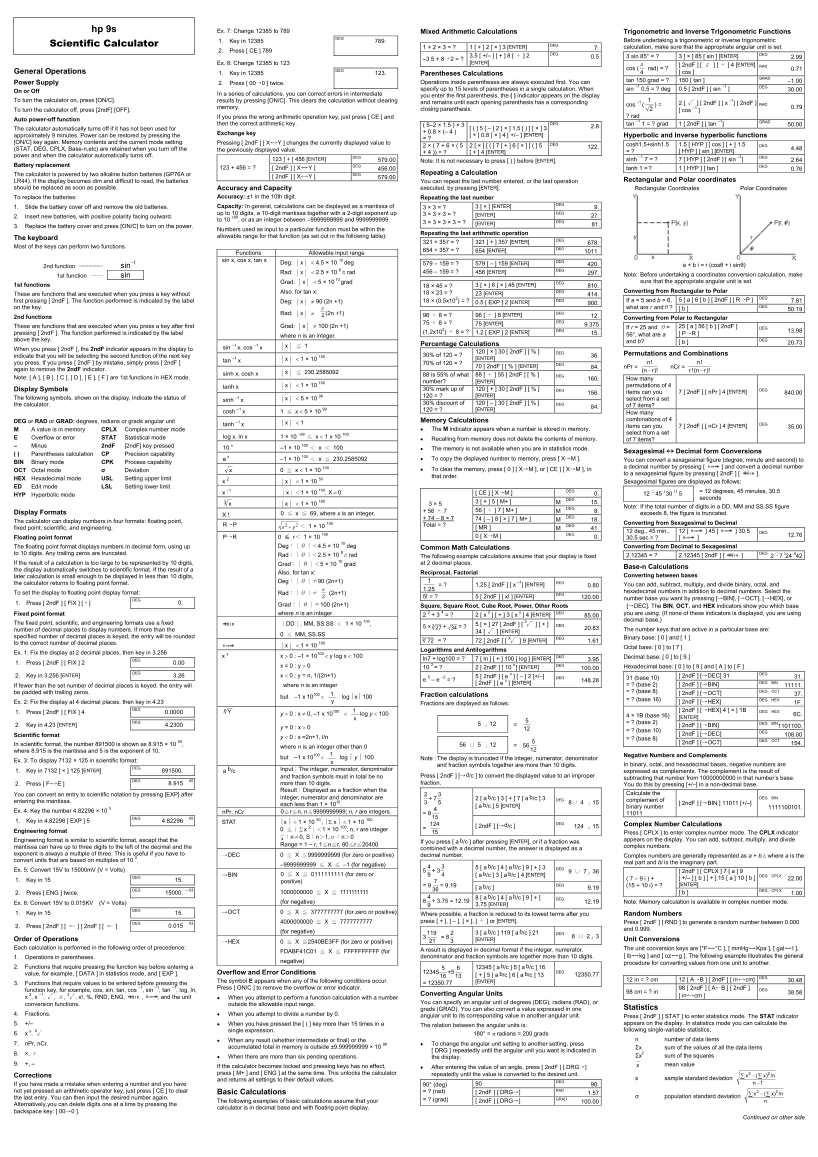
Unlock advanced mathematical potential with this comprehensive guide to your scientific calculator. The manual provides detailed instructions for mixed arithmetic calculations, complex trigonometry, hyperbolic functions, and statistical data management. Key features covered include unit conversion (DEG/RAD/GRAD), structured parentheses logic, memory functionality, and rectangular-to-polar coordinate conversions. Perfect for students, engineers, and professionals requiring high precision in rigorous academic or technical settings.
Manual Details
| Brand | HP |
|---|---|
| Pages | 2 |
| File Size | 284.82 KB |
| Published | June 17, 2026 |
Enter the captcha to get the download link:

Frequently Asked Questions
How do I turn the calculator on or off?
Press [ON/C] to turn it on, and [2ndF][OFF] to turn it off.
What happens if I accidentally press the wrong operation key?
Just press [CE] to erase the last entry and then enter the correct arithmetic key.
How can I perform a complex calculation using parentheses?
You can specify up to 15 levels of parentheses in a single calculation, and pressing [ ) ] is not necessary before ENTER.
Where are the batteries stored and how do I replace them?
The calculator uses two alkaline button batteries (GP76A or LR44). Slide the cover off, replace the old batteries, and press [ON/C] to save changes.