Hasselblad H3D II User Manual (Supplement)
Summary
Elevate your medium format photography workflow with the H3D-ll camera system, a powerhouse combining classic Hasselblad quality with significant hardware advancements. This technical manual supplement is essential reading for professionals updating from previous models, detailing revolutionary user experience improvements. Discover comprehensive guides on the larger sensor unit interface, faster menu navigation controls, reassigned functions, and advanced battery status monitoring. It ensures you maximize efficiency, making complex tasks like file management and image capturing seamless and intuitive in every shoot.
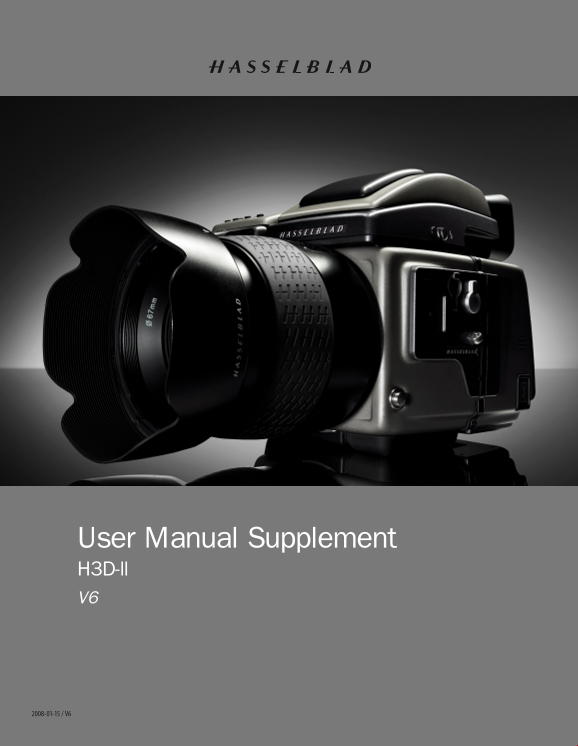
Page 1 Text Content
User Manual Supplement H3D-ll V6
H3D-ll User Manual Supplement V6
Page Summary Contents For Hasselblad H3D II User Manual (Supplement)
Page 1
User Manual Supplement H3D-ll V6 H3D-ll User Manual Supplement V6
Page 2
Introduction One of the great strengths of the H-system of cameras is its con- tinual development. This is one of the keys to retaining the sys- tem’s forefront position in the world of digital medium...
Page 3
New sensor unit user interface This latest change provides a completely different user interface for the sensor unit. The display screen is now much larger than its predecessor. Although there is also...
Page 4
Faster sensor-unit menu navigation 1 You can now navigate the menu on the sensor unit by turning the control wheels on the camera grip. The rear control wheel navigates up and down the menu list and t...
Page 5
Battery warning on sensor unit 6 When the remaining power in the battery drops below a certain point, a warning icon appears on the sensor unit display screen as well as on the grip LCD. In addition, ...
Page 6
Error: Ready: Low battery: Overexposure: Underexposure: Error: 5 images left: Ready: Improved audio feedback 11 1 image left: There are now 14 different sounds to help provide immediate infor- mation....
Page 7
Drive setting moved Drive settings are now made by accessing the new position on the menu, replacing the original #5 Digital screen. The initial choice now is 1. Self timer 2. Bracketing 3. Interval 4...
Page 8
Custom Options Revised menu structure H3D-ll User Manual Supplement V6
Page 9
Custom Options added to sensor unit menu A new Custom Options section has been added to the sensor unit menu under the Settings heading. Previously, navigating from the Settings heading brought you to...
Page 10
Revised menu structure Copy Images Navigating the STORAGE settings Copying files to an Image Bank-II Files can now be copied to an Image Bank-II to free up space on a CF card. All batches and files re...
Page 11
Warranty Conditions Please note the important changes in the warranty conditions which came into effect from the 1st July 2006 onwards. These changes replace the warranty conditions appear- ing in the...
Manual Details
| Brand | Hasselblad |
|---|---|
| Pages | 11 |
| File Size | 4.84 MB |
| Published | May 21, 2026 |
47 views
Enter the captcha to get the download link:
