Hasselblad 907X Control Grip User Manual
Summary
Enhance your shooting experience with the dedicated Control Grip accessory for the Hasselblad 907X camera. This optional grip significantly upgrades maneuverability by integrating specialized controls, including a joystick, real estate buttons, and dual scroll wheels. The accompanying guide provides comprehensive, step-by-step instructions covering proper attachment, detailed operation of every control, and advanced functionality across all shooting modes (Live View, Menu, etc.). Ideal for professional photographers who demand precise, intuitive command over their Hasselblad 907X camera system.
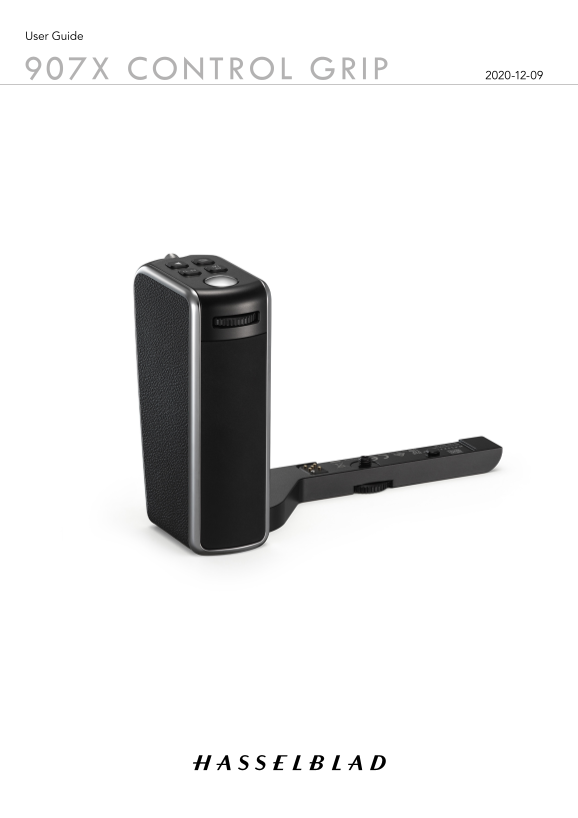
Page 1 Text Content
User Guide
907X CONTROL GRIP 2020-12-09
Page Summary Contents For Hasselblad 907X Control Grip User Manual
Manual Details
| Brand | Hasselblad |
|---|---|
| Pages | 7 |
| File Size | 2.26 MB |
| Published | May 21, 2026 |
Enter the captcha to get the download link:

Frequently Asked Questions
How do I attach the Control Grip to the 907X camera?
Place the lens mount facing you, align the lock pin (A) and lock screw (B), then tighten the lock screw securely by hand.
What is the function of half-pressing the shutter button?
Half-pressing activates the auto focus function, exposure meter, and auto focus process. Full press releases the shutter.
How can I put the camera into Standby mode to save power?
Press the Menu button (4) and the Browse button (7) simultaneously.