Gigabyte S1080 User Manual
Summary
Welcome to comprehensive guidance for the GIGABYTE Slate PC. This essential user guide is designed for new owners, providing step-by-step instructions to ensure a seamless setup experience. Discover every feature, from connecting power and navigating hotkeys to performing advanced functions like BIOS Setup Utility and System Recovery. Master your portable system with detailed hardware tours, specification overviews, and tips on maximizing performance right out of the box.
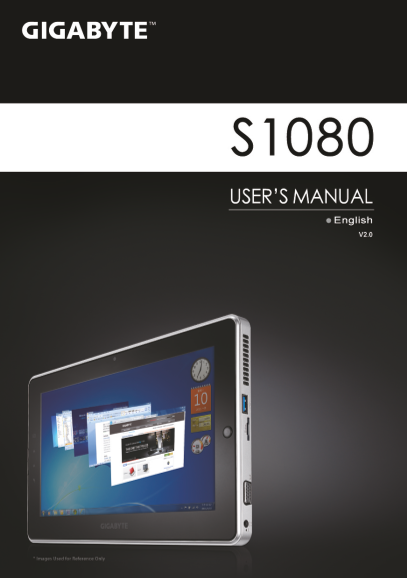
Page Summary Contents For Gigabyte S1080 User Manual
Manual Details
| Brand | GIGABYTE |
|---|---|
| Pages | 8 |
| File Size | 1.65 MB |
| Published | June 03, 2026 |
Enter the captcha to get the download link:

Frequently Asked Questions
How do I perform a system recovery?
Press and release the Power Button, then press “-” to enter GIGABYTE System Recovery.
What should I do before restoring factory default using Smart Recovery?
You must backup any personal data because it will be lost after recovery.
Can I check detailed specs or warranty information?
Yes, visit the website: http://www.gigabyte.com/support-downloads/
How do I set up BIOS functions without a dedicated keyboard?
It is recommended to use a USB keyboard when setting up BIOS functions.