Gigabyte GV-N52128DS User Manual
Summary
This high-performance VGA card is powered by the NVIDIA GeForce FX 5200 GPU, ensuring robust support for Direct X 9.0 and multiple display standards (DVI-D, VGA). The comprehensive manual provides detailed instructions for optimal setup, covering everything from hardware installation and driver configuration across various Windows operating systems (Win 98 to Win XP) to advanced utility usage like V-Tuner and BIOS flashing procedures. It is essential reading for PC enthusiasts needing to maximize graphical performance on older or custom-built computer systems.
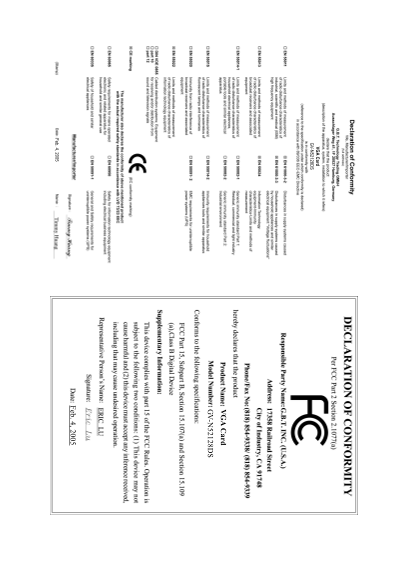
Page 1 Text Content
VGA Card GV-N52128DS
VG ard -N 52128D
Feb. 4, 2005
Feb. 4, 2005
Page Summary Contents For Gigabyte GV-N52128DS User Manual
Manual Details
| Brand | GIGABYTE |
|---|---|
| Pages | 7 |
| File Size | 926.57 KB |
| Published | June 03, 2026 |
Enter the captcha to get the download link:

Frequently Asked Questions
What are the minimum system requirements to run this hardware?
The system needs a Pentium III 650MHz or AMD Athlon 650MHz class processor or higher, 64MB system memory, and Win 98/2000/XP operating systems.
How do I physically install the graphics card?
Locate the AGP slot, align the card with it, press firmly until fully seated, and secure it by replacing the mounting screw.
Does this device support all major video connections?
Yes, it supports DVI-D (digital), VGA (analog 15-pin), RCA AV Output, and NTSC/PAL TV connectors.
What is required for better 3D performance in Windows XP?
You must install Microsoft DirectX to enable 3D hardware acceleration support.