# A B C D E F G H I J K L M N O P Q R S T U V W X Y Z

EverFocus EQ200E_300_manual User Guide

Summary

Master the operation of your high-quality digital color box camera with this comprehensive user manual. It provides essential guidance on everything from detailed product specifications to precise installation techniques, ensuring optimal performance every time. Inside, you will find crucial operational guidelines, safety warnings regarding handling and placement (including ideal temperature ranges), troubleshooting tips, and compliance information. This resource is designed for users who require meticulous knowledge to install, operate, and maintain their professional video recording equipment correctly and safely.
📄 Preview PAGE OF 12

Page 1 Text Content

Volume

Ever Focus

Operation Instruction

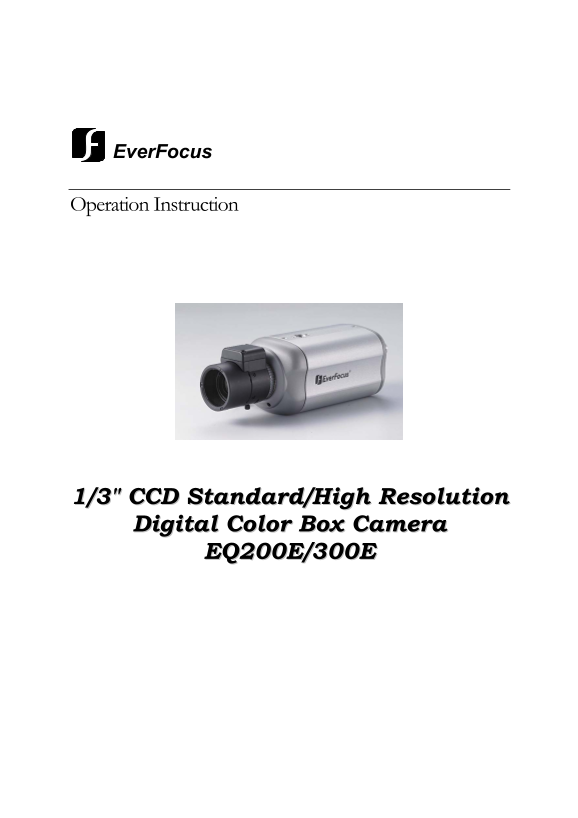
1/3" CCD Standard/High Resolution Digital Color Box Camera

EQ200E/300E

Page Summary Contents For EverFocus EQ200E_300_manual User Guide

Page 1 Volume Ever Focus Operation Instruction 1/3" CCD Standard/High Resolution Digital Color Box Camera EQ200E/300E
Page 2 Operation Instruction © 2008 Ever Focus Electronics Corp Please read this manual first for correct installation and operation. This manual should be retained for future reference. The information in t...
Page 3 Federal Communication Commission Interference Statement This equipment has been tested and found to comply with the limits for a Class A digital device, pursuant to Part 15 of the FCC Rules. These lim...
Page 4 Table of Contents 1. Product Overview……………………………………………5 1.1 Features ................................................................. 5 1.2 Accessory Parts List .........................................
Page 5 Chapter Product Overview The new redesigned Ever Focus color box camera produces excellent images with 1/3” SONY Super HAD CCD. The EQ series offers cost-effective solutions suitable for all your surv...
Page 6 1.2 Accessory Parts List Please be careful when you unpack the box due to the electronics devices inside. Check and make sure that you have all the items listed below inside the original box: Camera u...
Page 7 1.3 Specifications Type EQ200E EQ300E Pickup Device 1/3'' SONY Super HAD CCD Video Format NTSC or PAL NTSC: 525 TV lines, 60 fields/sec Scanning System PAL: 625 TV lines, 50 fields/sec. Picture Elemen...
Page 8 1.4 Dimensions 1.5 Back Panel Overview
Page 9 1.6 Camera Setting DIP Switch ○1 DD/VD For video drive auto iris lens, please set switch to VD. For Direct Drive iris lens, set switch to DD. Wire the cable of lens to Mini Plug according to the follo...
Page 10 Chapter Installation This chapter will describe, in general terms, how to install the EQ300E/EQ200E camera. STEPS: 1. Plug the power 2. Mount the lens 3. Connect the video output 4. Adjust the lens 2....
Page 11 2.4 Adjust the Lens Once the image appears on the monitor, adjust the focus and diaphragm of the lens to obtain the best picture. When a lens does not hold focus at both ends of the zoom range, do bac...
Page 12 Ever Focus Electronics Corp. Head Office: Europe Office: 12F, No.79 Sec. 1 Shin-Tai Wu Road, Albert-Einstein-Strasse 1 Hsi-Chih, Taipei, Taiwan D-46446 Emmerich, Germany TEL: +886-2-26982334 TEL: 49-2...

Manual Details

Brand EverFocus
Pages 12
File Size 363.14 KB
Published May 20, 2026
78 views

Enter the captcha to get the download link:

captcha

Frequently Asked Questions

How do I clean the CCD sensor or camera lens?

Use a soft cloth for general dirt on the body. For the sensor and lens, use lens tissue or a cotton tipped applicator with ethanol.

What temperatures should I maintain when installing the camera?

Install the camera where the temperature range will stay between 0°C to 50°C (32°F to 122°F).

What precautions must be taken regarding external devices?

Keep the camera away from TV, radios, magnets, electric motors, and transformers to prevent image distortion.

What type of power source or electrical setup is restricted?

Do not overload wall outlets and extension cords, as this poses a risk of fire or electric shock.