Epson CB-1430Wi Multimedia LCD Projector Setup Manual
Summary
Elevate your presentations with this versatile interactive display system, designed for modern educational and corporate environments. The accompanying manual provides comprehensive details on its advanced functionality, including easy touch interaction via USB Display, automatic calibration, and specialized drawing modes for both full whiteboard use and detailed annotations. Equipped with numerous connectivity options (HDMI, USB-A, MHL), this device allows users to seamlessly connect PCs and facilitate high-impact collaborative training sessions in professional meeting rooms or classrooms.
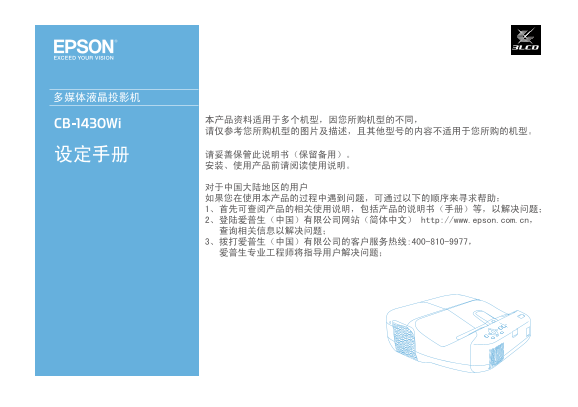
Page Summary Contents For Epson CB-1430Wi Multimedia LCD Projector Setup Manual
Manual Details
| Brand | Epson |
|---|---|
| Pages | 16 |
| File Size | 4.19 MB |
| Published | June 05, 2026 |
Enter the captcha to get the download link:

Frequently Asked Questions
Is the device compatible with PC interactive features?
Yes, it supports PC interaction via a dedicated function.
What display and connectivity options are available on this model?
It includes USB Display/Easy Interactive Functions (3 & 9) and multiple video inputs including HDMI, Audio, Y Cb/PbCr/Pr (10).
How does the interactive function work with touch input?
You can perform touch operations using your finger for hands-on interaction.
Which USB connectivity options are provided for peripherals?
It offers multiple USB-A ports, including one specified for MHL compatibility (12).