Epson CB-1420Wi Multimedia LCD Projector Setup Manual
Summary
This comprehensive guide details the setup and expert use of your powerful interactive display unit. Designed for seamless presentations, this device supports multiple input sources via HDMI, USB-A, and MHL connectivity. Learn how to utilize advanced features such as automatic calibration, annotation drawing modes (whiteboard/annotation), and easy interactive functions. Ideal for educators, corporate trainers, and professionals who require a versatile, high-tech centerpiece for engaging meetings, collaborative learning, and dynamic digital presentations.
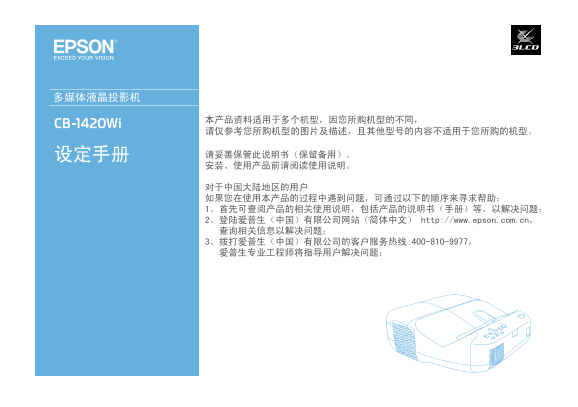
Page Summary Contents For Epson CB-1420Wi Multimedia LCD Projector Setup Manual
Manual Details
| Brand | Epson |
|---|---|
| Pages | 16 |
| File Size | 3.83 MB |
| Published | June 05, 2026 |
Enter the captcha to get the download link:

Frequently Asked Questions
What are the maximum levels for power input and output?
The manual does not specify the absolute maximum voltage or current limits, but it lists ports generally compatible with standard operational voltages.
How is automatic calibration performed?
Automatic calibration (自动校准) can be initiated and is a key function mentioned in connection with display settings.
Which interfaces are available for PC interaction?
Interfaces available for PC interaction include USB Display, Easy Interactive. The manual lists ports like Audio HDMI, Y Pb Cr/Pr, and USB Type-A MHL.