EMERSON Manual M250 Controlinc Network Master Bettis XTE3000 Integration Procedure
Summary
This comprehensive manual guides technical professionals through updating and integrating XTE3000 actuators within existing automation networks powered by the Controlinc Network Master. It provides step-by-step instructions for two scenarios: adding new actuators to a network, or replacing older units with the advanced XTE3000 model. Users will learn how to configure firmware, update system parameters (like Scanlist and Device Type), and ensure seamless communication between components. Essential reading for system integrators and maintenance engineers performing industrial automation upgrades.
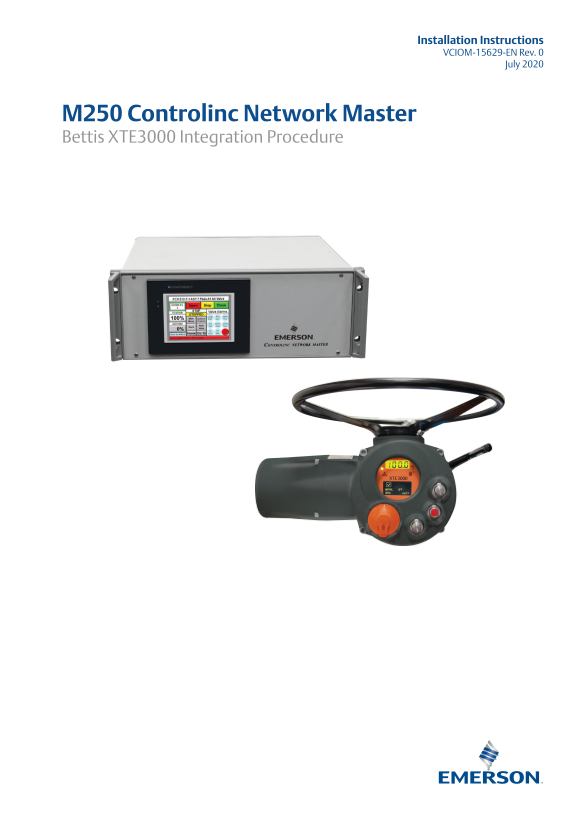
Page 1 Text Content
Installation Instructions VCIOM-15629-EN Rev. 0
July 2020
M250 Controlinc Network Master Bettis XTE3000 Integration Procedure
Page Summary Contents For EMERSON Manual M250 Controlinc Network Master Bettis XTE3000 Integration Procedure
Manual Details
| Brand | Integration |
|---|---|
| Pages | 12 |
| File Size | 1.93 MB |
| Published | June 03, 2026 |
Enter the captcha to get the download link:

Frequently Asked Questions
How do I update the firmware for the Coprocessor Module?
Obtain 'M250_502.abm' and the 'Controlinc Network Master Firmware Download Procedure' from www.Emerson.com/Controlinc, then use it to download the file to Slot 1.
What is the default security code for setup?
The default security code required for making changes is 999.
How do I identify XTE3000 actuators in the system?
You must set the Device Type to 7 for Controlinc to properly recognize the XTE3000 actuators.